Sales Activity Tracking Without Chasing Reps for Updates
Sales activity tracking fails when the dashboard measures logging, not selling. What to track, how to audit the data, and how to capture it automatically.
Read postAI Search Agent
AI Search Agent OverviewAnalytics
Analytics OverviewIntegrations
Integrations OverviewEmail & calendarMeetings & callsLinkedIn & outreachChat & AI assistantsMCP
MCP Overview$206.7Min pipeline surfaced from customer inboxes
ZUUZ turns every sales conversation (email, calls, meetings, WhatsApp, LinkedIn) into structured pipeline in your CRM. No manual entry. No rep discipline required.

Trusted by IT services, distribution & insurance teams
ZUUZ transformed how our team works. We’ve reduced admin time by 60% and increased our close rate by 45%. The interface is incredibly intuitive, and our team was productive from day one.
RA TechnologiesIT Services
Straight from the platform. These are the totals ZUUZ has actually processed for its customers, refreshed every few minutes.
All-time totals
Updated just now
Gong listens to enterprise calls. Clari forecasts enterprise revenue. Neither was built for the $50K renewal sitting in an account manager’s inbox for six weeks. ZUUZ was.
Emails to reply
+3 more
+5 more
Lead Management / Overview
Lead Management / Prospects
| Prospect | Source | Intent | Stage | Deal value | Last touch | Owner |
|---|---|---|---|---|---|---|
| Meridian FoodsSarah Chen · Head of Ops | Hot | $34,000 | 2h ago | Alex | ||
| Halcyon RoboticsIvan Park · VP Sales | Meetings | Hot | $52,500 | 5h ago | Priya | |
| Tidewater LogisticsNina Patel · COO | Phone calls | Hot | $18,500 | 1d ago | Alex | |
| Cobalt InteriorsLeah Brooks · RevOps | Hot | $27,800 | 1d ago | Marco | ||
| Bluepeak AnalyticsOmar Haddad · CTO | Warm | $43,900 | 2d ago | Dan | ||
| Harbor DigitalMia Torres · Founder | Warm | $12,000 | 3d ago | Aisha | ||
| Northgate DevicesKen Ito · Procurement | Meetings | Warm | $61,200 | 4d ago | Priya | |
| packworks.ioAva Singh · Head of Growth | New | $9,400 | 5d ago | Dan |
+4 more prospects
Track deals, update stages, and log activity in seconds. Not minutes.
Clear pipeline visibility means fewer surprises and better forecasting.
See only what matters: active deals, next steps, and priorities.
Shared views, defined ownership, and structured workflows keep everyone aligned.
From email to pipeline, Five steps.
Every lead, every renewal signal, every buying intent. Pulled from your email, qualified, and pushed into your CRM without anyone touching it manually.
A demo request, an RFP, a renewal reply.
Source, intent, urgency, budget, who’s asking.
Context becomes pipeline-ready.
Follow-up suggested, gaps and risk flagged.
Clean pipeline, with an audit trail.
Every signal written back to the CRM you already run. Bi-directional, with a human approving each change
The ZUUZ engine
Every email follows the same path: read, understand, qualify, reply, sync. Drag to look around, or pick a stage to see what happens there.
The 3D view needs WebGL, which this browser has turned off.
The stage details on the right still work.
Each layer does one job and hands a cleaner result to the next. Select a layer to see what it handles.
15 minutes. Connect one mailbox and your CRM. See what’s hiding in your team’s email.
Questions, answered
Straight answers to what sales teams ask before connecting their first mailbox.
No. ZUUZ connects via the official Microsoft Graph or Google Workspace OAuth API and runs a classification filter before anything is processed. Only emails that match sales patterns (inbound inquiries, RFPs, renewal threads, quote requests) are passed to the pipeline engine. Personal email, HR, finance, and legal threads are never read, never stored, never processed. You also choose exactly which mailboxes and folders are in scope.
Never. ZUUZ drafts. It does not send autonomously. Every reply suggestion, CRM update, and follow-up is queued for your team to review. Nothing goes out or gets written to your CRM until a human approves it. You get the speed of AI without giving up control of your customer relationships. A full audit log records what ZUUZ proposed, who approved it, and when.
No replacement needed. ZUUZ writes into your existing CRM. It doesn’t compete with it. RA Technologies ran HubSpot for two years before they connected ZUUZ. In the first 30 days, ZUUZ surfaced $120K in pipeline on top of the same HubSpot instance, with the same team. Your CRM stores what reps type in. ZUUZ captures what they never type in, and writes it there for you.
Under one week for most teams. You connect one mailbox and one CRM. There’s no IT project, no data migration, no custom code. No onboarding call is required to start. Most customers see surfaced pipeline within the first 30 days. RA Technologies found $120K in pipeline in the first 30 days starting from a single mailbox connection.
Gong records calls and analyzes conversation patterns for enterprises paying $100K+ per year. Clari forecasts revenue for large sales organizations with established pipeline data. Both tools require your reps to already be capturing deals in the CRM. They optimize what’s there, they don’t find what’s missing. ZUUZ starts one step earlier: it reads the inbound email, qualifies the lead, and writes the deal to your CRM before a rep has touched anything. For IT services, distribution, and insurance teams where deals live in email threads rather than call recordings, ZUUZ solves a problem Gong and Clari weren’t built for. At a fraction of the cost.
ZUUZ was built around the way deals actually happen in IT services and VAR (where RFPs, renewals, and vendor quotes arrive by email), distribution and wholesale (where bulk orders and SKU requests need to be matched and quoted fast), insurance (where renewal threads and policy conversations sit in account manager inboxes), and SaaS and professional services (where inbound trial requests and consulting inquiries need to reach pipeline without rep data entry). If your team sells by email and your CRM lags reality by two weeks, ZUUZ was built for you.
That’s exactly the problem ZUUZ solves, and you don’t need reps to change their behavior for it to work. ZUUZ reads the email, not the rep. It surfaces the signal, qualifies the lead, and proposes the CRM update automatically. Your reps review and approve the proposal in seconds. They’re not doing data entry anymore. They’re approving what ZUUZ already drafted. Most teams see CRM completeness improve markedly within the first month, without a single training session.
Full access to every feature on your chosen plan, connected to your actual mailbox and your actual CRM, running on your live sales data. No demo environment, no sample data, no credit card until you’re ready. You’ll see your own pipeline, deals that have been sitting in your inbox uncaptured, within the first week. If you don’t see meaningful pipeline surfaced in 30 days, cancel with one click. No questions, no friction.
Yes. ZUUZ is SOC 2 Type I certified. Independently audited, with security controls verified by a third-party assessor. The API-first design means ZUUZ only processes what you explicitly authorize: no full mailbox access, no password storage, no bulk email export. The sales-email classifier filters out everything that isn’t a sales conversation before it reaches the pipeline engine. For regulated sectors like insurance and financial services, you define exactly which mailboxes and folders are in scope and can exclude domains, senders, or subject patterns. Enterprise plans add compliance exports, audit logs, and SSO. Contact us at info@zuuz.ai to discuss your specific requirements before starting a trial.
RA Technologies, an IT services firm, found $120K in pipeline in the first 30 days. Leads and active conversations their CRM had never seen, surfaced from their existing sales mailbox. Cloud Box Technologies moved from using their CRM for order processing only to seeing live deal pipeline for the first time. Results depend on your email volume and deal size. The ROI calculator estimates your specific situation. One recovered deal typically pays for a full year of ZUUZ.
ZUUZ reads every inbound email and attachment, detects buying intent, and creates the lead in your CRM. Contact, company, and deal signal included.
Same HubSpot instance, same team, captured straight from the sales mailbox.
Reps get that time back.
Clean data at the source keeps them honest.
Identifies who is asking, what they want, and whether a deal is forming.
Turns the thread into a CRM record with contact and company already filled in.
Links to the existing account and routes it to the owner, so no duplicates.
How capture runs
Connects to Gmail, Outlook, or Exchange over OAuth and reads the message the moment it lands.
Drafts the record, matches the company, and lifts line items from any PO, RFQ, or spec sheet.
The owner gets full context and approves each field before it is written. Then it feeds lead scoring.
Half of pipeline dies silently. Capture surfaces it before it disappears.
Reps lose 10–20% of the week to CRM admin. That time comes back.
30–40% of CRM fields sit stale. Clean data at the source keeps them honest.
Leadership sees live pipeline the moment an email lands, not weeks later.
No migration, no lock-in, and a human approves every field before it is written. See the full integration list.
AI lead capture means ZUUZ reads your sales inbox and automatically identifies new leads from incoming conversations. Instead of a rep manually creating a contact record, ZUUZ extracts the person, company, and context and proposes a CRM entry for your rep to approve.
Reps miss leads when they are buried in a busy inbox, cc'd on a thread they do not own, or when a buying signal appears in a thread about something else. ZUUZ reads every connected sales email and flags conversations with lead potential regardless of how they arrived.
Every new lead ZUUZ proposes goes through a human-in-the-loop review. Your rep sees the extracted contact details, the source conversation, and enrichment data, then approves or dismisses it before anything is written to the CRM.
ZUUZ extracts the contact name, email address, company, job title, and conversation context such as what the prospect asked about or what product they mentioned. It also captures email attachments and parses them for additional detail.
Yes. ZUUZ reads LinkedIn messages in addition to email, so leads that come through LinkedIn DMs are captured the same way. The conversation is linked to the new lead record for full context.
Before proposing a new lead, ZUUZ checks your CRM for existing contacts and accounts that match the email address, domain, or company name. If a match exists, ZUUZ links the conversation to the existing record instead of creating a duplicate.
Yes. ZUUZ can connect to shared sales inboxes so leads that arrive at a team address are captured the same way as those that hit an individual rep's inbox. The lead is still routed to a specific rep for review.
ZUUZ processes incoming emails within minutes. By the time your rep opens their inbox, the proposed lead record, enrichment data, and initial score are ready for review.
Yes. Web forms capture only the leads who fill them out. ZUUZ catches the leads that arrive by email, referral, or direct outreach and never touch a form, so the two sources are complementary, not redundant.
ZUUZ captures leads into Salesforce, HubSpot, Zoho, Attio, and Pipedrive. The lead record, enrichment fields, and conversation link are written to whichever CRM your team uses.
ZUUZ scores every lead by company fit, buying intent, source quality, account history, and timing, so reps always know who to call first.
How much forecasts swing when data lags the deal, scores tied to the live conversation keep the picture honest.
Scores the substance of the thread, not opens and page views.
Every score carries the evidence behind it, so no one trusts a black box.
Drafts the exact next action, with the matching CRM task alongside it.
How it runs
Signals it reads
Roughly half of pipeline dies silently. Scoring puts the deals worth working at the top.
Reps waste hours on low-fit leads. Real intent signals focus the effort where revenue is.
Managers coach from evidence, not gut feel, because every score carries its reasoning.
The lead asking for 400 units by month-end ranks above the one that opened three newsletters.
No migration, and a rep approves every score before it syncs. CRM sync keeps the ranking current. See the full integration list.
ZUUZ weighs five factors on every captured lead: company fit, buying intent, source quality, account history, and timing. Each factor carries a visible sub-score, so a rep sees why a lead ranked where it did, not just the final number. A rep reviews the ranking; ZUUZ does not act on a score without that review.
Company fit against your ICP, buying-intent language pulled from the thread itself (a request for pricing, a stated deadline, a specific quantity), where the lead came from, prior account history in your CRM, and how time-sensitive the ask is. A lead that names a budget and a deadline outranks one that only opened a newsletter.
Yes. The five-factor weighting is configurable during implementation, so the model matches your ideal customer profile, deal cycle, and sales motion instead of a generic default.
No. ZUUZ scores the lead from the conversation itself, before it is fully logged, and writes the result and its reasoning back to Salesforce, HubSpot, Zoho, Attio, or Pipedrive. There is no migration, and the score updates as the conversation evolves rather than sitting static after form-fill.
Yes. Every plan, from Solo to Enterprise, includes all six ZUUZ modules, including lead scoring; the tiers differ by mailbox and volume limits, not by which modules you get. Every plan starts with a 30-day free trial and no credit card.
ZUUZ scores leads based on real buying signals in your email conversations, not just form fills or demographic data. Because it reads what prospects actually say, the scores reflect genuine intent rather than assumptions a rep might make from a job title alone.
ZUUZ scores any lead that arrives through your connected sales inbox, including replies to outbound sequences from tools like Apollo.io or Smartlead. If the conversation flows through email, ZUUZ can read and score it.
Leads are scored as soon as ZUUZ processes the incoming email, typically within minutes of arrival. Your rep sees the score and the reasoning behind it before they decide how to respond.
Yes. ZUUZ updates the score each time new signals appear in the email thread, so a lead that seemed lukewarm at first can move up once budget or timeline language surfaces. The score always reflects the latest state of the conversation.
Most CRM scoring relies on static rules you configure manually, like job title or company size. ZUUZ reads the actual language in your email conversations to detect intent, urgency, and buying signals that static fields cannot capture.
ZUUZ adds firmographic data and account context automatically. The moment a lead is identified, and every time an attachment is parsed.
SourceSignature block · enrichment · CRM history
of CRM fields sit incomplete without enrichment. A name and an email address isn’t pipeline, it’s a guess.
Adds company size, industry, and location, plus contact role and seniority.
Matches the sender’s domain to your CRM and links prior deals. No duplicates.
Gives lead scoring the input it needs to rank and route correctly.
How it runs
The first trigger fires the moment lead capture identifies a lead, filling in contact and company immediately.
The second fires when a purchase order, RFQ, or spec sheet is parsed, pulling detail from the document itself.
Thread history, meeting summaries, and every document exchanged build into one always-current view.
Signals it reads
Complete firmographics make prioritization accurate.
Enrichment at capture means nobody hunts for company details later.
Account context surfaces cross-sell and renewal hiding inside existing relationships.
Better fit signal sharpens scoring, forecasting, and routing across the pipeline.
No migration, no lock-in, and a human approves every field before it writes. Pair it with CRM sync and pipeline capture, or see the full integration list.
At two moments: the instant lead capture identifies a new lead, and every time an attachment such as a PO or RFQ is parsed. ZUUZ does not wait for a rep to run a lookup.
Company size, industry, headquarters location, the contact's role and seniority, and any prior deals on record for that account, matched by domain so it links to the right existing CRM record instead of creating a duplicate.
No. ZUUZ matches the sender's domain against your CRM first and links to the existing account and any prior deals rather than creating a new, disconnected record.
It supplies the fit signal, company size, industry, and region, that scoring uses to rank and route a lead correctly. Without enrichment, a name and an email address are not enough to prioritize.
No. Enrichment runs automatically from the signal ZUUZ already captures; there is no manual lookup step and no third-party data purchase to manage.
ZUUZ pulls firmographic, technographic, and contact-level data from third-party enrichment providers automatically. You do not need a separate subscription to a data vendor; enrichment is built into ZUUZ.
Yes. ZUUZ fills in missing fields on existing records without overwriting data your team has already entered. It compares what is in the CRM against what enrichment returns and only adds what is missing.
No. Enrichment runs in the background and writes the completed record to your CRM in the same sync cycle as the lead itself. Your reps see a fully enriched contact by the time they open the record.
When a company has limited public data, ZUUZ still captures whatever is available and flags the record so your rep knows which fields could not be verified. No phantom data is fabricated to fill gaps.
Enrichment is included in every ZUUZ plan at no extra cost. There are no per-lookup fees or separate enrichment credits to manage.
ZUUZ spots scheduling intent inside email threads, books the meeting with real availability, and writes it straight to your CRM. Killing the back-and-forth that stalls deals.
BookedWed 1:30 PM · invite drafted, agenda attached
Of rep time is lost to admin. Calendar back-and-forth is part of that tax. Booking from the thread hands the time back.
Reads scheduling signals in a live thread the moment a buyer is ready.
Drafts a reply with real availability and confirms the slot in the thread.
Builds a pre-call brief, then extracts what was promised and drafts the follow-up.
How it runs
ZUUZ drafts the coordinating message, with priority set by lead scoring. High-value deals first.
Your rep reviews the drafted times in one click before anything lands on a buyer’s calendar.
The call is booked and written to the CRM as part of the deal record, captured by pipeline capture.
Signals it reads
Booking at the moment of intent protects deal momentum. Before it cools.
Reps reclaim the hours lost to calendar back-and-forth.
Meetings booked from the live thread beat links a buyer forgets to click.
Every booked call lands in the CRM, so pipeline shows the real next step.
No migration, and every meeting is human-approved. Pair it with CRM sync to keep the record current, or see the full integration list.
ZUUZ reads scheduling intent directly inside the live email thread, a line like "when can you talk this week?", rather than waiting for a booking-link click.
It drafts the invite with real calendar availability and confirms the slot in the thread, but a rep reviews the drafted time before anything is sent. Nothing is booked unread.
The last touch on the account, any open ask still outstanding, a competitor mentioned in the thread, and a summary drawn from prior conversation history, so a rep walks in prepared instead of scrolling for context.
It works differently: instead of waiting for a prospect to click a link, ZUUZ detects the intent inside the conversation itself and offers real times from there. Many teams run both.
Yes. It extracts what was promised on the call from the follow-up thread and drafts the next message, so a commitment made out loud does not get lost once the meeting ends.
ZUUZ works differently from a booking link. Instead of sending a prospect a link to pick a slot, ZUUZ detects scheduling intent in the email thread and suggests times based on your calendar, keeping the interaction conversational.
ZUUZ reads the prospect's location from enrichment data and the email conversation, then proposes times that make sense for both parties. Your rep reviews and approves the suggestion before anything is sent.
If a prospect replies asking to move the meeting, ZUUZ detects the reschedule request, checks your updated calendar availability, and drafts a new time proposal for your rep to approve.
Yes. ZUUZ can coordinate availability across team members when a deal involves more than one rep, such as an AE and a solutions engineer. The pre-call brief is shared with everyone on the invite.
ZUUZ connects to both Microsoft Outlook and Google Calendar. It reads your real-time availability from whichever calendar your organization uses and writes the confirmed meeting back to it.
ZUUZ reads deal progression signals across email and channels and writes clean pipeline to your CRM. Stages, stakeholders, momentum.
Renewals one customer tracked in minutes. Inbound email turned into live pipeline, a signal call recording never sees.
Builds a live, structured view of where each open opportunity actually stands.
Stage moves, new stakeholders, stalls, and risks land in the CRM as they happen.
A deal marked Proposal Sent while the thread went quiet gets surfaced, not ignored.
How it runs
Signals it reads
Capture surfaces at-risk deals before they are lost.
Live capture keeps the number honest.
The real story stops living in unlogged email.
Reps stop reconstructing deal status from memory and act on real pipeline health.
No migration, no lock-in. Pair it with pipeline risk management to act on the stalls it flags, and CRM sync to keep every field fresh. See the full integration list.
ZUUZ reads deal progression signal, stage-moving language, new stakeholders, quote activity, directly from email and channel conversations and proposes the CRM update, rather than waiting for a rep to change the stage by hand.
The mismatch gets flagged instead of left in place. A deal marked Proposal Sent while the thread has gone quiet for two weeks is surfaced as a discrepancy, not quietly ignored until the next review.
It drafts the update and a rep approves it before it syncs to the CRM, with a full audit trail on the write.
A new contact copied on the thread, language that signals a stage has moved (legal sign-off, a signed order, a specific close date), and quote or attachment activity, all read from the conversation as it happens.
Yes. It catches the gap between what got logged and what is actually happening in the thread, so a pipeline review runs on the live conversation instead of on whatever a rep remembered to update last week. ZUUZ surfaced $120K in pipeline for one IT services team in the first 30 days this way.
ZUUZ updates deal stage, stakeholders involved, next steps, and activity notes based on what it reads in your email conversations. Every proposed update goes through your rep for approval before it writes to the CRM.
Instead of asking reps to log every call outcome and stage change, ZUUZ reads the conversation and drafts the CRM update. The rep reviews it in one click rather than navigating CRM forms after every interaction.
Yes. If a buying conversation is happening in email but no opportunity record exists in the CRM, ZUUZ flags it and proposes creating one. This is how untracked pipeline surfaces without manual audits.
ZUUZ links related email threads to the same opportunity, even when different stakeholders are on different threads. It builds a single timeline so the deal record reflects the full picture, not just one thread.
ZUUZ captures signals from email conversations and meeting transcripts from Microsoft Teams, then combines them into one deal timeline. Your rep sees every touchpoint in context without logging anything manually.
ZUUZ flags stalled deals, silence, and rising risk across your pipeline. Read from the live email thread, not a stale CRM stage.
Pipeline one IT services team surfaced in the first 30 days, same instance, same team. Before it ever reached a pipeline review.
Flags every open deal at risk of slipping, stalling, or dying, in plain words, not a score.
Catches a buyer gone quiet, a dropped stakeholder, an unanswered pricing objection.
Every alert carries deal context, risk severity, and a recommended next action.
How it runs
Every inbound message is read in real time, with intent, urgency, and budget pulled from the text.
ZUUZ compares the signal against the deal’s stage and history, and most alerts appear within hours.
The gap surfaces with a recommended reply, and the flag and reasoning are written back with a full audit trail. On deals from pipeline capture.
Signals it reads
Roughly half of pipeline dies in silence. Risk surfaces while there is still time to act.
Reps spend their hours on the deals that can still be saved, not on admin.
Every open deal carries a current, evidence-based risk rating.
Leadership forecasts on what the conversations say, not optimistic stage guesses.
No migration, and a rep reviews every flag, reply, and field update before it is written. Runs on continuous CRM sync, across the full integration list.
ZUUZ reads the live email thread itself, silence, a dropped stakeholder, a competitor mention, an unanswered pricing question, rather than a CRM stage that only updates when a rep remembers to change it. Risk is flagged in plain words (for example, needs follow-up or stalled), never as a numeric score or a percentage.
A thread that has gone quiet for an unusual stretch, a stakeholder who stops replying, a pricing question left unanswered, or a competitor mentioned by name in the conversation. Each alert carries the deal context and the specific signal that triggered it.
No, it prepares for it. Risk is surfaced as it happens rather than discovered for the first time in the review meeting, so reps walk in already knowing which deals need attention and why.
Most alerts appear within hours of the signal reaching the inbox. ZUUZ compares the new signal against the deal's stage and history before flagging it, and a rep reviews every alert before any follow-up goes out.
Yes. Risk is read from the conversation and layered on top of the CRM stage you already track; nothing about your existing pipeline structure has to change, and every write back to the CRM carries an audit trail.
ZUUZ flags deals that have gone silent, lost a key stakeholder, received objection language, or missed a committed next step. Each risk alert includes the specific conversation evidence so your manager can act on facts, not hunches.
CRM health scores typically rely on activity counts and stage age. ZUUZ reads the actual language in conversations to detect risk signals like budget concerns, competitor mentions, or a champion going dark — things a count of logged activities cannot reveal.
Yes. When ZUUZ flags a deal at risk, it can surface the alert to the assigned rep and their manager. The alert includes the risk reason and the conversation excerpt so the manager has context before stepping in.
No. ZUUZ reflects what is actually happening in the conversation, not a statistical prediction. It tells you a deal has gone quiet or a stakeholder raised a concern, and leaves the judgment call to your team.
Instead of asking each rep for a subjective pipeline update, your manager walks into the review with conversation-backed evidence of which deals are progressing and which are stalling. The risk flags replace opinion with observed activity.
Deal history, renewal status, and every email exchange for an account, assembled from what ZUUZ already captures. No new system to maintain.
Every captured deal, renewal, email exchange, and enrichment detail, in one place.
Open pipeline and upcoming renewals sit side by side, not one deal at a time.
Pipeline risk and renewal signals show up against the account they belong to.
How it runs
Deals, renewals, commitments, and threads are captured by lead capture, pipeline capture, and customer renewals.
ZUUZ pulls that signal into one view per account instead of one view per module.
A rep opens the account and sees deals, renewals, and risk together.
Signals it reads
A rep stops reconstructing history from a CRM tab, a mail search, and a spreadsheet.
Account managers see risk and opportunity together, not a renewal flag with no deal context.
Handoffs carry the full history forward instead of starting the next conversation from zero.
Nothing new to maintain. The view is built from signal ZUUZ already captures.
Reads from and writes to the account record your team already works from. A view on top, not a second system of record. See the full integration list.
No. It is a view on what ZUUZ already captures through lead capture, pipeline capture, and customer renewals, not a new dataset to maintain. Nothing is logged twice.
Deal history, renewal status, every captured email exchange, meeting activity, and enrichment detail for that account, in one place instead of split across three tabs and a search.
When a sponsor changes roles or a new stakeholder joins the thread, ZUUZ flags it against that account automatically, so the change shows up in context rather than getting buried in a separate inbox.
Yes. Open pipeline and renewal risk for an account sit side by side rather than requiring a separate look at each module.
Yes, every plan includes all six ZUUZ modules, account management among them. Plans start at $99/month with a 30-day free trial and no credit card required.
ZUUZ detects new contacts appearing in email threads and flags when a known champion or decision-maker stops responding. Your rep gets a heads-up about the change before it becomes a blind spot.
Yes. ZUUZ builds a timeline of every email conversation, meeting, and CRM update tied to an account. Your rep sees the complete history without searching across inboxes or CRM activity logs.
ZUUZ tracks each deal independently while keeping them linked to the same account view. Your rep can see how a renewal, an upsell, and a support thread are all progressing for one customer at the same time.
When an account changes owners, the incoming rep gets the full conversation timeline, stakeholder map, and any open risk flags. Nothing is lost in the handoff because ZUUZ captured it from the original conversations.
Yes. Any team that manages ongoing customer relationships through email benefits from the account timeline, renewal tracking, and churn signals. ZUUZ does not limit account management to pre-sale activity.
ZUUZ watches every customer conversation for the warning signs that precede churn (sentiment shifts, engagement drops, renewal risk) and flags them early.
EarlyFlagged 6 weeks before the contract date
Renewals one customer tracked in minutes. From a signal that lived entirely in email threads.
Procurement delays, a missing sponsor, legal blockers, or silence before the renewal date.
Unhappy or disengaged customers, read from engagement frequency and tone in real replies.
A new team, use case, or budget discussion, flagged with a recommended next step.
How it runs
Signals it reads
Churn risk surfaces early, not on renewal day.
The signal comes from real conversations, not survey guesswork.
Every renewal is tracked from inbox to close.
Healthy accounts and upsell openings are just as visible as risks.
ZUUZ writes renewal and churn-risk signals into your CRM with no migration, and a rep approves every save play before it is sent. It draws on pipeline capture, shares the pipeline risk management engine, and works with the full integration list.
ZUUZ reads sentiment shifts, slower reply times, and renewal-risk language directly in customer conversations, not a numeric health score. A line like "we need to revisit the contract terms" is flagged the moment it appears.
Risk can surface weeks before the contract date rather than in the final days before renewal, giving a rep time to act instead of reacting to a lapsed contract.
A save play is a drafted intervention, an executive check-in, a pricing conversation, built the moment renewal risk is flagged. ZUUZ prepares it for the rep to review and approve; nothing goes out unread.
Yes. A new team mentioned, a use case expanding, or a budget conversation in the thread is flagged with a recommended next step, the same way churn risk is.
No. Renewal and churn signal comes from the same email conversations ZUUZ already reads for pipeline capture, on the same CRM instance, with no separate system to maintain.
ZUUZ reads contract and renewal references in your email conversations and CRM records to build a renewal calendar. When a renewal window approaches, your rep is alerted with the account context and any risk signals.
ZUUZ watches for language about dissatisfaction, competitor evaluations, budget cuts, reduced engagement, and requests to downgrade or pause. Each signal is tied to the specific email where it appeared.
Yes. Because ZUUZ monitors ongoing email conversations, it can flag churn risk weeks or months before the renewal date. Your team has time to intervene with a save play rather than reacting at the last minute.
ZUUZ tracks renewal timelines regardless of contract length. Whether your customers renew monthly, annually, or on multi-year terms, the renewal calendar and risk monitoring adapt to each account's cycle.
Renewal dates, churn risk flags, and save-play recommendations sync back to your CRM as updates on the account or opportunity record. Your team works from the CRM they already use, with ZUUZ adding the intelligence layer.
Voice-first search across every deal and account. Ask out loud or type, and get an answer grounded in real signal, not a dashboard.
Listening
“Which deals went quiet this week?”
AnswerGrounded in threads · CRM · meeting notes
Nothing is sent or written until a rep approves.
The share of rep time typically lost to CRM admin and email triage. Reclaimed the moment reps ask instead of click.
Ask out loud in Slack, Teams, or the ZUUZ app and hear the answer.
“Which deals over $50K went quiet this week?”
3 deals· $112K at risk
14 email threadsCRMMeeting notes
Natural language querying across real deal data instead of building a report.
Drafts replies, record updates, and risk flags for approval. Never templates.
Drafted a follow-up from the Brightline thread:
ToDana Brooks · Brightline
RePricing follow-up
Hi Dana. Picking up on the pricing you asked about. Happy to walk through the options on a 20-minute call this week.
Nothing sends until you approve.
How it runs
Signals it reads
Reclaim the 10–20% of rep time lost to CRM admin and email triage.
Ask out loud or in plain text instead of building a report.
The agent watches every conversation, not just the deals you remember to check.
The CRM finally gets used because you barely have to touch it.
No migration, and a human approves every action before it is sent or written. It acts on pipeline capture and stays current through CRM sync. See the full integration list.
Natural-language questions over your captured pipeline, CRM records, and meeting notes, things like which deals went quiet this week or what is still open on the Kessler account, answered from real conversation data rather than a static report.
ZUUZ works inside Slack, Microsoft Teams, email, or the ZUUZ app directly, voice or text.
From the actual signal: threads, CRM records, and meeting notes, so the answer is grounded in what was actually said rather than a report built on stale fields.
It prepares the work, a drafted reply, a record update, a risk flag, for a rep to review. Nothing is sent or written until a rep approves it.
Yes, ask out loud or type the question, in Slack, Teams, or the app, and get an answer back the same way.
You can ask things like which deals have gone quiet this week, what your pipeline total looks like for the quarter, or which accounts mentioned a competitor recently. The agent pulls answers from your real conversation data, not a static dashboard.
The agent answers from the conversations ZUUZ has already processed through your connected sales inbox. It does not reach into personal email or anything outside the mailboxes your team has connected.
Yes. You can ask the agent a question mid-call to pull up account history, deal status, or stakeholder context. It responds in the ZUUZ interface so you have the answer while the conversation is still happening.
Yes. ZUUZ offers an MCP server that lets you query your pipeline data from AI assistants like Claude, ChatGPT, or Cursor. Your data stays in ZUUZ and is accessed through a secure, read-only connection.
The agent complements your dashboards by letting you ask ad-hoc questions in plain language instead of building a report. For recurring metrics, your CRM dashboards still serve their purpose; the agent handles the one-off questions.
Bi-directional Gmail-to-CRM sync across Salesforce, HubSpot, Zoho, Attio, and Pipedrive. Every signal written back in real time, with an approval gate on every action.
AuditWho · what · when · why, on every write
Of CRM fields go incomplete or out of date because no one has time to copy the deal signals out of email.
Signals flow from email into the CRM, and CRM context shapes what ZUUZ drafts back.
Manual entries take precedence. ZUUZ adds to the record instead of overwriting a human.
Timestamp, source signal, and rationale on every action, stored on the CRM record.
How it runs
Signals it reads
The fields that normally rot stay current, written the moment the inbound arrives.
Reps recover the 10–20% of time lost to CRM admin and email triage.
One customer now sees live pipeline in real time from a single connected user.
No lock-in Salesforce, HubSpot, Zoho, Attio, or Pipedrive stays your system of record.
The same sync runs across all four, simultaneously if you use more than one, with no migration, and a rep approves every write. See the full integration list.
Salesforce, HubSpot, Zoho, Attio, and Pipedrive. ZUUZ normalizes the signal and the write-back across all five, so switching CRMs later does not mean starting over.
No. Manual entries always take precedence. When a rep's entry and ZUUZ's proposed update disagree, both are kept in the audit trail rather than one silently replacing the other.
In real time, and only after a rep approves the change. ZUUZ drafts the field update, the rep reviews it in one click, and the write lands in the CRM with a full audit trail: what changed, from what source, and who approved it.
Yes, teams running more than one CRM can connect them together. Setup and field mapping happen at implementation rather than instantly on connection.
Timestamp, the source signal that triggered it, the reasoning behind the proposed change, and who approved it, stored directly on the CRM record so any field's origin is answerable, not a guess.
ZUUZ reads from and writes to your CRM. It pulls existing records to avoid duplicates and writes back new leads, updated fields, and activity logs. Every write requires your rep's approval before it touches the CRM.
ZUUZ reads your sales email conversations, extracts contacts, companies, deal signals, and next steps, then drafts the corresponding CRM updates. Your rep reviews each proposed change and approves it with one click.
Yes. ZUUZ maps its captured data to your CRM's custom fields and objects during setup. If your team uses custom deal stages or contact properties, ZUUZ writes to those fields the same way it handles standard ones.
If a CRM validation rule blocks a write, ZUUZ surfaces the error to the rep so they can adjust the record before re-submitting. No data is silently dropped or lost.
Zapier and native email integrations log activities but do not read conversation content to extract deal intelligence. ZUUZ understands what the email says, not just that it was sent, so it captures contacts, intent signals, and pipeline updates that a simple activity log misses.
Most CRM reports describe what reps remembered to log. ZUUZ Analytics is sales pipeline analytics built from what actually happened (every email, meeting, call, and LinkedIn reply ZUUZ captured) so the numbers finally match the conversation. You see pipeline at risk in dollars, what changed this week, which renewals are coming up, and where your CRM data is thin. No forecasts and no invented scores: counts and dollar figures from real activity, each one traceable to the message it came from.
What it shows
Exposed to slippage
$212k4 deals
Deals that have gone quiet or slipped past a committed date, with the dollar value attached, so risk reads as revenue, not a colour. Built on pipeline risk management.
Stage moves, new leads, close dates that shifted, and deals that went quiet. Taken from the conversation itself rather than from whatever got typed into the CRM.
Every renewal due, where each one stands, and the expansion requests customers actually made in email. Pulled from the account history ZUUZ already keeps.
Which records are missing key fields, which ones ZUUZ has filled in, and which still need mapping. Labelled plainly as “not captured” or “needs mapping”, never as a silent blank.
Next steps committed in email and meetings, and whether they happened (open versus done, by account and by owner) so a promise made on a call doesn’t quietly expire.
Records created, fields updated, and every write a person approved, with the audit trail behind each one, so you can see exactly what changed in your CRM and why.
How reports work
Why it matters
Reasons, not scores a flagged deal shows why, like “no reply in 16 days” or “close date moved twice”, instead of an unexplained number.
Traceable every figure opens to the conversation it came from.
Built on complete data reports run on what happened, not on what someone had time to log.
No new dashboard to babysit ask for what you need, and let the urgent changes find you.
Works with your crm
Analytics reads the same records ZUUZ keeps current in your CRM, plus the conversations it captures from email, meetings, calls, and LinkedIn. Your CRM’s own dashboards keep working, and get more accurate, because the records behind them are finally complete.
Pipeline at risk in dollars, what changed across deals and accounts, upcoming renewals, CRM data quality, follow-through on committed next steps, and a log of every update ZUUZ made to your CRM.
No. ZUUZ reports what actually happened in email, meetings, calls, and LinkedIn. It doesn’t predict outcomes or assign win probabilities. When a deal is flagged, you see the reasons, such as no reply in 16 days or a close date that moved twice.
From the conversations ZUUZ captures and the records in your CRM. Every figure links back to the email, meeting, call, or record behind it.
Yes. Ask a question in plain language, get the answer with its sources, then save it and export it. Reports you run every week stay saved for next time.
No. Your CRM dashboards keep working, and they get more accurate because ZUUZ keeps the records complete. ZUUZ Analytics adds the view your CRM can’t produce on its own: what happened in conversations that never got logged.
ZUUZ reports on pipeline created, deal velocity, conversation volume, risk distribution, and rep activity, all derived from the actual email and meeting conversations your team has. No manual tagging or activity logging is required.
CRM reports depend on what your reps log. ZUUZ analytics are built from what actually happened in conversations, so you see activity that never made it into the CRM, including unlogged meetings, missed follow-ups, and untracked leads.
Yes. You can see per-rep metrics like response times, conversation volume, and pipeline contribution. The data comes from observed activity, not self-reported numbers, so it reflects what each rep is actually doing.
Yes. ZUUZ analytics data can be exported for use in your existing BI tools or spreadsheets. This lets your RevOps team blend ZUUZ conversation data with other data sources for custom reporting.
ZUUZ Analytics reports on what has happened in your conversations and pipeline, not what might happen next. It shows you deal progress, activity trends, and risk signals so your team can build more accurate forecasts from real data.
ZUUZ integrations connect every place a deal is discussed (email and calendar, meetings, calls, LinkedIn, and the outreach tools your team already runs) to the CRM you already use. ZUUZ reads the conversation, extracts the deal signal, and writes clean, structured pipeline into Salesforce, HubSpot, Zoho, Attio, or Pipedrive, with a person approving every write. Nothing gets replaced: your CRM stays the system of record, and the conversations finally reach it.
The integration map
Where ZUUZ writes. Lead records, deal changes, and committed next steps land in the fields you already use. Across more than one CRM at once if you run them.
Guides: Salesforce · HubSpot · Zoho · Attio · Pipedrive
ZUUZ connects to the sales inbox and calendar and reads each message and its attachments for deal signal (who is asking, what they want, how urgent it is) then ties it to the right contact, account, and deal.
Meeting transcripts become deal activity (what was agreed, what happens next, and who committed to it) without anyone typing up notes after the call.
Call transcripts are logged as pipeline activity the same way emails already are, so the conversation that happened on the phone shows up on the deal.
When a prospect replies (to a sequence, a campaign, or a LinkedIn message) ZUUZ reads the reply and puts it on the right CRM record. It reads the conversation; it doesn’t send your outreach.
Critical updates (a deal gone quiet, a committed date that slipped) reach you in Teams or Slack the moment they happen. Ask ZUUZ a question from there, or from the AI assistant you already use, and approve an update right from the message.
How it fits
Connect your inbox, calendar, and CRM. Add meetings, calls, LinkedIn, and outreach tools whenever you’re ready. No migration, no second system to keep in sync.
ZUUZ reads each message, transcript, and reply for deal signal and matches it to the right contact, account, and deal.
A person approves each update. Then ZUUZ writes it to your CRM, with an audit trail on every action.
What doesn’t change
How the write-back works is covered on the CRM Sync page.
Your CRM stays the system of record ZUUZ adds to it and never asks you to move off it.
Reps keep the inbox, calendar, and tools they already use no new habit to learn.
A person approves every write no field changes without review.
Manual entries win ZUUZ adds to a record rather than overwriting a rep’s update.
Salesforce, HubSpot, Zoho, Attio, and Pipedrive, more than one at a time if you run multiple. A ConnectWise PSA integration is on the ZUUZ roadmap for managed service providers and distributors.
Microsoft 365 (Outlook and Exchange) and Google Workspace (Gmail). ZUUZ connects to the mailbox and calendar and reads messages and attachments for deal signal.
Yes. Meeting transcripts from Microsoft Teams, Zoom, Google Meet, and Webex, and call transcripts from platforms like CallTrackingMetrics, RingCentral, Dialpad, and Aircall, are logged as deal activity on the right record.
Yes. ZUUZ reads LinkedIn messages, including replies to your outreach, for deal signal and writes them to the right CRM record. It only reads: it does not send messages, automate connection requests, or run outreach.
Yes. When a prospect replies to an Apollo.io sequence or a Smartlead campaign, ZUUZ reads the reply and puts it on the right CRM record. ZUUZ doesn’t run the outreach itself. It makes sure the replies don’t die in a separate tool.
Yes. Critical updates reach you in Microsoft Teams or Slack, you can ask ZUUZ questions and approve updates right from the message, and AI assistants like Claude and ChatGPT connect through the Model Context Protocol (MCP).
No. ZUUZ layers on top of the CRM you already run and leaves it as your system of record. There is no second system to keep in sync.
Yes. If you need a connection that isn’t on the map, tell us. Requests from teams already running ZUUZ are what move items up the list.
Most integrations connect through OAuth in a few minutes. You authorize ZUUZ to read and write to your CRM, connect your sales inbox, and ZUUZ begins processing conversations. No IT project or migration is required.
Yes. You can connect your CRM, email and calendar, LinkedIn, meeting tools, and outbound platforms simultaneously. ZUUZ combines signals from all connected sources into a single view of each lead, deal, and account.
The most reliable Gmail-to-Salesforce integration isn’t a logging plugin. It’s a layer that reads the email itself and writes the deal signal into Salesforce for you. ZUUZ works above Salesforce: every message on connected mailboxes becomes leads, stage updates, next steps, and risk flags in your org, in real time, with a rep approving every write. No add-on to install, no Einstein required.
SFSalesforce org
Approval gate
ZUUZ · signal layer
What syncs into salesforce
created at email arrival, deduplicated against existing accounts, routed to the right owner.
updated from actual thread progression.
extracted from commitments made in writing.
stalls, objections, stakeholder changes, each with source and recommended action.
surfaced on existing accounts.
How the integration works
Why it matters
No managed-package dependency for reps to adopt, and no Einstein license required.
Manual entries take precedence, every write passes a rep’s approval, and the audit trail shows both sources on the record.
ZUUZ runs the identical layer on HubSpot, Zoho, Attio, and Pipedrive, and on several CRMs at once. No deeper single-vendor lock-in. Compare on ZUUZ vs. CRM-native AI.
See the whole loop on How It Works, or start a 30-day trial on your own inbox.
Works with your crm
ZUUZ writes into Salesforce, HubSpot, Zoho, Attio, or Pipedrive. Across more than one at once if your stack changes after an acquisition or consolidation. The intelligence layer, its scoring, and its history move with you.
ZUUZ also connects to meetings, calls, LinkedIn, and outreach tools. See every integration →
No. ZUUZ connects to Salesforce via its standard integration path and works above the org. No managed package dependency for reps to adopt, no Einstein required.
No. Manual entries take precedence, every ZUUZ write passes a rep’s approval, and the audit trail shows both sources on the record.
Leads, contacts, accounts, opportunities (stage, close date), tasks for next steps, and flag fields for risk. With custom field mappings configured at onboarding.
Yes. CRM-agnostic operation is core. One signal layer, multiple CRMs, one audit trail.
ZUUZ reads your Gmail or Outlook inbox, identifies sales-relevant conversations, and creates or updates Salesforce contacts, leads, and activities in real time. Every sync action is proposed for your approval before it touches your Salesforce org.
Yes. During setup, ZUUZ maps its enriched data fields to your existing Salesforce custom objects, fields, and picklists. If your Salesforce schema changes, remapping is straightforward and does not require a re-implementation.
ZUUZ complements Einstein by adding email-derived engagement signals that Einstein cannot access. You get a richer lead score that combines Salesforce's internal data with real-time buyer behavior captured from inbox conversations.
ZUUZ checks for existing contacts and accounts in Salesforce before creating new records. It matches on email address, domain, and company name to prevent duplicates, and links new contacts to existing accounts automatically.
ZUUZ connects to Salesforce via secure API integration rather than running as a managed package inside your org. This means it works alongside your existing AppExchange apps without consuming Salesforce governor limits or package dependencies.
ZUUZ works with Salesforce Professional, Enterprise, and Unlimited editions — any edition that provides API access. It uses standard Salesforce REST APIs, so there are no special edition requirements or add-on licenses needed.
HubSpot’s own free email integration for Gmail and Outlook logs messages, but logging isn’t the job. The job is turning what those emails say into pipeline: leads created, deal stages moved, risk flagged, follow-ups drafted. ZUUZ works above HubSpot and does exactly that, reading every thread and writing deal truth into your portal, with a rep approving every action.
AuditWho · what · when · why, on every write
What syncs into hubspot
created from inbound signal, deduplicated, enriched, owner-routed.
updated from real thread progression, not end-of-week memory.
extracted from written commitments.
raised when threads stall, stakeholders change, or objections land.
surfaced across existing customer conversations.
How the integration works
Connect your mailboxes (Gmail, Outlook, Exchange) and your HubSpot portal. Property mappings are set at onboarding; integration typically runs one to two weeks.
ZUUZ answers the questions native logging can’t: what did they ask for, how urgent is it, what’s blocking the deal, which accounts are cooling. The AI layer above the email sidebar.
Every write is approval-gated and carries an audit trail (source email, rationale, approver) and manual edits always win. Bi-directional sync reads HubSpot context back to ground scores and drafts.
Proven on hubspot
One IT services team had run HubSpot for two years. In its first 72 hours with ZUUZ (same portal, same team) this pipeline surfaced from the sales mailbox.
Why it matters
HubSpot lead scoring, workflows, and reporting all get smarter because they finally run on complete data.
ZUUZ writes standard objects and properties, so existing workflows keep firing. Now on more complete data.
No specific HubSpot tier is required; ZUUZ works above the portal.
Its own pricing is flat per tier $99–$649/mo, all six modules included. See the five-step loop or start the 30-day trial.
Works with your crm
ZUUZ writes into HubSpot, Salesforce, Zoho, Attio, or Pipedrive, across more than one at once, with bi-directional sync, approval gates, and an audit trail on every write.
ZUUZ also connects to meetings, calls, LinkedIn, and outreach tools. See every integration →
Native integration logs emails to the timeline. ZUUZ reads the content (intent, urgency, requirements, risk) and turns it into records, stage changes, tasks, and flags, each approved by a rep.
Indirectly and materially: scoring, workflows, and reports run on the data in your portal. ZUUZ completes that data from the threads, and adds its own five-factor signal score on top.
No. ZUUZ writes standard objects and properties (mapped at onboarding), so existing workflows keep firing, now on more complete data. Manual entries take precedence.
No specific tier is required. ZUUZ works above the portal. Its own pricing is flat per tier: $99–$649/mo, all capabilities included.
ZUUZ connects to your HubSpot account via API and syncs contacts, companies, deals, and activity data captured from your email inbox. Every record is enriched before it reaches HubSpot, so your CRM stays clean from day one.
Yes. ZUUZ works with HubSpot Free, Starter, Professional, and Enterprise tiers. Small teams on HubSpot Free get the same AI-powered lead capture and enrichment that larger organizations enjoy — no HubSpot upgrade required.
ZUUZ goes beyond email tracking by capturing leads, enriching contacts, scoring intent, and syncing full activity timelines to HubSpot automatically. It replaces the manual parts of email-to-CRM workflows that HubSpot's native tools leave to the rep.
ZUUZ respects your existing HubSpot lifecycle stage definitions and deal pipeline structure. When it creates or updates a record, it follows your configured stage progression rules so your workflows and automations continue to fire correctly.
No. ZUUZ performs duplicate detection against your HubSpot database before creating any new contact or company. It matches on email address and company domain to ensure records are merged or linked rather than duplicated.
Absolutely. ZUUZ handles the inbound side — lead capture, enrichment, and CRM logging — while HubSpot Sales Hub manages your outbound sequences. The two work together so your pipeline has complete coverage across inbound and outbound motions.
Teams searching for a Zoho CRM Gmail integration usually want more than synced messages. They want the CRM to reflect the deals happening in those messages. ZUUZ works above Zoho CRM: it connects to your sales inbox (emails, attachments, and connected channels) converts the signal into lead updates, stage changes, and risk alerts, and writes them directly to Zoho, with a rep approving every action.
ZZoho CRM org
Approval gate
ZUUZ · signal layer
What syncs into zoho crm
created from inbound email the moment it arrives, deduplicated, routed to the right owner.
updated from actual thread activity.
extracted from commitments made in writing.
stalled threads, pricing objections, stakeholder changes, with recommended actions.
surfaced across customer accounts.
How the integration works
Why it matters
Zoho shops are pragmatic buyers strong CRM value, no appetite for vendor sprawl, and ZUUZ matches that.
Flat pricing ($99–$649/mo, all six modules) and a 30-day trial on your own inbox, no card required.
A layer that would survive even a future CRM change intact. Compare the architecture on ZUUZ vs. CRM-native AI.
Teams that ran Zoho lean minimal fields, light process. Often see the largest relative lift. See everything it captures on the AI layer pillar.
Works with your crm
ZUUZ writes into Zoho, Salesforce, HubSpot, Attio, and Pipedrive (across more than one at once, useful mid-migration or across business units) with the same bi-directional sync, approval gates, and audit trail.
ZUUZ also connects to meetings, calls, LinkedIn, and outreach tools. See every integration →
Full support. Zoho is one of the five CRMs ZUUZ supports, alongside Salesforce, HubSpot, Attio, and Pipedrive, with the same bi-directional sync, approval gates, and audit trail.
Zoho’s native features associate emails with records. ZUUZ reads the content and creates the records: leads, stage changes, tasks, risk flags. Approved by a rep, traceable to the source message.
Yes. CRM-agnostic operation means one signal layer across Zoho, Salesforce, HubSpot, Attio, and Pipedrive at once. Useful mid-migration or across business units.
Typically one to two weeks, including field mapping. Connecting to your existing mail and CRM with no rip-and-replace.
ZUUZ integrates with Zoho CRM via its REST API and syncs enriched contacts, leads, accounts, and activity logs from your email inbox. Setup takes minutes and works with Zoho CRM Standard, Professional, Enterprise, and Ultimate editions.
Yes. ZUUZ captures inbound leads from email, enriches them with firmographic data — company size, industry, location, revenue — and syncs the fully enriched record to Zoho CRM. Your reps see complete lead profiles instead of just a name and email address.
ZUUZ maps its data fields to Zoho CRM's standard and custom modules during setup. If you use custom modules for your sales process, ZUUZ can sync enriched data to those modules alongside the standard Leads, Contacts, and Deals objects.
Zoho CRM's native email integration logs messages but does not auto-create leads, enrich contacts, or score intent. ZUUZ adds an AI layer that turns every inbound email into an actionable, enriched CRM record with zero manual effort.
Yes. ZUUZ checks for existing leads, contacts, and accounts in Zoho CRM before creating new records. It matches on email, domain, and company name to avoid duplicates and links related records to the correct account.
ZUUZ integrates specifically with Zoho CRM and does not interfere with other Zoho One applications. Your existing Zoho workflows, blueprints, and automation rules continue to function normally with cleaner, enriched data flowing in.
Attio already syncs your email and calendar and shows who your team talks to and how often. ZUUZ adds the step after that: reading what those conversations actually say (what the customer asked for, how urgent it is, what’s blocking the deal) and writing the outcome into Attio as new deals, stage changes, next steps, and risk flags. ZUUZ works above Attio, keeping your Attio workspace current from the conversation, with a person approving every write.
AuditWho · what · when · why, on every write
What syncs into attio
created from inbound signal, matched to the records you already have, and deduplicated.
moved from what the customer actually said, not from end-of-week memory.
extracted from commitments made in email and meetings.
raised when a thread goes quiet, a stakeholder changes, or an objection lands.
surfaced from existing customer conversations.
How the integration works
Connect your mailboxes (Gmail, Outlook, Exchange) and your Attio workspace. Mappings to your people, company, and deal records are set at onboarding; integration typically runs one to two weeks.
ZUUZ reads each email, meeting, and LinkedIn conversation for deal signal and proposes the update. The AI layer above your Attio records.
Every write is approval-gated and carries an audit trail back to the conversation it came from.
Why it matters
Attio stays your system of record nothing to migrate, nothing to rebuild.
Reports, views, and lists get more accurate because the records behind them are finally complete.
A person approves every write, and every change carries an audit trail back to the source conversation.
Flat pricing ($99–$649/mo, all six modules) and a 30-day trial on your own inbox, no card required. See plans.
Works with your crm
ZUUZ writes into Attio, Salesforce, HubSpot, Zoho, or Pipedrive, across more than one at once, with bi-directional sync, approval gates, and an audit trail on every write.
ZUUZ also connects to meetings, calls, LinkedIn, and outreach tools. See every integration →
Attio’s sync shows who your team emails and meets. ZUUZ reads what those conversations say (intent, urgency, requirements, risk) and turns it into deal updates, next steps, and flags, each approved by a person.
No. Attio stays your CRM and system of record. ZUUZ is the AI layer that runs on top of it. See ZUUZ vs. Attio for how the two fit together.
People and company records, deal stage changes, tasks for committed next steps, and risk flags. Mappings to your records are set at onboarding, and a person approves each write.
ZUUZ is priced flat per tier ($99–$649/mo, all six modules included) on top of your existing Attio plan, with a 30-day free trial on your own inbox.
ZUUZ connects to Attio via API and syncs enriched people, company, and deal records captured from your email inbox. It respects Attio's flexible data model, mapping enriched fields to your custom attributes automatically.
Yes. ZUUZ scores every inbound lead based on firmographic fit, email engagement signals, and buyer intent — then syncs the score to Attio. This gives Attio users a lead prioritization layer that the CRM does not provide natively.
ZUUZ complements Attio's relationship intelligence by adding enriched company data, contact details, and email activity logging that go beyond what Attio captures on its own. Together, you get a complete view of every deal relationship.
Absolutely. Startups on Attio often lack dedicated sales ops to keep the CRM clean. ZUUZ handles lead capture, enrichment, and activity logging automatically — so founders and early sales hires get accurate pipeline data without the admin work.
ZUUZ matches incoming contacts against your existing Attio records by email and company domain before creating anything new. Duplicates are caught before they enter the CRM, keeping your Attio workspace clean from the start.
Yes. ZUUZ detects meeting scheduling in email threads and syncs meeting records to the corresponding deal or contact in Attio. Your timeline view in Attio reflects the full history of interactions, not just logged emails.
Pipedrive is built around the pipeline, and its email sync links messages to the right person, organization, and deal. ZUUZ adds the part that still depends on the rep: reading what the email says and moving the deal (the stage, the next activity, the risk) so the pipeline reflects the conversation rather than whatever got updated on Friday. ZUUZ works above Pipedrive and keeps it current, with a person approving every write.
PPipedrive account
Approval gate
ZUUZ · signal layer
What syncs into pipedrive
created from inbound signal, matched to existing records, and deduplicated.
moved through the stages you already use, based on real thread progression.
created from commitments made in email and meetings, so follow-ups don’t slip.
raised when a thread stalls, a stakeholder changes, or an objection lands.
surfaced from existing customer conversations.
How the integration works
Why it matters
Your pipeline stages stay as they are ZUUZ proposes moves within the stages you already use.
Pipeline views and reports get more accurate because every deal reflects the latest conversation.
A person approves every write, and every change carries an audit trail back to the source email.
Flat pricing ($99–$649/mo, all six modules) and a 30-day trial on your own inbox, no card required. See plans.
Works with your crm
ZUUZ writes into Pipedrive, Salesforce, HubSpot, Zoho, or Attio, across more than one at once, with bi-directional sync, approval gates, and an audit trail on every write.
ZUUZ also connects to meetings, calls, LinkedIn, and outreach tools. See every integration →
Email sync links messages to the right person, organization, and deal. ZUUZ reads what the email says and acts on it (moving the deal, creating the next activity, flagging risk) with a person approving each update.
No. ZUUZ proposes updates within the stages and pipelines you already have. A person approves each one, and nothing is overwritten without review.
Yes. ZUUZ can write to more than one CRM at once on Growth and up. For example Pipedrive for one team and Salesforce for another.
ZUUZ is priced flat per tier ($99–$649/mo, all six modules included) on top of your existing Pipedrive plan, with a 30-day free trial on your own inbox.
ZUUZ connects to Pipedrive via its API and automatically creates persons, organizations, and deals from email conversations. Every record is enriched with firmographic data before syncing, so your Pipedrive pipeline is accurate and complete.
ZUUZ goes far beyond Pipedrive's native email sync by adding AI-powered lead capture, contact enrichment, intent scoring, and pipeline risk alerts. It turns your inbox into an automated sales data pipeline that feeds a cleaner Pipedrive instance.
Yes. ZUUZ maps deals to your existing Pipedrive pipeline stages and respects your custom pipeline configurations. Deal progression signals from email are reflected in the correct stage so your pipeline view stays current.
Small sales teams on Pipedrive often skip CRM updates because they are too busy selling. ZUUZ eliminates that problem by logging every email interaction, creating contacts, and enriching records — all automatically in the background.
No. ZUUZ matches incoming contacts against your Pipedrive database by email and organization domain before creating new records. This duplicate prevention runs on every sync action, keeping your Pipedrive data clean without manual deduplication.
Yes. ZUUZ handles email-sourced leads while Pipedrive LeadBooster captures web form and chatbot leads. Both feed into the same Pipedrive pipeline, giving you complete inbound coverage across all channels without overlap or duplication.
Every VP of Sales and CRO runs the same ritual: the pipeline review where you learn what the CRM should have told you already. Reps update late, partially, or not at all, so forecast calls run on memory and optimism. ZUUZ reads the deals themselves and keeps the pipeline true. Without changing how anyone on your team works.
“What changed in the pipeline this week?”
LinkedEvery figure opens the thread behind it
What changes for you
Every deal thread read, every stage and next step written to the CRM automatically and approval-gated. Reps keep selling in email; they just stop doing data entry.
Stalls, silence, and objections surface with recommended actions while there is still time to act. Not after the quarter closes.
Ask the AI agent about any account in plain language, and get the answer from captured deal signal rather than a dashboard.
Your first 30 days
Connect the team’s mailboxes and your CRM. No workflow changes announced, because none are needed.
ZUUZ surfaces the leads, threads, and renewal signals that never reached the system. This is where most leaders find their version of one IT services team’s $120K.
Stages update from threads and risk flags land before your reviews, all from captured signal. By day 30 you are measuring exactly what the old process missed.
Why it matters
Roughly half of pipeline dies silently never worked, never flagged. ZUUZ makes it visible before the miss.
The 10–20% of rep time lost to CRM admin and email triage goes back to selling.
One recovered deal pays for ZUUZ a single $50K deal caught before it died covers the Solo plan for four years.
The 30-day trial runs on your team’s real inbox, so the case is your recovered pipeline, not a vendor slide.
The visibility gap, closed
One IT services team surfaced pipeline its CRM had never seen, in 72 hours. Another customer’s leadership went from order records to live deal pipeline in real time.
By fixing the inputs. ZUUZ compares live deal activity against what the CRM claims, updates stages and next steps automatically, and flags at-risk deals early, so the forecast is built from deal reality instead of rep-entered data that lags it.
No. ZUUZ reads the email and channels they already use and writes to the CRM you already run. The only new habit is approving finished work.
Within the 30-day trial, on your own pipeline. Hidden leads, silent deals, and renewal risks surfaced against accounts you already recognize.
Growth is $349/mo (teams up to 5 reps), Scale $649/mo (up to 10), Enterprise custom. All six modules included on every tier.
ZUUZ continuously scans every rep's inbox and calendar to surface deals that are stalling, missing next steps, or at risk of slipping. You get a live pipeline health dashboard without waiting for reps to update the CRM.
Yes. ZUUZ enriches every deal with engagement signals pulled directly from email threads, so your forecast is based on actual buyer behavior rather than self-reported stage updates. This removes the guesswork that inflates or deflates quarterly projections.
ZUUZ is purpose-built for sales leaders who need pipeline accuracy without micromanaging reps. It auto-captures deal activity from email, flags risk, and syncs everything to your CRM — giving you a single source of truth across the entire team.
ZUUZ eliminates manual data collection by automatically logging contacts, meetings, and deal progression from email. Board-ready pipeline reports populate themselves, freeing your ops team from weekly data-cleaning sprints.
ZUUZ syncs enriched, clean data into your CRM, which feeds directly into whatever BI layer you run — Tableau, Looker, Power BI, or native CRM dashboards. The data is accurate at the source, so downstream reports are trustworthy by default.
Most VP Sales and CRO teams are live within a week. ZUUZ connects to your team's email and CRM with a guided setup, and the AI begins surfacing pipeline insights from day one with no historical data import required.
RevOps owns a contradiction: accountable for data quality across the revenue stack, powerless over the reps who create the data. Every quarter brings another hygiene project, another dashboard nobody trusts. ZUUZ answers the root cause. A CRM-agnostic signal layer that keeps records accurate at the source, automatically.
AuditWho · what · when · why, on every write
What changes for you
One layer across Salesforce, HubSpot, Zoho, Attio, and Pipedrive, including simultaneously. Consolidating instances later? The layer survives the migration. Scoring and history move with you.
Every bi-directional write carries its source signal, rationale, and approver. Manual entries take precedence; nothing is silently overwritten. Approval gates sit on every customer-facing output. See the agent architecture.
Zero rep behavior change. Adoption risk is the quiet killer of RevOps projects. Connects to existing email and CRM in 1–2 weeks. No rip-and-replace. Keyword filtering and on-premise deployment for sensitive environments (Security & Data).
Your first 30 days
Mailboxes, CRM credentials, custom field mappings, approval-gate placement. The governance decisions RevOps actually cares about, settled up front.
ZUUZ reads the existing landscape and proposes writes; you watch the audit trail and tune what needs tuning.
Records created and updated at signal-time, manual entries taking precedence, every action traceable. By day 30 you have before/after data-quality numbers on your own instance.
Why it matters
With 30–40% of CRM fields typically incomplete or stale, moving data creation upstream is the difference between reporting and guessing.
Because ZUUZ fixes data at creation, forecasts, risk flags, and renewal visibility all inherit the gain.
Reporting you can finally defend hygiene stops being a recurring project.
The before/after numbers come out of the trial, generated on your own instance, not projected by a vendor.
Same instance, same team
One IT services team had run HubSpot for two years. ZUUZ surfaced this unrecorded pipeline in 72 hours. No migration, no re-implementation.
ZUUZ isn’t middleware moving fields between systems. It creates the data itself, from deal conversations, and writes it with an audit trail. One connection per mailbox and CRM, then the loop runs.
Yes. Approval gates sit on every write, custom field mappings are set at onboarding, manual entries take precedence, and every action is traceable to its source signal.
Yes. Salesforce, HubSpot, Zoho, Attio, and Pipedrive simultaneously, one signal layer over all of them. That’s a core design decision, not an add-on.
Keyword filtering excludes them from processing entirely, and on-premise deployment is available for stricter requirements.
ZUUZ automatically captures contacts, company details, and deal activity from email — then deduplicates and enriches records before syncing to your CRM. This eliminates the garbage-in-garbage-out problem RevOps teams spend hours fixing every week.
Yes. ZUUZ identifies the company behind every inbound email, matches it against existing CRM accounts, and either links the contact or creates a new account with enriched firmographic data. Your routing rules fire on clean, complete records from the start.
ZUUZ handles lead capture, contact enrichment, duplicate prevention, activity logging, deal-stage progression signals, and meeting scheduling — all from email. Every action goes through a human-in-the-loop approval step so RevOps stays in control.
New reps simply connect their inbox and ZUUZ handles CRM logging, contact creation, and follow-up reminders automatically. RevOps no longer needs to train every new hire on data entry workflows or chase them for missing records.
Yes. ZUUZ maps enriched data to your existing custom fields, picklists, and objects during setup. If your CRM schema evolves, you can remap fields without losing historical sync accuracy.
ZUUZ is not a rip-and-replace — it's an AI layer that sits above your CRM and fills the gaps your current stack misses, especially around email-driven lead capture and activity logging. It complements tools like Outreach, Gong, and LeanData rather than replacing them.
Most sales-manager tooling gives you dashboards of what reps chose to log, and that’s the problem, not the solution. Pipeline reviews become interrogations, 1:1s start with “walk me through where this actually stands,” and coaching runs on stale data. ZUUZ keeps every rep’s pipeline current automatically, so you manage from reality.
Draft“Hi Dana, picking up on the pricing you asked about…”
What changes for you
Every deal’s stage, next step, and last real activity captured from the threads themselves, no status collection before the review.
Stalled deals, silence after commitments, pricing objections surfaced with recommended actions, per rep, per deal. Renewals raised weeks out.
Ask the AI agent “what’s the status on the Acme deal?” and get the thread-level truth without pinging the rep. Coach on actual activity, not logged activity.
Your first 30 days
ZUUZ connects to the team’s mailboxes and your CRM, then starts surfacing what the old process dropped: unlogged inbound, deals quiet for weeks, stages that say Proposal Sent while the thread says stalled.
You arrive knowing each deal’s real status, and the risk flags queue your coaching agenda for you.
The pipeline review runs from live data: no status collection, no reconciliation. Managers measure hours per week returned and at-risk deals caught early.
Why it matters
The 10–20% of each rep’s week lost to data entry the work you’re chasing them about. Comes back.
Reviews start at deal strategy instead of status archaeology.
Coaching runs on real behavior, surfaced from the actual threads.
Adoption isn’t a risk ZUUZ subtracts rep work rather than adding a tool, so the data gets better because nobody has to remember to enter it.
Every deal arrives at the review already current. Stage, next step, last activity, and risk flags captured from the actual threads. The meeting starts at strategy instead of status collection.
Yes. ZUUZ flags stalls, silence after commitments, stage-vs-activity mismatches, and objection signals across every rep’s pipeline, each with a recommended action.
There’s nothing to use in the traditional sense. No new tool or fields. Reps get finished work to approve from their existing inbox, and their CRM admin load drops to near zero.
Growth covers teams up to 5 reps at $349/mo; Scale covers up to 10 at $649/mo. Every capability included, 30-day free trial on your own inboxes.
ZUUZ monitors every rep's email threads and flags deals that have gone silent, lost momentum, or lack a scheduled next step. You see a real-time deal health view without asking reps to update their pipeline manually.
Yes. ZUUZ uses email engagement signals — like reply frequency, stakeholder involvement, and meeting cadence — to score deal risk automatically. You receive alerts so you can coach the rep before the deal stalls out.
ZUUZ gives sales managers deal-level intelligence pulled from actual email activity, not CRM fields reps forgot to update. This makes one-on-ones and pipeline reviews fact-based, so coaching time is spent on strategy instead of data reconciliation.
Absolutely. ZUUZ auto-logs emails, creates contacts, enriches records, and updates deal activity — all from the rep's inbox with one-click approval. Reps reclaim hours each week that were previously lost to manual CRM updates.
ZUUZ surfaces which deals have real buyer engagement versus deals that are just sitting in a stage with no activity. Pipeline reviews become focused on the five or six deals that actually need attention rather than scrolling through stale records.
Yes. ZUUZ provides a team-level dashboard showing deal risk, rep activity, and pipeline coverage — all populated automatically from email data. There is no reliance on reps remembering to log their work.
Ask any account executive where the week goes and you’ll hear the same split: the conversations that close deals, and the admin that documents them. CRM logging, follow-up drafting, scheduling, thread archaeology before every call. ZUUZ exists to delete the second half so you can do the selling.
CapturedStage read from the conversation, not typed in
What changes for you
When a deal advances, the record updates automatically. Stage, next step, audit trail. No end-of-day backlog; your manual edits always take precedence.
When a prospect asks for pricing or a meeting wraps, a grounded reply is drafted and waiting for your approval, referencing what was actually discussed. Nothing reaches a customer unread.
Before your next call the context is assembled (thread history, last touch, open commitments, risk flags) instead of 15 minutes of thread archaeology. Meetings book from scheduling intent in the thread.
Your first 30 days
Nothing else changes. ZUUZ starts reading your deal threads as they happen.
Replies grounded in your own threads, next steps extracted from your commitments, a CRM that updates without your backlog, and pre-call briefs before every conversation. Leads arrive scored, hottest first.
Instead of remembering to log your selling, you approve what’s already documented. AEs judge the trial on one number: follow-ups that went out same-day instead of “when I got to it.”
Why it matters
The 10–20% of rep time lost to CRM admin and triage is up to a full day back on a 40-hour selling week. Spent on the deals that pay you.
The hottest leads surface first, so effort follows opportunity.
Meetings book before momentum fades, and no commitment slips through a thread that dies quietly.
Less admin isn’t the point more closed-won is.
Time is quota
10–20% of rep time goes to CRM admin and email triage. On a 40-hour selling week, that’s up to a full day back. Spent on the deals that pay you.
Only with your approval. ZUUZ drafts replies and follow-ups grounded in your thread and CRM context; you edit or reject anything that misses. Nothing reaches a customer unread.
New leads, stage changes, next steps, activity, and risk flags. Written in real time with an audit trail. Your manual edits always take precedence.
No. You keep working in email and your CRM. ZUUZ shows up as prepared context and proposed actions, not another tab to manage.
Yes. The Solo plan ($99/mo, one mailbox, one CRM) is built for individual sellers, with all six modules and a 30-day free trial.
ZUUZ automatically logs emails, creates CRM contacts, enriches company data, and schedules follow-ups — all from your inbox. AEs can focus on selling instead of spending 30+ minutes a day updating their CRM.
Yes. ZUUZ reads your email threads and updates deal stages, next steps, and contact records in your CRM automatically. Every update goes through a quick approval so you stay in control without doing the busywork.
ZUUZ is built for AEs who lose selling time to CRM admin. It captures every contact, logs every interaction, and surfaces follow-up reminders — so your pipeline is always accurate and your manager never asks why a record is missing.
ZUUZ connects directly to Gmail or Outlook and works in the background. There is no new app to learn or tab to keep open — it reads your conversations and proposes CRM actions you approve with a single click.
ZUUZ scores inbound emails by buyer intent signals — like seniority, company fit, and engagement patterns — and flags the leads most likely to convert. Instead of triaging your inbox manually, you see a prioritized queue of opportunities.
Yes. When ZUUZ detects scheduling intent in an email thread, it can propose available times based on your calendar and send a booking link — all with your approval. This eliminates the back-and-forth that delays deal progression.
Speed to signal decides SDR and BDR performance: the first team to spot and work a hot lead usually wins it. Yet most tooling focuses on sending more, while inbound demand sits unread in shared inboxes and triage eats the day. ZUUZ flips the model. Every inbound signal captured and scored the instant it lands, so your team works the best leads first.
Why“Asked for 400 units by month-end” · thread 9:42 AM
What changes for you
Demo requests, RFQs, and referrals extracted from email and attachments automatically, deduplicated against existing accounts, routed to the right owner. Nothing to remember at 6pm.
Five-factor scoring (fit, intent, source, history, timing) produces a prioritized queue, hot to cold. A re-engaging lead rises immediately.
Firmographics and account context filled in when the lead is identified, and signal-triggered drafts that reference what the prospect actually asked, approved by the rep.
Your first 30 days
Triage doesn’t stop; it just becomes visible how much of it was manual.
Every inbound is captured and scored on arrival, and the team works from a ranked queue instead of inbox order. Response times on hot leads improve immediately.
Reps open each lead with firmographics filled, context assembled, and a grounded first response waiting. By day 30 you can compare leads worked from the ZUUZ queue against the old process.
Why it matters
About half of pipeline dies silently, much of it before anyone knew it existed. Manual triage drops things a ranked queue catches.
The AI-SDR category tries to replace outbound effort; ZUUZ augments the humans, who keep the judgment calls and conversations. (ZUUZ vs. AI SDRs.)
Speed to first touch and follow-up consistency improve with the same team size.
Every action is logged automatically, so there’s nothing to catch up on at day’s end.
Every captured lead is scored on company fit, buying intent, source quality, account history, and timing. Producing a ranked queue. Scores update as new signal arrives, so a re-engaging lead rises immediately.
Both. Inbound is captured and scored automatically; outbound follow-ups are signal-triggered and grounded in thread context, with a rep approving every send.
No. Signals are qualified and deduplicated against existing accounts before creation, owner routing is respected, and every record passes an approval gate.
Connect one shared inbox on the 30-day free trial. ZUUZ will surface and score the demand already sitting there. Measured against leads your team already knows about.
ZUUZ automatically captures, enriches, and scores every inbound lead from email — so SDRs see a prioritized queue instead of an unfiltered inbox. High-intent leads surface immediately, reducing response time from hours to minutes.
Yes. ZUUZ enriches each lead with firmographic data, scores it against your ICP criteria, and presents a qualification recommendation. BDRs approve or override with one click, then the qualified lead syncs directly into the CRM for routing.
ZUUZ automates the most time-consuming parts of the SDR/BDR role — lead capture, enrichment, scoring, and CRM logging — while keeping a human in the loop for final qualification. Teams using ZUUZ process more leads with fewer missed opportunities.
Yes. ZUUZ captures email activity and meeting data in the background and logs it directly to your CRM. SDRs never need to copy-paste from their inbox into Salesforce or HubSpot — it happens automatically with approval.
ZUUZ processes inbound emails in real time, enriches the sender's profile, and alerts the assigned SDR with a scored lead card. This means your team responds to high-fit leads in minutes rather than waiting for a manual review cycle.
ZUUZ enriches leads with company size, industry, and geography data, then syncs them to your CRM where your existing routing rules take over. The enrichment ensures leads hit the right queue instead of being misrouted due to incomplete data.
Distribution and wholesale revenue lives in the inbox: bulk orders arriving as emails and spreadsheets, quote requests against thousands of SKUs, reorder patterns nobody tracks, pricing negotiations across long threads. High volume, complex pricing, relationship-led accounts, and a CRM that sees almost none of it. ZUUZ reads that layer and turns it into pipeline your team can run.
ReadLine items pulled from the attachment itself
Where revenue hides
Each of these arrives by email and never becomes a CRM record on its own.
Arriving by email, often as attachments, needing SKU matching and fast quotes.
ZUUZ captures itThe account that ordered monthly and hasn’t in seven weeks, lapsing quietly.
ZUUZ captures itStalling between pricing versions while a competitor answers faster.
ZUUZ captures itA new procurement contact, a tone shift, a slow reply cadence, buried in routine correspondence.
ZUUZ captures itHow zuuz fits
Every inbound order and quote request captured the moment it lands, including the attachment contents, matched to the right account and written to your CRM, a rep approving each step.
Quote-to-close status tracked from the threads themselves, so pipeline is always current. Lead scoring surfaces the urgent, high-value requests first.
Reorder lapses and churn signals flagged before the account is gone.
Why it matters
Inbound orders parsed with attachments included, matched against the catalog, quoted, and tracked line-by-line.
Lapsed-reorder accounts flagged in time to act, not after they’re gone.
Deals from $50K to $500K, teams from 20 to 200 the mid-market distribution profile ZUUZ was built around.
Works with your crm
ZUUZ works on the email your accounts already send and the Salesforce, HubSpot, Zoho, Attio, or Pipedrive you already run. Across more than one at once if you need it. Integration typically runs one to two weeks.
Yes. Attachment parsing is core. PDFs, spreadsheets, and scanned quote requests are read for line items, quantities, and account signals, then matched and written to the CRM with rep approval.
Inbound bulk orders are matched against your catalog, thousands of SKUs, so the quote is assembled from what the customer actually asked for. This runs in production today.
Yes. Engagement and ordering rhythms are monitored per account, so a lapsed reorder pattern or a quiet key account raises a flag with recommended action.
Connect the sales mailboxes and your CRM. Integration typically runs one to two weeks, with no change to how customers send orders.
Distributors receive a high volume of product and pricing inquiries via email. ZUUZ automatically captures each inquiry as a CRM lead, enriches it with company details, and routes it to the right sales rep — so no RFQ falls through the cracks.
Yes. ZUUZ logs every email interaction, meeting, and quote request directly into your CRM without reps needing to enter data manually. Wholesale sales teams that manage hundreds of accounts keep their records current without the admin burden.
ZUUZ is built for high-volume, relationship-driven sales environments like distribution. It captures inbound leads from email, enriches them with firmographic data, and tracks pipeline health — so your team spends time selling, not logging.
Distribution deals often involve buyers, procurement managers, and operations contacts at the same account. ZUUZ identifies each contact from email threads, links them to the correct account, and tracks engagement across all stakeholders.
ZUUZ syncs to your CRM layer — Salesforce, HubSpot, Zoho, or others — regardless of what ERP sits behind it. Your existing CRM-to-ERP integration continues to work while ZUUZ ensures the sales data feeding into it is clean and complete.
ZUUZ flags when a prospect's email thread goes cold or a follow-up is overdue, so reps re-engage faster after sending a quote. Shorter response gaps mean fewer lost deals to competitors who replied first.
Retail and consumer-brand sales run on windows: seasonal resets, promotional calendars, buyer meetings that decide a year of shelf placement. The signal that wins those windows (a buyer’s question, a promo brief, a reorder against last season) arrives by email across a broad account base, faster than any team can log it. ZUUZ captures that signal before the window closes.
Why“Asked for 400 units by month-end” · thread 9:42 AM
Where revenue hides
Each of these arrives by email and never becomes a CRM record on its own.
Buying signal that concentrates into weeks and punishes slow response.
ZUUZ captures itCategory managers, buyers, and replenishment teams on overlapping threads.
ZUUZ captures itWhere each account emails routinely and the important message looks like all the others.
ZUUZ captures itListings, planograms, and annual agreements whose risk shows in tone and cadence before the review.
ZUUZ captures itHow zuuz fits
ZUUZ reads every account thread and captures promo inquiries, order intents, and meeting requests the same day they arrive.
Urgency-aware scoring across a large account base surfaces the time-boxed opportunities first, and buyer meetings book before momentum fades.
Deal and account status flows into your CRM automatically, and relationship monitoring flags the account going quiet before the season depends on it.
Why it matters
A promotional window doesn’t reopen because your team found the email a week late. Signal-day capture means the response happens while the buyer is still deciding.
Threads across buyers, category managers, and replenishment contacts stay tied to one account, so the CRM shows the whole relationship.
Listing and agreement risk is flagged early, so the conversation starts before review time.
A season-aware forecast is built from live signal, not last quarter’s guess.
Works with your crm
Retail buyers won’t adopt your portal, and they don’t need to. Everything runs on the email they already send and the Salesforce, HubSpot, Zoho, Attio, or Pipedrive your team already uses, with a rep approving every action.
Capture and scoring are automatic, so volume surges don’t create triage backlogs. Every inquiry is read, scored for urgency and intent, and queued the moment it arrives.
Yes. Threads across buyers, category managers, and replenishment contacts are tied to the same account, so the CRM shows the whole relationship, not fragments.
That’s a core profile. Brand sales teams managing many retailer relationships through email, where promo timing and listing renewals decide the year.
Salesforce, HubSpot, Zoho, Attio, and Pipedrive, including more than one simultaneously, with bi-directional sync and an audit trail on every write.
Retail brands selling to wholesalers, distributors, or retail partners manage complex B2B relationships via email. ZUUZ captures those buyer interactions, enriches partner profiles, and keeps your CRM pipeline accurate without manual data entry.
Yes. ZUUZ automatically captures every inbound buyer email, identifies the company and contact, scores the lead, and syncs it to your CRM. Retail sales teams with high inquiry volumes never miss a qualified buyer again.
ZUUZ is ideal for retail sales teams that sell through multiple channels and receive inquiries from buyers, partners, and marketplace managers. It sits above your CRM and ensures every relationship is captured, enriched, and tracked automatically.
During peak seasons, retail sales teams are overwhelmed with buyer outreach and cannot keep CRM records up to date. ZUUZ runs continuously in the background, capturing and enriching every lead so your pipeline stays accurate even during the busiest periods.
Yes. ZUUZ monitors email engagement with your retail partners and flags accounts where communication has stalled or renewal discussions have gone quiet. This gives retail sales leaders early warning before a key account is lost.
ZUUZ integrates with Salesforce, HubSpot, Zoho, Pipedrive, and Attio — the CRMs most commonly used by retail sales organizations. Setup takes minutes and does not require changes to your existing CRM workflows or configurations.
IT services and SaaS deals are won in long, technical threads: multi-stakeholder evaluations, RFPs with strict deadlines, scope questions that decide margins, renewals that quietly define the year’s revenue. Almost none of it reaches the CRM. ZUUZ was proven in exactly this industry. Two of its production customers are IT services firms.
Sources
Client view
Projects, renewals and upsells together
Where revenue hides
Each of these arrives by email and never becomes a CRM record on its own.
Technical champions, economic buyers, and procurement on parallel threads no rep can fully track.
ZUUZ captures itArriving as attachments, with deadlines that punish slow assembly.
ZUUZ captures itWhere churn telegraphs itself weeks early: slower replies, a champion gone quiet, a procurement delay.
ZUUZ captures itNew use cases and new teams mentioned mid-thread and forgotten by Friday.
ZUUZ captures itHow zuuz fits
Inbound evaluations and RFPs captured including the attachment contents, so scope details land in the CRM instead of a rep’s memory.
Every stakeholder thread tied to the deal, with risk flagged when activity stalls after a commitment.
Renewal monitoring reads sentiment and engagement per account, surfacing churn risk and expansion signals while there’s time to act. Ask the AI agent in plain language.
Proven in this industry
One US IT services team surfaced this in 72 hours that two years of HubSpot never saw. Another customer tracks 10–12 renewals in minutes.
Why it matters
IT services teams already believe in tooling what they lack is time; ZUUZ needs no new behavior.
Multi-stakeholder threads are tracked as one deal truth, and commitments don’t slip.
Churn and expansion signals are flagged per account across the install base.
The pattern is identical for SaaS email-driven evaluations, multi-stakeholder buying, and renewals whose warning signs live in threads.
Works with your crm
ZUUZ runs on Gmail, Outlook, or Exchange and the Salesforce, HubSpot, Zoho, Attio, or Pipedrive you already use. Across more than one at once. Integration typically runs one to two weeks, with no process change.
The motion is email-native: technical evaluations, RFP attachments, multi-stakeholder threads, and subscription renewals. IT services firms were among ZUUZ’s first production deployments. It’s the most proven vertical.
Yes. Attachments are parsed for requirements and deal signals, which also trigger record enrichment, so scope details land in the CRM instead of a rep’s memory.
ZUUZ monitors communication patterns, sentiment, and engagement frequency per account. Flagging risk indicators like slower replies or a quiet champion weeks before the renewal date.
Yes. The pattern is identical: email-driven evaluations, multi-stakeholder buying, and renewals where the warning signs live in threads.
IT services deals involve months of email exchanges with multiple stakeholders. ZUUZ tracks every thread, logs activity to your CRM, and flags deals that are losing momentum — so nothing falls through the cracks during a six-month procurement cycle.
Yes. ZUUZ enriches every inbound lead with firmographic and technographic data, scores it against your ICP, and presents a qualification recommendation. Your SDRs spend time on high-fit prospects instead of researching every inquiry manually.
ZUUZ automates the CRM busywork that slows down technical sales teams — lead capture, enrichment, activity logging, and follow-up scheduling. IT services companies get clean pipeline data without asking engineers-turned-sellers to become CRM experts.
ZUUZ automatically identifies every person in an email thread, creates or updates their CRM contact, and maps them to the correct account and opportunity. Your CRM reflects the full buying committee, not just the original requester.
ZUUZ connects to your CRM and email — the two systems every IT services company already runs. It complements your existing stack (Outreach, Gong, LinkedIn Sales Nav) by ensuring the CRM data they depend on is always accurate.
Absolutely. ZUUZ gives a two-person sales team the data discipline of a 20-person operation by automating lead capture, enrichment, and CRM logging. Early-stage SaaS companies build pipeline without hiring dedicated ops or SDR roles.
Manufacturing sales is relationship-led and specification-heavy: quote requests with drawings attached, procurement processes that run for months, spec revisions that decide feasibility and margin. The deal record isn’t in the CRM. It’s scattered across threads and attachments. ZUUZ reads that layer and gives manufacturing sales teams a deal truth that survives the long cycle.
ReadLine items pulled from the attachment itself
Where revenue hides
Each of these arrives by email and never becomes a CRM record on its own.
Drawings, requirement sheets, and BOMs whose contents never reach a CRM field.
ZUUZ captures itLong approval chains where silence is ambiguous and time kills deals.
ZUUZ captures itThe technical thread and the commercial thread moving at different speeds.
ZUUZ captures itProduction schedules and reorder patterns that lapse without anyone noticing.
ZUUZ captures itHow zuuz fits
The RFQ and its attachments captured at arrival, extracting requirement details into the record. Enrichment fills account and requirement context from the attachments.
The deal tracked across every stakeholder thread through the procurement cycle, so procurement-stage truth comes from the threads, not memory.
When a spec revision stalls or a buyer goes quiet after a commitment, risk is flagged with a recommended action. Weeks before it would surface in a review.
Long cycles amplify silent decay
About half of pipeline dies silently, and nothing hides decay like a nine-month procurement cycle. Continuous monitoring catches the stall before it becomes a loss.
Why it matters
Requirement sheets and drawings are parsed for line items, quantities, and stated requirements. Written to the record with rep approval.
A nine-month cycle doesn’t hide a three-month stall, because commitments and silences are flagged as they happen.
Relationship signal tone, cadence, stakeholder changes. Is exactly what ZUUZ reads and what never fits a CRM field.
Everything is approval-gated and fully logged, integrated in one to two weeks.
Works with your crm
Reps keep working in email and your existing Salesforce, HubSpot, Zoho, Attio, or Pipedrive. Bi-directionally, with manual entries taking precedence and an audit trail on every action. ZUUZ adds the reading, extraction, and record-keeping layer.
ZUUZ parses attachments (PDFs, spreadsheets, requirement documents) for deal-relevant details like line items, quantities, and stated requirements, writing them to the record with rep approval.
By watching the thread continuously: commitments, silences, and stage-versus-activity mismatches are flagged as they happen, so a nine-month cycle doesn’t hide a three-month stall.
That’s the point. Relationship signal (tone, cadence, stakeholder changes) is exactly what ZUUZ reads, and what never fits in a CRM field.
Salesforce, HubSpot, Zoho, Attio, and Pipedrive. Bi-directionally, with manual entries taking precedence and an audit trail on every action.
Manufacturing sales teams receive RFQs, spec requests, and pricing inquiries across multiple inboxes. ZUUZ captures each one as a CRM lead, enriches the company profile, and ensures nothing is lost between the sales floor and the quoting desk.
Yes. Field reps who manage accounts via email can let ZUUZ handle all CRM logging in the background. Contacts, meeting notes, and deal updates are captured automatically, so reps in the field stay focused on customer relationships.
ZUUZ is designed for relationship-heavy, email-driven sales environments like manufacturing. It automates lead capture, enrichment, and pipeline tracking across your CRM — giving sales leadership accurate visibility without adding admin overhead.
Manufacturing deals can take months with multiple quote revisions and engineering reviews. ZUUZ monitors email activity throughout the cycle, tracks stakeholder engagement, and alerts reps when a deal goes quiet so they can re-engage proactively.
ZUUZ integrates with Salesforce, HubSpot, Zoho, Pipedrive, and Attio — covering the CRM platforms used across manufacturing organizations of every size. It syncs enriched data to your existing setup without requiring a CRM migration.
Lead leakage is one of the biggest hidden revenue drains in manufacturing. ZUUZ captures every inbound inquiry — even those sent to shared mailboxes or forwarded between departments — and creates a CRM record before the lead can be forgotten.
When you’re selling solo, every lead, every follow-up, and every CRM update is on you. Squeezed between the actual selling. ZUUZ runs at the Solo tier: one mailbox, one CRM, all six modules, so the admin work happens automatically instead of eating the hours you’d rather spend closing.
BookedWed 1:30 PM · invite drafted, agenda attached
What changes for a solo seller
Every inbound lead is captured and scored the moment it arrives. You don’t have to remember to log it between calls.
Stage changes, next steps, and follow-ups write back automatically, so the pipeline you show yourself is the real one.
No seat minimums, no team rollout. Connect one mailbox and one CRM and it runs from day one.
What’s included at solo
All six modules no feature gate for being small.
1 mailbox, 1 CRM set up in the time it takes to connect two logins.
$99/mo built for exactly this stage, not a scaled-down enterprise plan.
30-day free trial see what’s hiding in your own inbox before committing.
No. The Solo tier is built for exactly this: one mailbox, one CRM, all six modules, $99/mo. There’s no team rollout or minimum seat count.
Yes. ZUUZ keeps a CRM current. It needs a system of record to write to, even a lightweight or free-tier account on Salesforce, HubSpot, Zoho, Attio, or Pipedrive.
Yes. Growth ($349/mo, up to 5 reps) and Scale ($649/mo, up to 10 reps) add mailboxes and reps as the team grows. The underlying product is identical.
The 30-day trial runs on your own inbox from day one. Most solo sellers see their first surfaced lead or reminder within the first week.
ZUUZ is designed to give small teams enterprise-grade lead capture and CRM automation at a fraction of the cost. You don't need a RevOps team or expensive integrations — just connect your email and CRM and ZUUZ handles the rest.
Absolutely. ZUUZ acts like a virtual sales assistant — it captures leads from your inbox, enriches them, logs everything to your CRM, and reminds you to follow up. Solo founders get pipeline management without hiring an SDR.
ZUUZ sits on top of whatever CRM you already use — HubSpot, Pipedrive, Zoho, or even Attio — and automates lead capture, enrichment, and activity logging from email. Small businesses get clean data and full pipeline visibility without manual effort.
ZUUZ replaces the manual data entry, deduplication, and enrichment work that a sales ops hire would handle. It keeps your CRM accurate and your pipeline visible so you can focus on closing deals instead of cleaning spreadsheets.
Yes. ZUUZ connects to Gmail natively and integrates with lightweight CRMs like Pipedrive, Attio, and HubSpot Free. You get AI-powered lead capture and pipeline automation without needing an enterprise tech stack.
Most small businesses are fully live in under an hour. You connect your email, authorize your CRM, and ZUUZ begins capturing and enriching leads immediately — no IT team or custom configuration required.
20 to 200 employees, $50K–$500K deals, real sales cycles. Big enough that a lost deal hurts, too lean to carry a dedicated RevOps hire just for CRM hygiene. This is the exact profile ZUUZ was built around, and where all of its production customers run today.
CapturedStage read from the conversation, not typed in
Why mid-market is the sweet spot
At $50K–$500K, one dropped deal is a real number. Not a rounding error a high-volume motion can absorb.
The team that closes the deals is the same team (or same one or two people) who’d otherwise have to log them.
Salesforce, HubSpot, Zoho, Attio, or Pipedrive is already in place. ZUUZ works above it, no migration.
Proof from this exact profile
One IT services team surfaced this pipeline in its first 72 hours. Same HubSpot instance, same team.
Another IT services customer tracks this many renewals in minutes, from signal that lived in email threads.
Your first 30 days
Mailboxes and your CRM. Salesforce, HubSpot, Zoho, Attio, or Pipedrive. No workflow announced, because none is needed yet.
ZUUZ reads the backlog: the leads, threads, and renewal signals that never made it into the system.
Stage updates, risk flags, and drafts start flowing. The pipeline review runs from what’s actually happening.
Works with your crm
No rip-and-replace. ZUUZ connects to Salesforce, HubSpot, Zoho, Attio, or Pipedrive, including more than one at once, and starts reading signal from day one.
The core profile is 20–200 employees running $50K–$500K deals. Every one of ZUUZ’s current production customers fits this range.
Most mid-market teams run Growth ($349/mo, up to 5 reps, multiple CRMs) or Scale ($649/mo, up to 10 reps, SLA uptime, custom integrations).
No. ZUUZ reads the email and CRM activity your team already generates. There’s no new workflow for reps to learn.
Those pages (VP Sales, RevOps, Sales Managers, AEs, SDR/BDR) show what changes for a specific job. This page is about fit by company size. Most mid-market buyers land on one of those role pages next.
ZUUZ automates lead capture, enrichment, CRM logging, and follow-up reminders — the tasks that usually require hiring more SDRs or ops staff. A mid-market team of 10-50 reps can operate with the data discipline of a much larger organization.
Yes. ZUUZ is CRM-agnostic and can sync to Salesforce, HubSpot, Zoho, Pipedrive, or Attio. If your company is migrating CRMs or running parallel systems during a transition, ZUUZ keeps data flowing cleanly to both.
ZUUZ is built for the mid-market sweet spot — teams that need real automation but lack the enterprise budget for a full ops stack. It delivers lead capture, enrichment, scoring, and pipeline risk alerts without requiring dedicated admin resources.
ZUUZ enriches every lead with firmographic data before syncing to your CRM, where your existing territory and routing rules apply. Cleaner data means leads land in the right territory queue the first time instead of requiring manual reassignment.
ZUUZ eliminates the data decay that happens when reps are too busy to update the CRM. Every email interaction is automatically captured and reflected in deal records, so your pipeline view stays current even as the team scales rapidly.
ZUUZ processes email data with strict access controls and never stores message content beyond what is needed for CRM sync. It supports SOC 2 alignment and provides audit trails so your security and compliance teams have full visibility.
Larger organizations run multiple business units, multiple CRMs, and security requirements a single-tenant tool can’t meet. ZUUZ’s Enterprise tier is built on the same production architecture already running approval-gated, audit-logged pipeline capture. Scaled up with the controls enterprise security and compliance teams require.
LayerZUUZ sits on top, your CRM stays the system of record
What enterprise adds
No per-seat ceiling, scoped to your environment on the onboarding call.
Enterprise identity and compliance controls, configured for your environment.
A named point of contact for rollout, integration, and ongoing tuning.
For teams that need data to stay inside their own environment, not just access-controlled in ZUUZ’s.
Why crm-agnostic matters most at scale
Multiple CRMs, one signal layer a business unit on Salesforce, an acquisition on Zoho, one layer keeping both current.
No re-platforming after M&A ZUUZ runs above whatever CRM each team already has.
Approval gate on every action the same human-in-the-loop control that runs in production today, at any scale.
Full audit trail timestamp, source signal, and rationale on every write, for every team.
Works with your crm
Salesforce, HubSpot, Zoho, Attio, and Pipedrive simultaneously. The same architecture running ZUUZ’s current mid-market customers, scoped up for multi-team, multi-CRM environments.
Yes. SSO and compliance controls are part of the Enterprise tier, configured for your identity provider on the onboarding call.
Yes. CRM-agnostic operation is core to ZUUZ. One signal layer can run across Salesforce, HubSpot, Zoho, Attio, and Pipedrive at once, which matters most for multi-BU or post-acquisition environments.
Yes, for teams that need data to stay inside their own environment. It’s scoped on the onboarding call along with the rest of the Enterprise configuration.
Enterprise is scoped and priced on your onboarding call. Unlike Solo, Growth, and Scale, it isn’t a flat published rate because it’s configured to your environment.
The onboarding call scopes each business unit’s CRM, mailboxes, and approval requirements, then rolls out unit by unit, so a large organization doesn’t need a single big-bang migration to start seeing signal.
Yes. ZUUZ is CRM-agnostic by design and can sync data to Salesforce, HubSpot, Zoho, Attio, or Pipedrive — even simultaneously across different business units. This makes it ideal for enterprises that have inherited multiple CRM instances through acquisitions.
ZUUZ provides role-based access, audit logging, and data residency controls to meet enterprise security standards. Email content is processed transiently and never stored beyond the sync action, giving your CISO confidence in the data flow.
ZUUZ delivers AI-powered lead capture, multi-source enrichment, deal-risk scoring, automated meeting scheduling, and cross-CRM pipeline visibility. Every automated action goes through human-in-the-loop approval, which satisfies enterprise governance requirements.
ZUUZ supports enterprise SSO integration so your IT team can manage user provisioning through your existing identity provider. This ensures onboarding and offboarding follow your standard access management policies.
ZUUZ captures activity from every rep's inbox globally and syncs enriched data into your CRM, which feeds your existing BI tools. Regional leaders and the global CRO see the same pipeline truth without relying on manual roll-up reports.
Guides and analysis for IT services, VARs, and distribution companies.
62 articles

Sales activity tracking fails when the dashboard measures logging, not selling. What to track, how to audit the data, and how to capture it automatically.
Read post
A sales handoff fails when context lives in one rep’s inbox. Checklist by role, timing, what belongs in the document, and what to do when a rep leaves.
Read post
How to log meeting notes in Salesforce with Log a Call, Events, Notes and Einstein Activity Capture, which fields to capture, and how to automate it.
Read post
Deal slippage explained: how to calculate slip rate, why deals slip, and the conversation signals that show a deal is slipping before the CRM changes.
Read post
CRM reporting guide: the six reports B2B sales teams need, how to build them in Salesforce, HubSpot or Zoho, and how to audit each report against reality.
Read post
AI CRM vs traditional CRM is really three choices: keep your CRM, migrate to an AI-native CRM, or add an AI layer on top. Costs, risks and when each fits.
Read post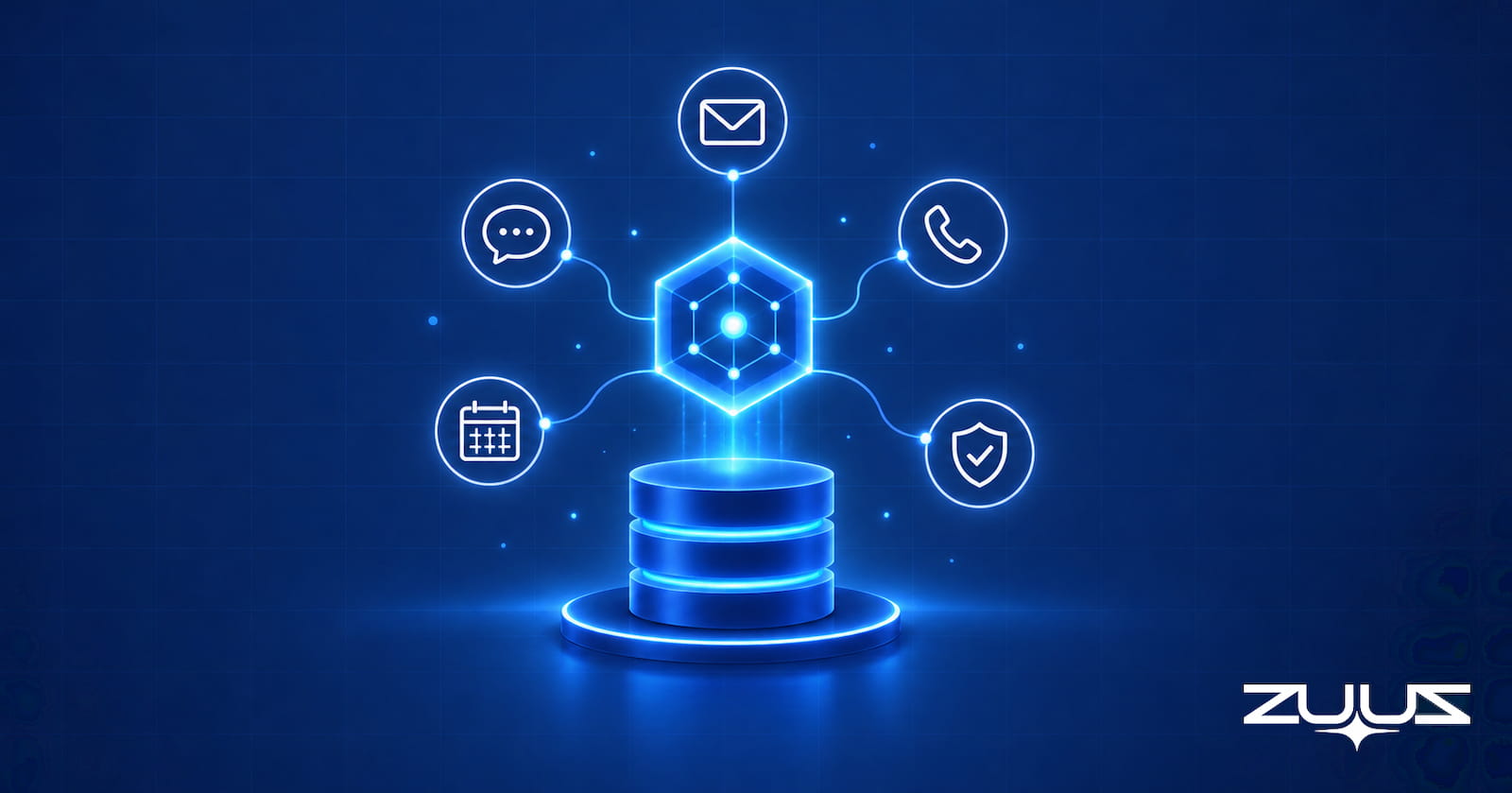
AI agents and RevOps, from an operator: where agents fix CRM capture, hygiene, risk flags and reporting, where to be careful, and how to roll one out safely.
Read post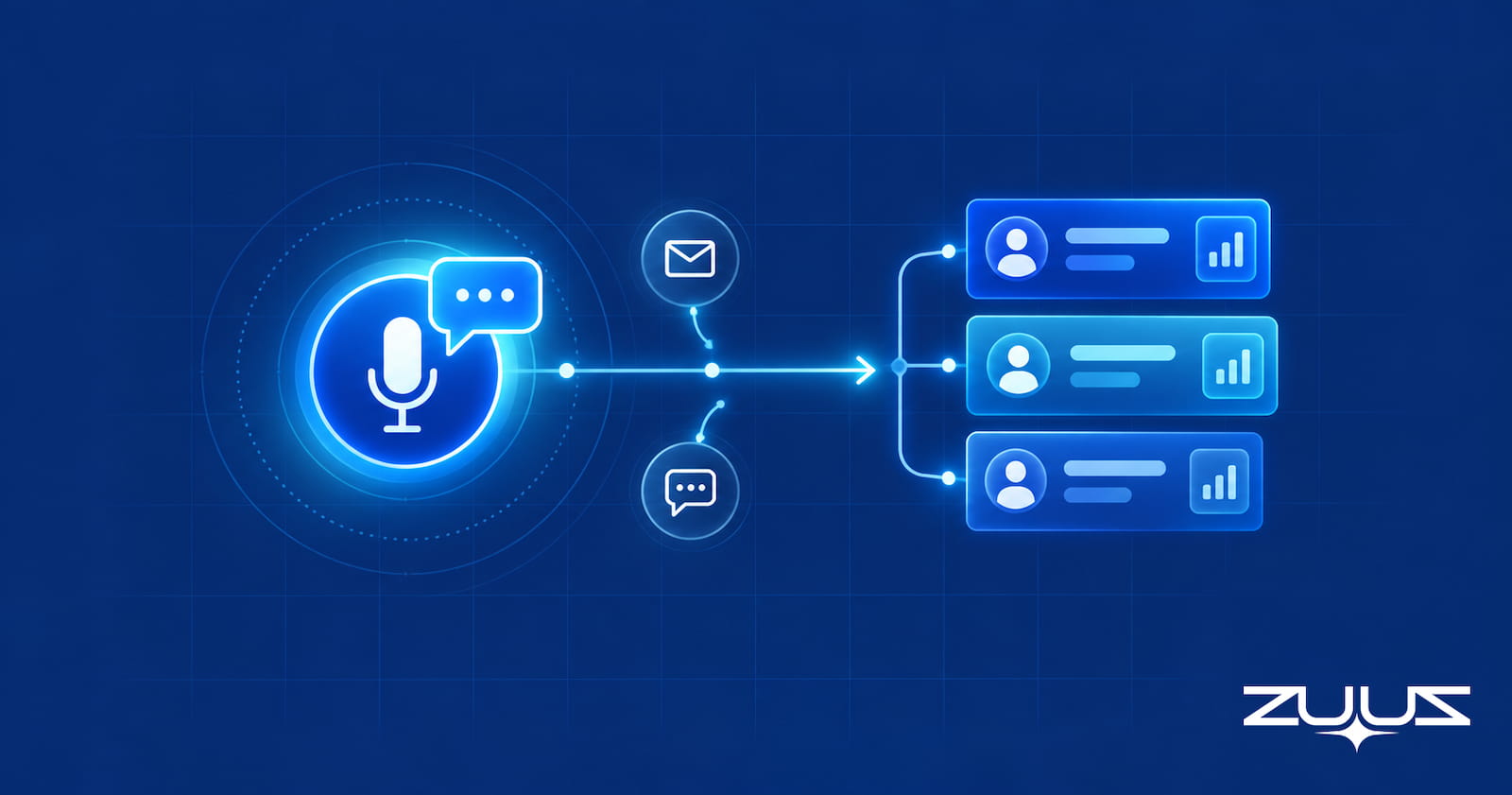
An AI sales agent either replaces the rep for outbound or works for the rep inside the CRM. How each kind works, how to evaluate one, and where ZUUZ fits.
Read post
Salesforce for Outlook replacement guide: what the Outlook integration, EAC, Inbox and sync tools capture and miss, plus a checklist before December 2027.
Read post
PSA vs CRM for MSPs: the PSA runs tickets, time and billing, the CRM runs pipeline. When each is enough, and where expansion and renewal signal really lives.
Read post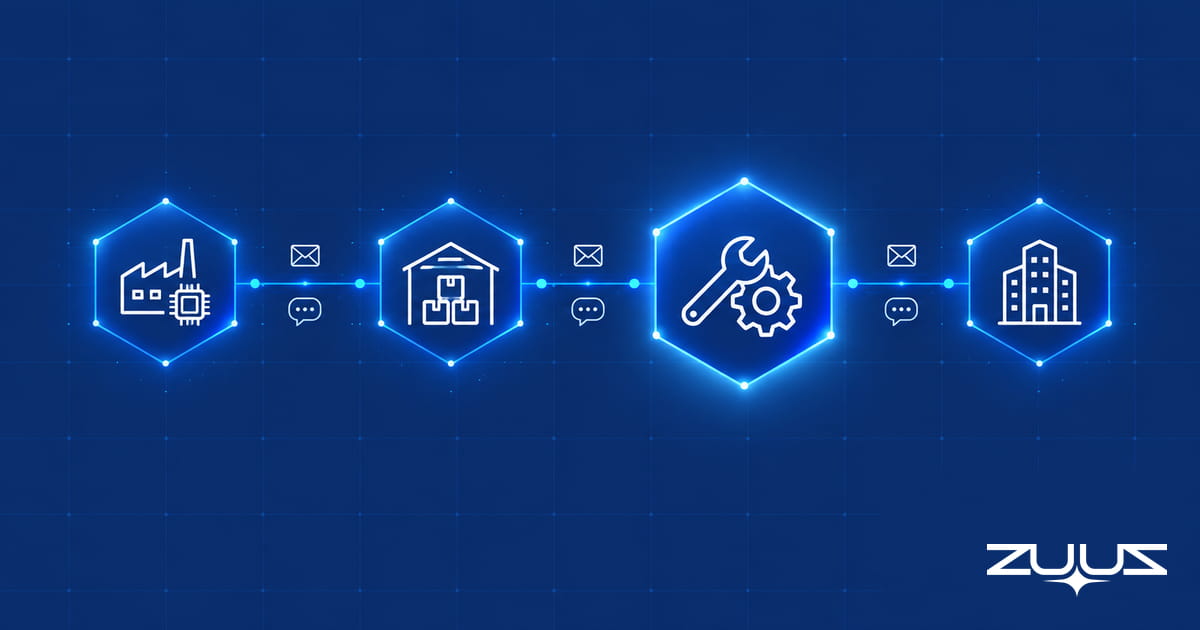
A value added reseller (VAR) resells vendor technology with its own design, deployment and support services. How VARs make money and differ from distributors.
Read post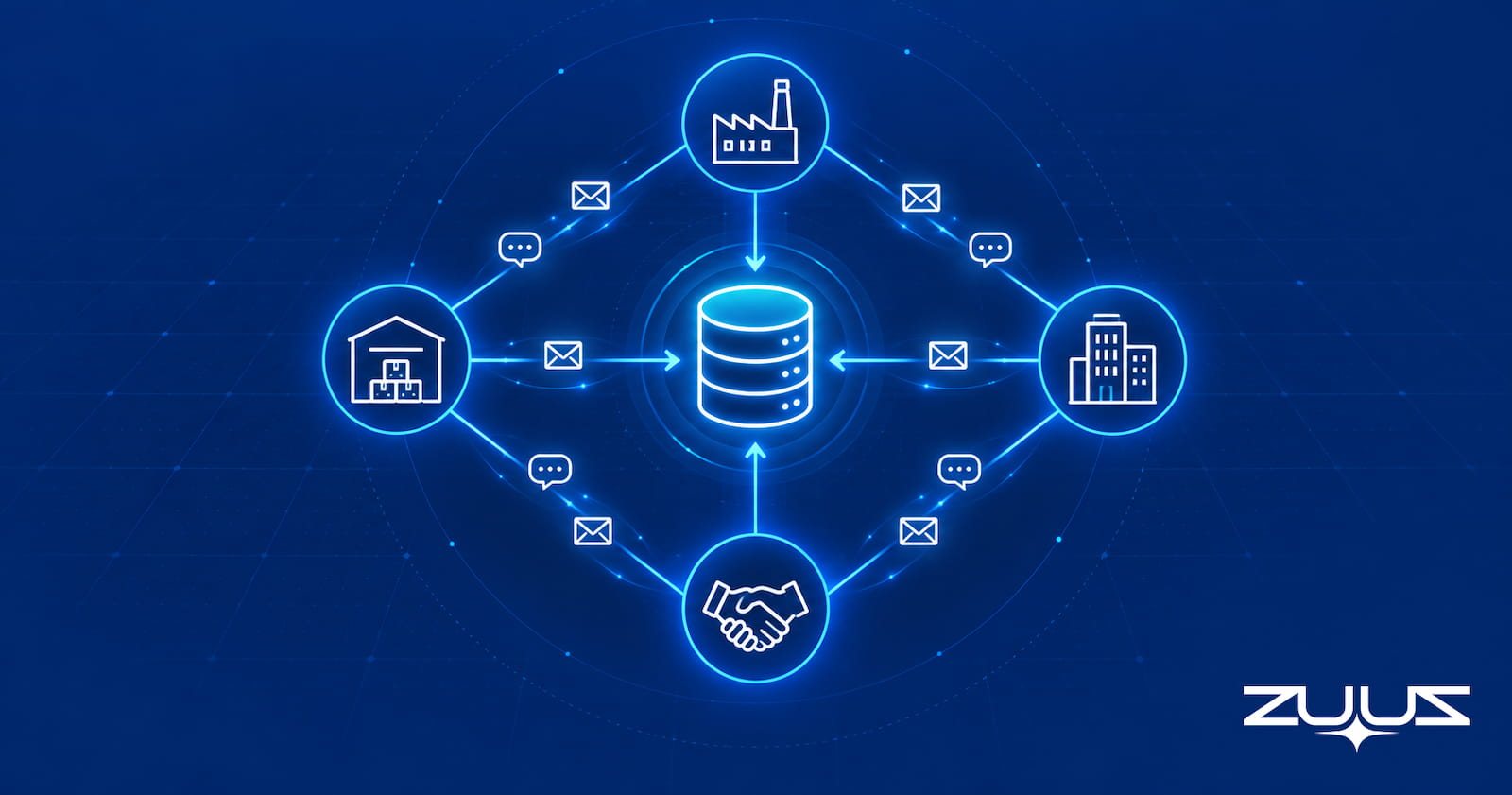
The IT VAR sales pipeline runs across vendor, distributor, VAR and customer. See where deal registration and rep-change signals land and how to capture them.
Read post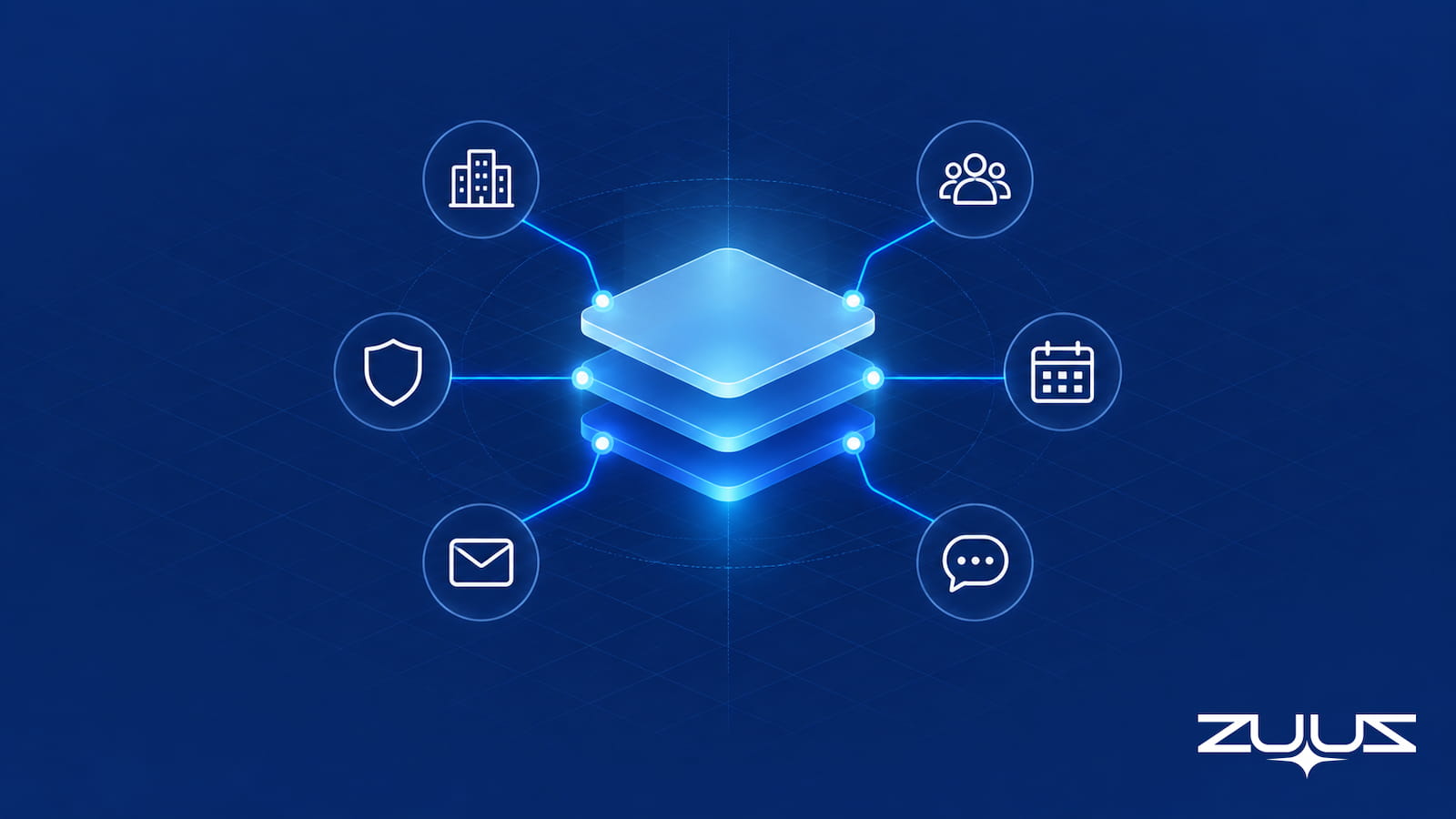
An MSP sales pipeline grows through expansion and renewal signals that arrive in client email and LinkedIn, not the PSA or CRM. Here is how to capture them.
Read post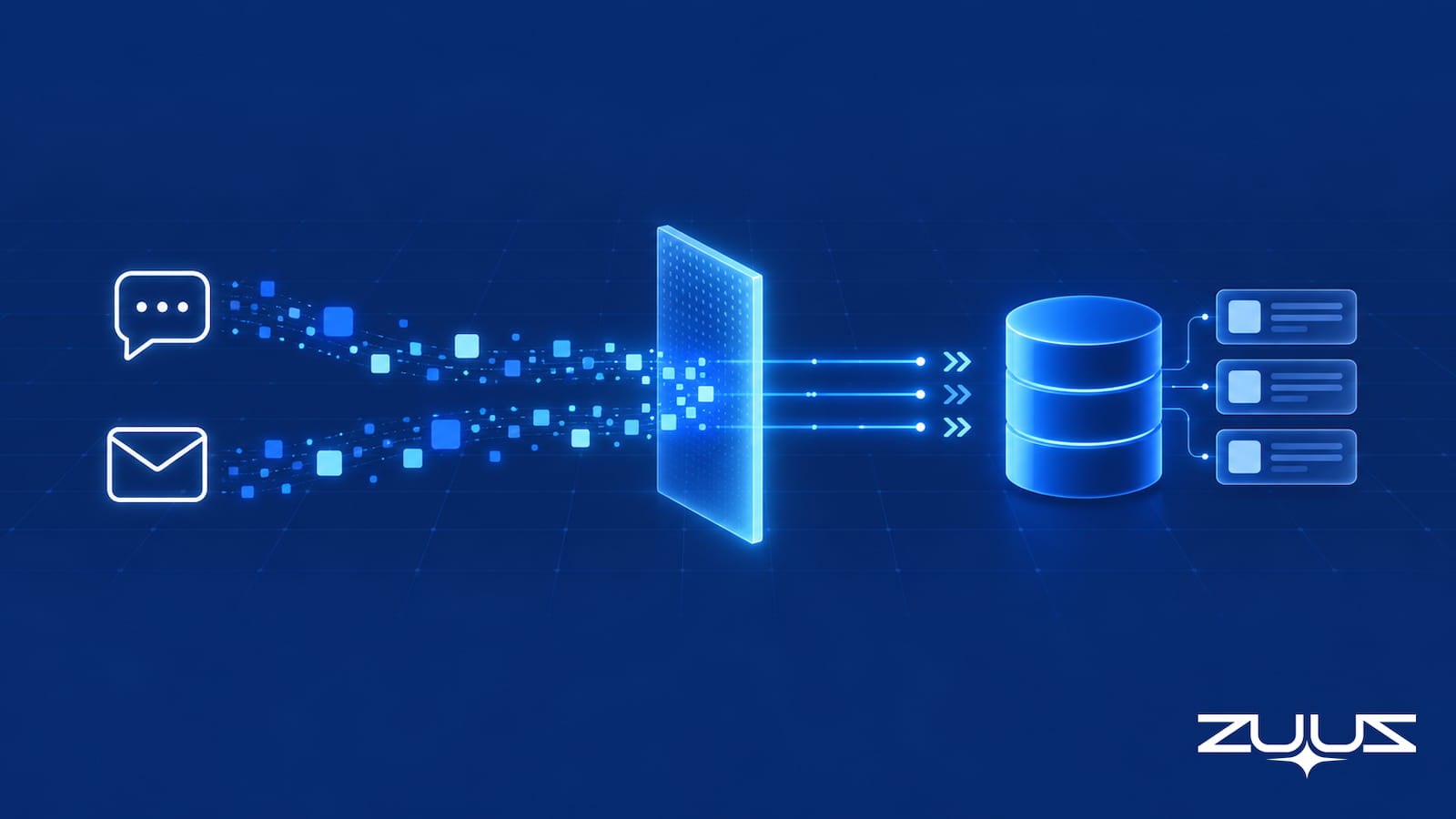
There is no native way to auto log LinkedIn messages in HubSpot, Salesforce, or Zoho. What each manual method costs, and how to capture the signal instead.
Read post
Account management software splits into three very different product types. This guide covers what each one does, how it differs from a CRM, and which fits.
Read post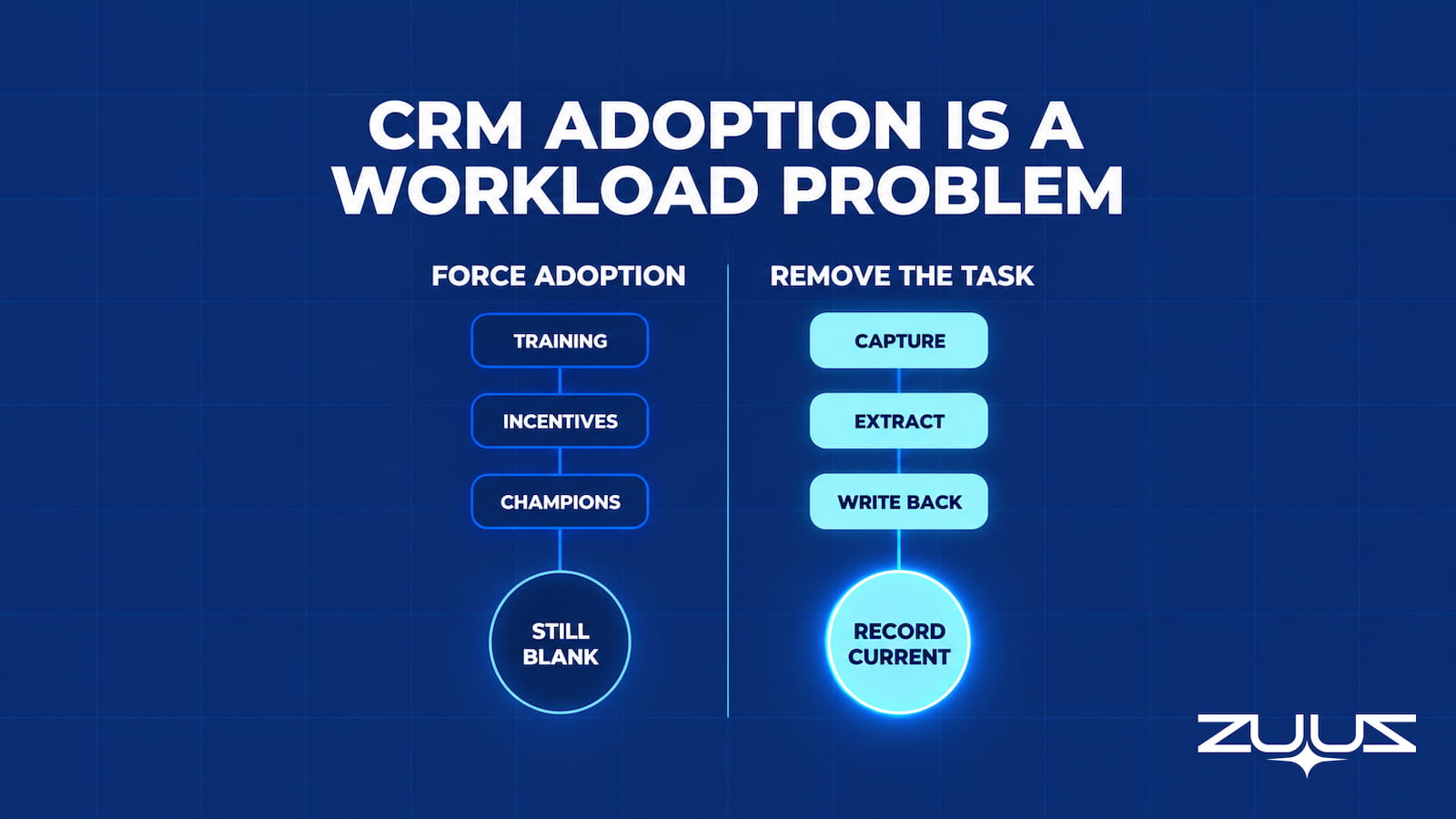
CRM user adoption stalls because the behavior being adopted is data entry. Here is how to measure it honestly, and how to remove the task instead.
Read post
A sales pipeline review is only as honest as the data behind it. Get a working agenda, a reusable pipeline review template, and the metrics that matter.
Read post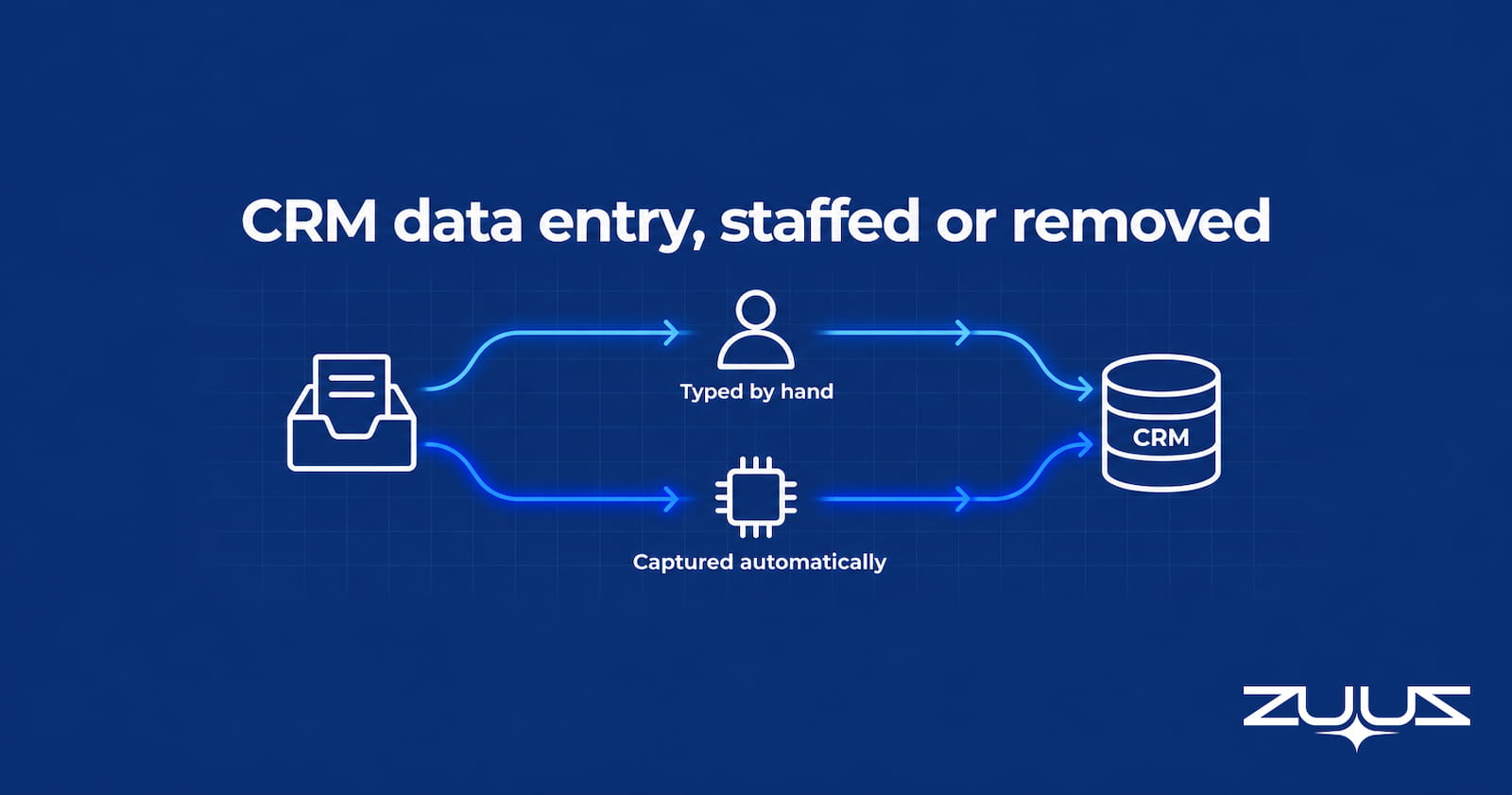
CRM data entry services price the typing by the hour. Compare outsourcing against automated capture with real cost math and a clear break-even point.
Read post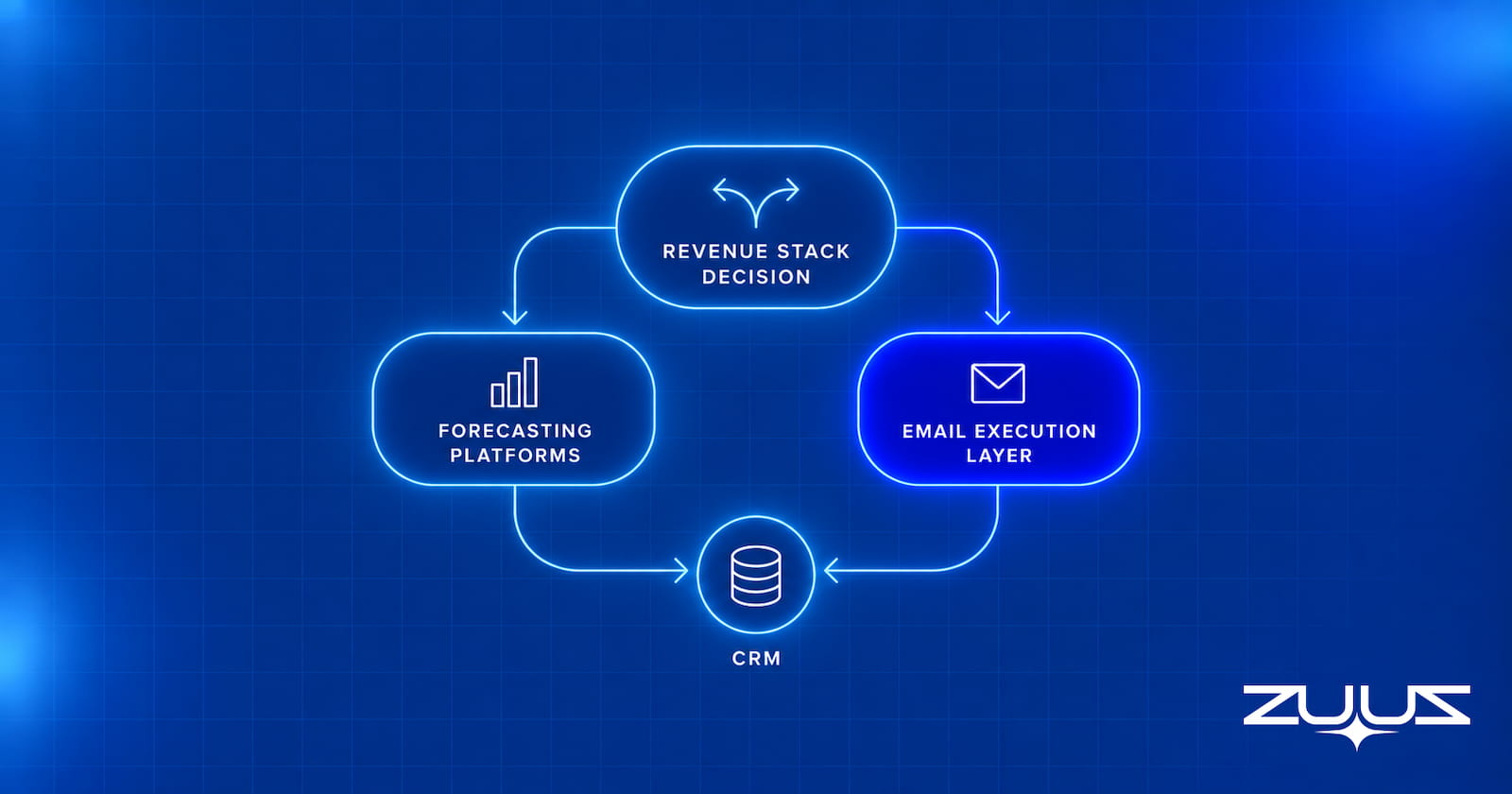
See the best Clari alternatives now that Clari and Salesloft have merged, grouped by category, with pricing context and the option most lists skip.
Read post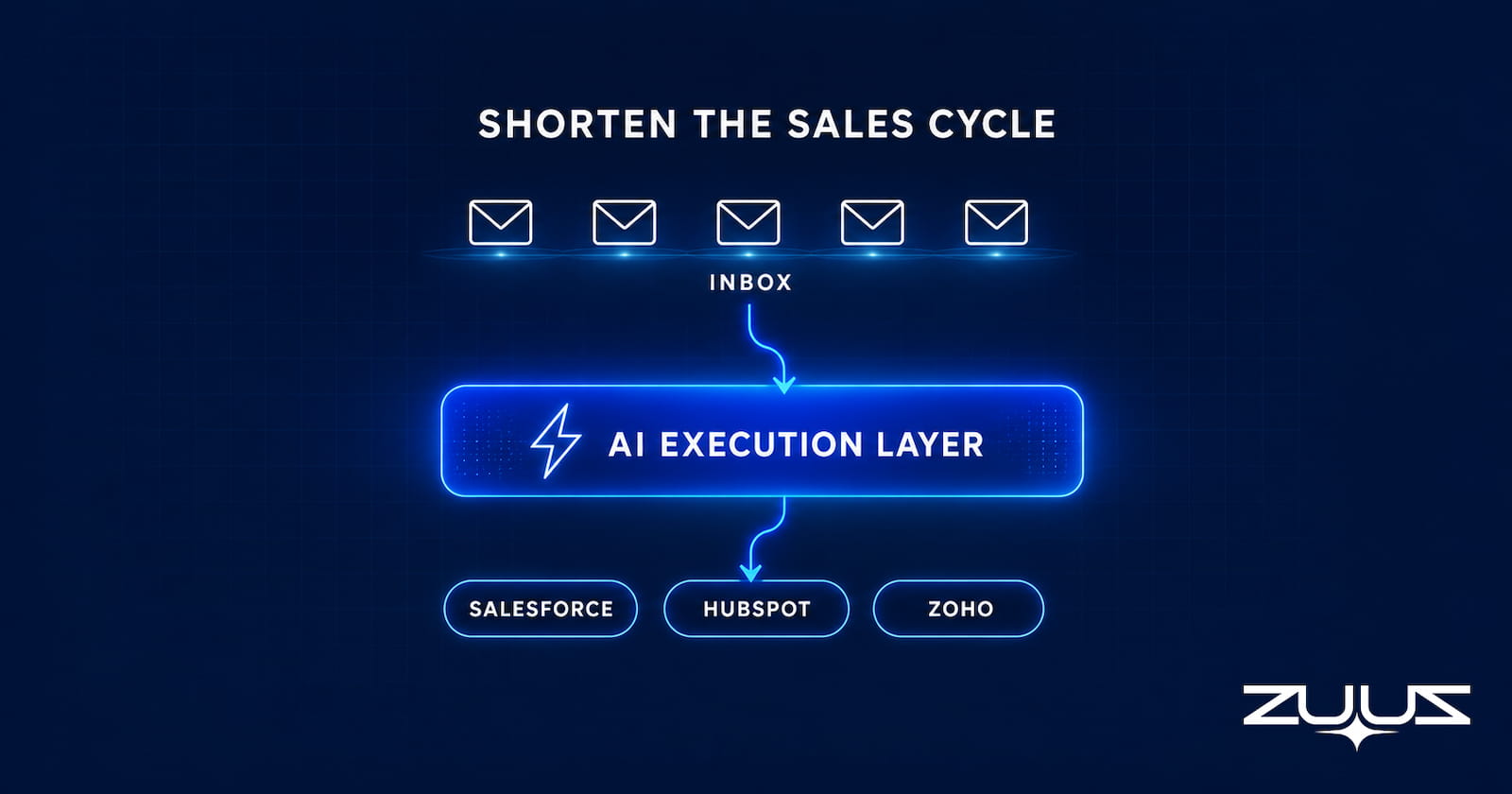
See what actually shortens a B2B sales cycle: qualification quality, follow-up speed, deal-risk visibility, and CRM data that keeps pace with every deal.
Read post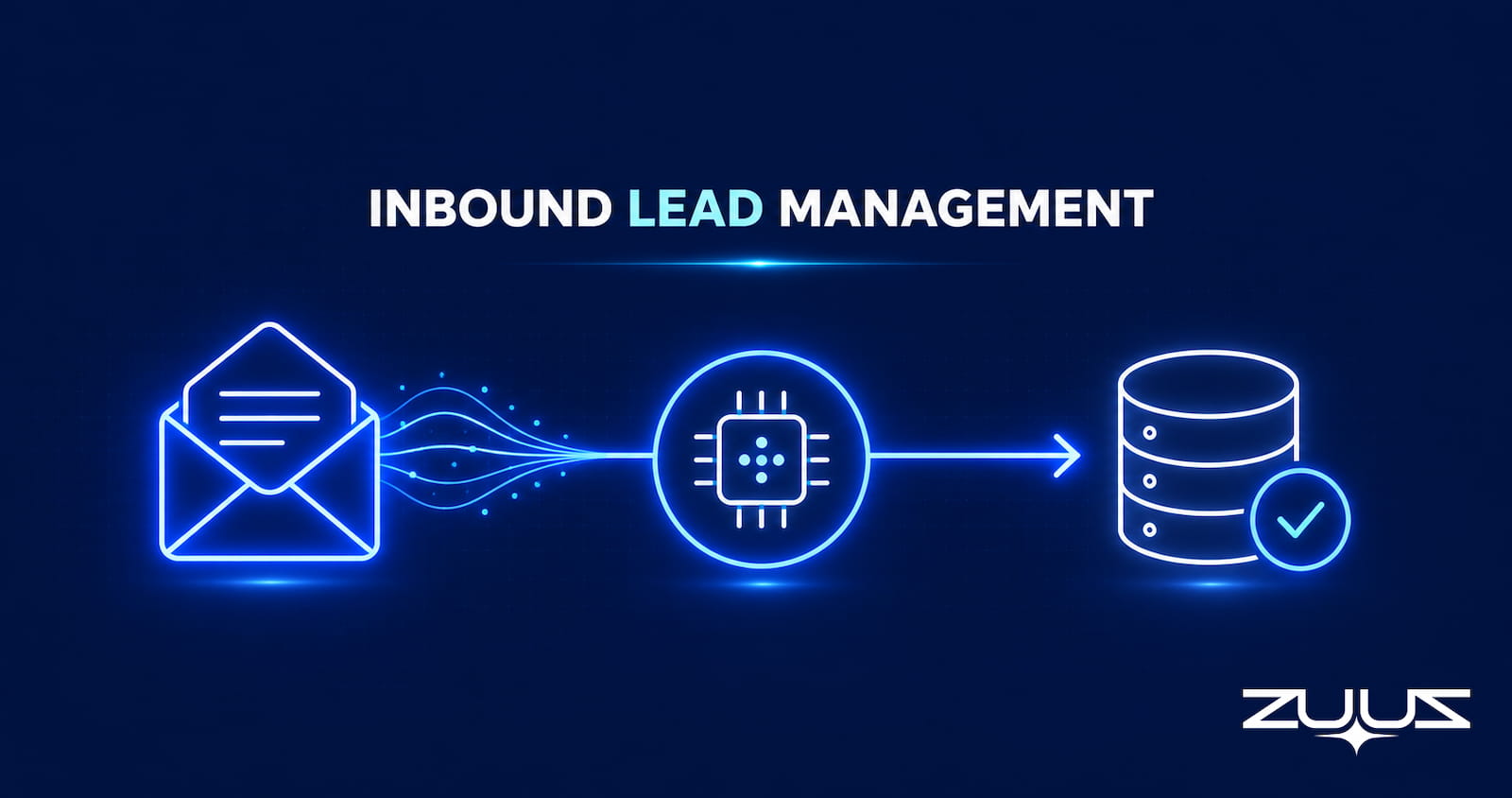
Inbound lead management covers how inbound signals get identified, scored, routed, and synced to CRM. See the full RevOps process, step by step.
Read post
Sales rep productivity depends on how much time reps lose to CRM admin, not selling. See what drives it and how automated capture gives that time back.
Read post
Email tracking software only reports opens and clicks. See why that misses the real deal signal, and what reads email content automatically instead.
Read post
Revenue leakage guides start at billing errors, but a real leak happens earlier, before a deal ever becomes a recorded CRM entry at all. See how.
Read post
What Einstein Activity Capture is, how it works, what it costs, why standard-tier data expires after six months, and how to evaluate alternatives.
Read post
Weighing an Attio alternative? Compare migrating with keeping Salesforce, HubSpot or Zoho and adding an AI layer on top, one that also runs on Attio itself.
Read post
AI sales tools split into six categories, and most buyer guides skip the one that keeps the other five accurate. See how to compare all six.
Read post
Churn risk software should flag at-risk accounts before renewal using engagement, support, and usage signals, not replace your CRM with another platform.
Read post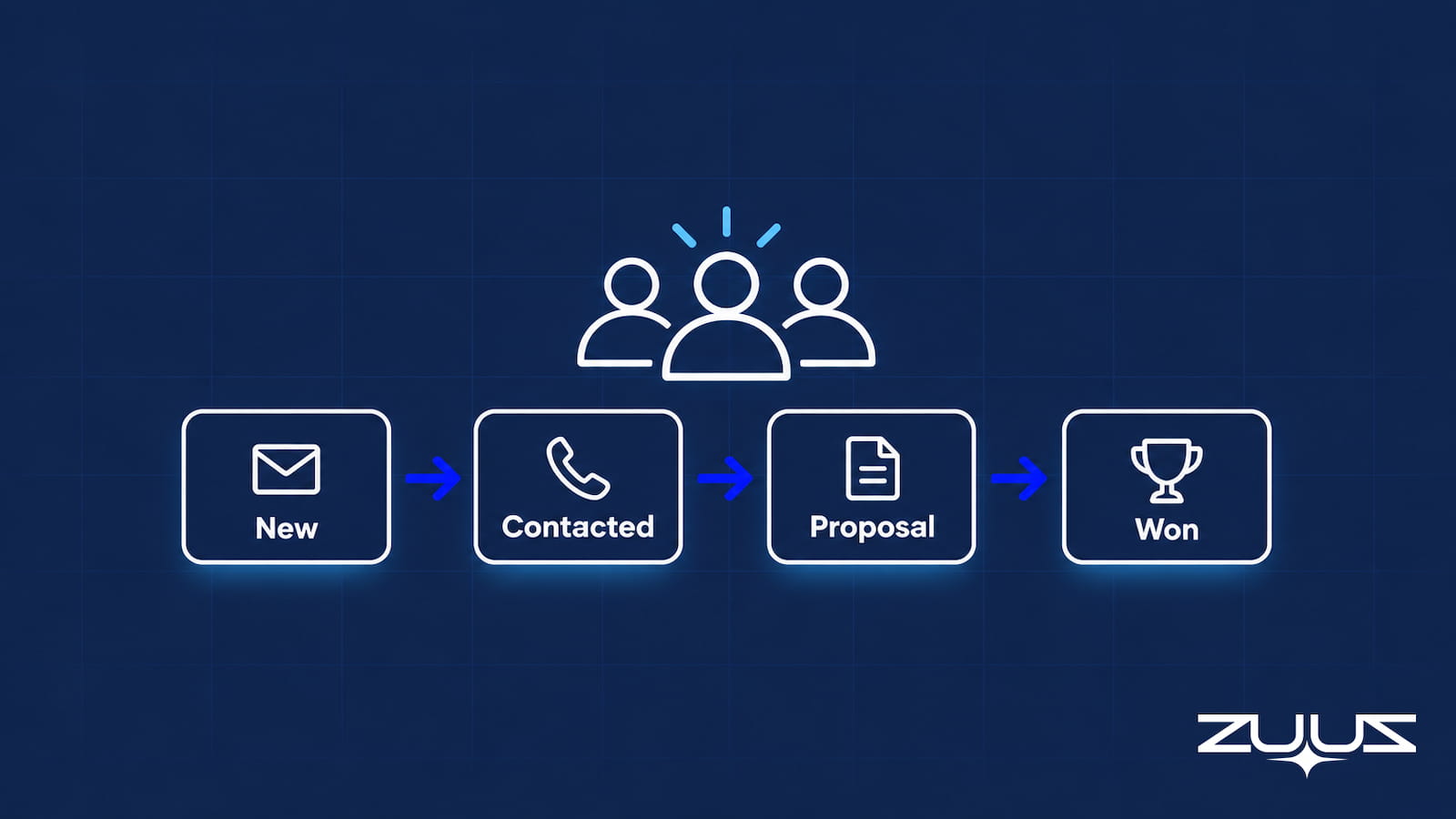
Sales pipeline software for small business should remove manual work, not add it. See what to evaluate, skip, and how ZUUZ fits without replacing the CRM.
Read post
Renewal tracking software helps B2B teams catch expiring customer contracts before they lapse. See what the category covers and how ZUUZ closes the gaps.
Read post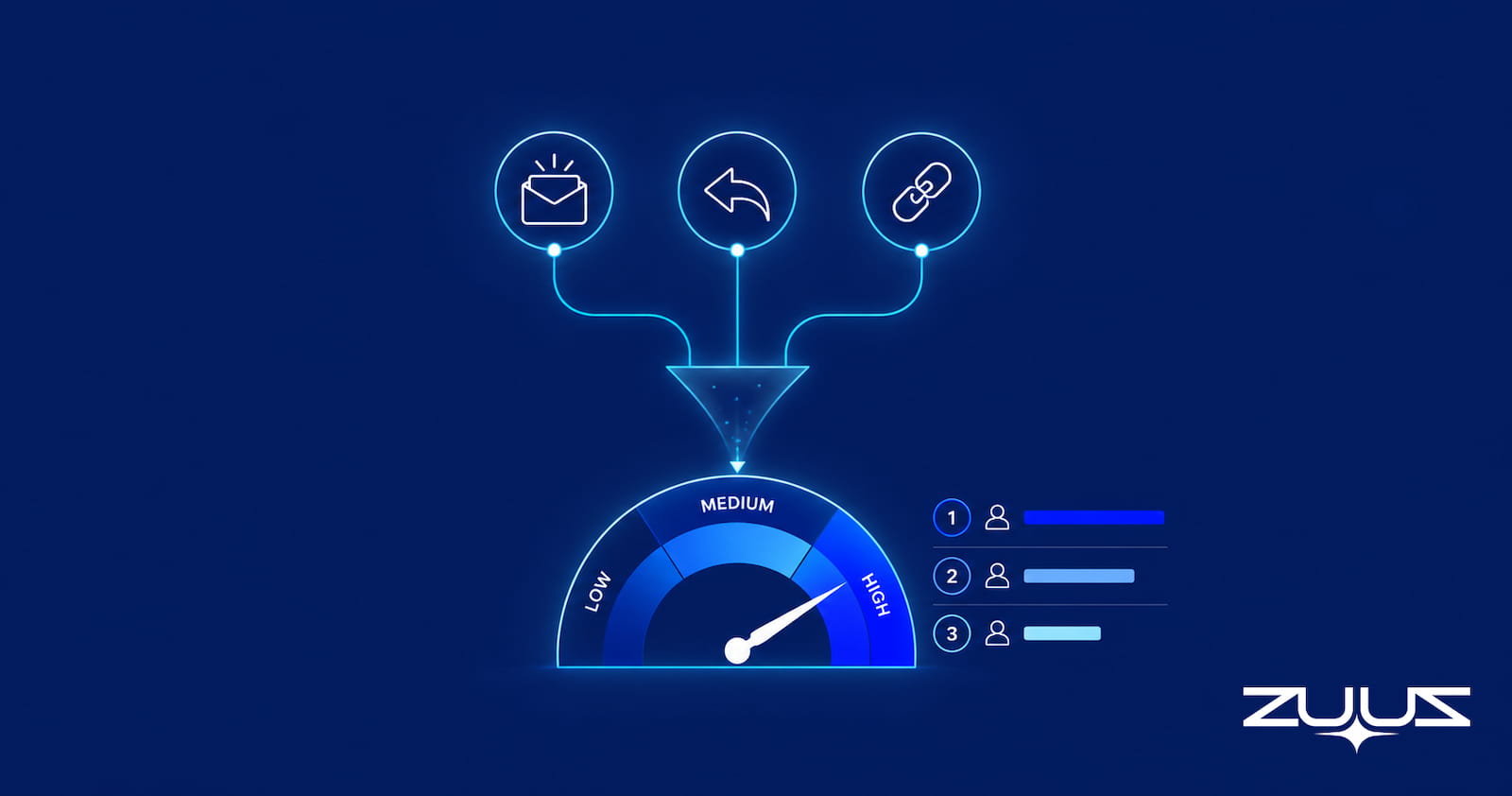
Compare lead scoring software, scoring models, and signals, then see how ZUUZ scores inbound email leads and writes the score back into any CRM you run.
Read post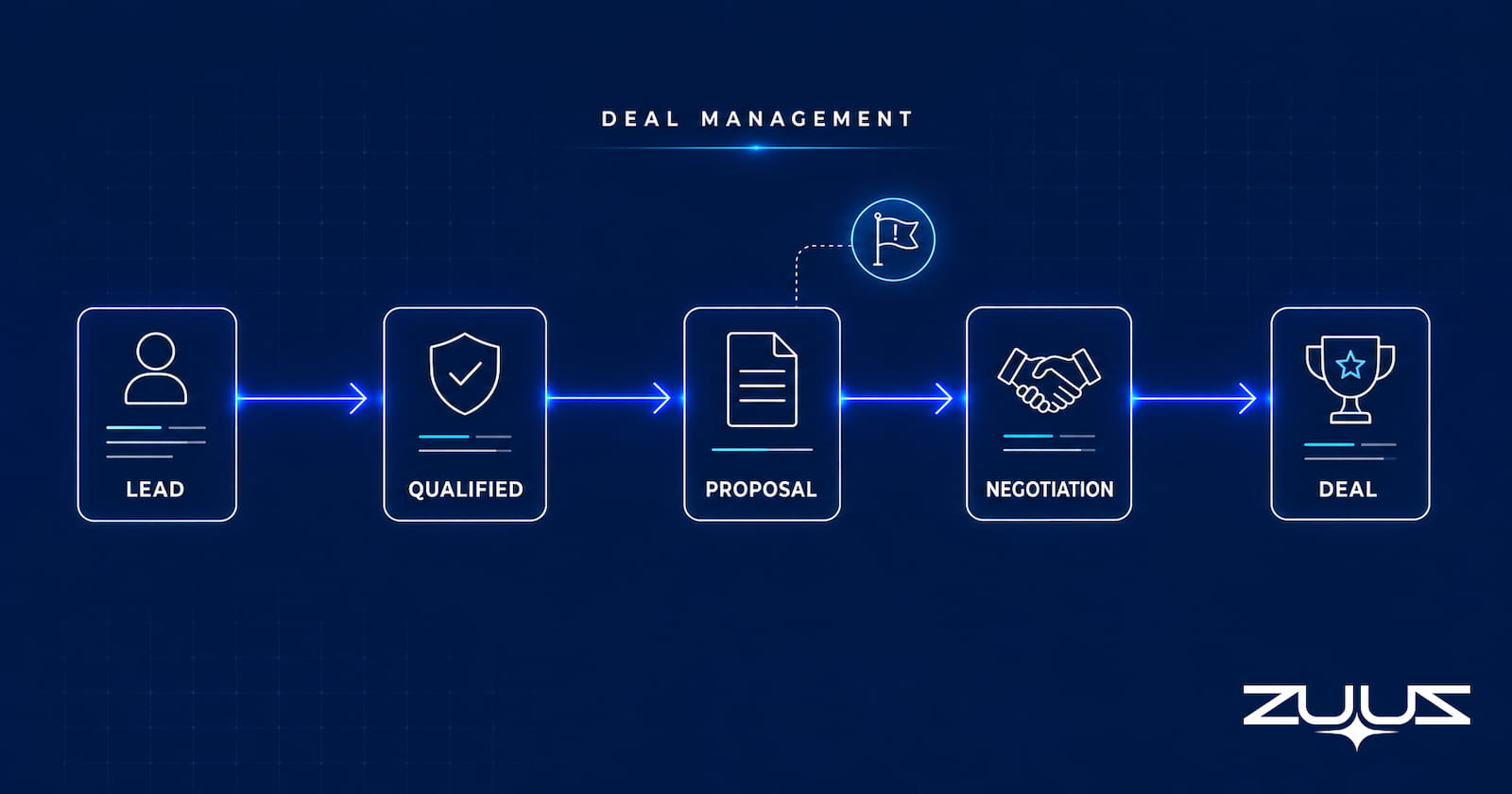
See how deal management software tracks individual deals, flags stalled and at-risk opportunities, and syncs them back to the CRM without forecasting.
Read post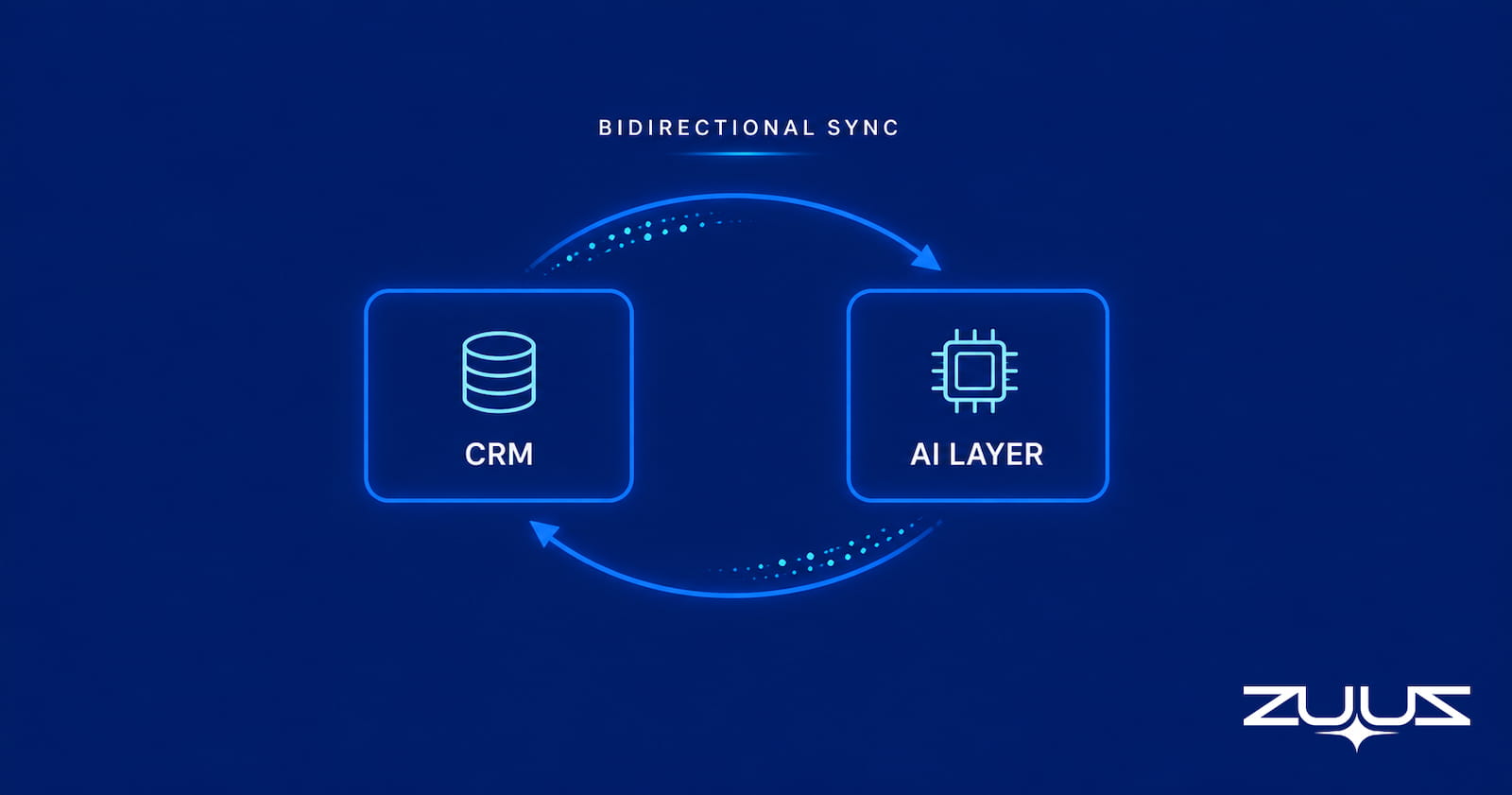
Learn how bidirectional CRM sync keeps Salesforce, HubSpot, and Zoho records current with field mapping, conflict handling, and real-time write-back.
Read post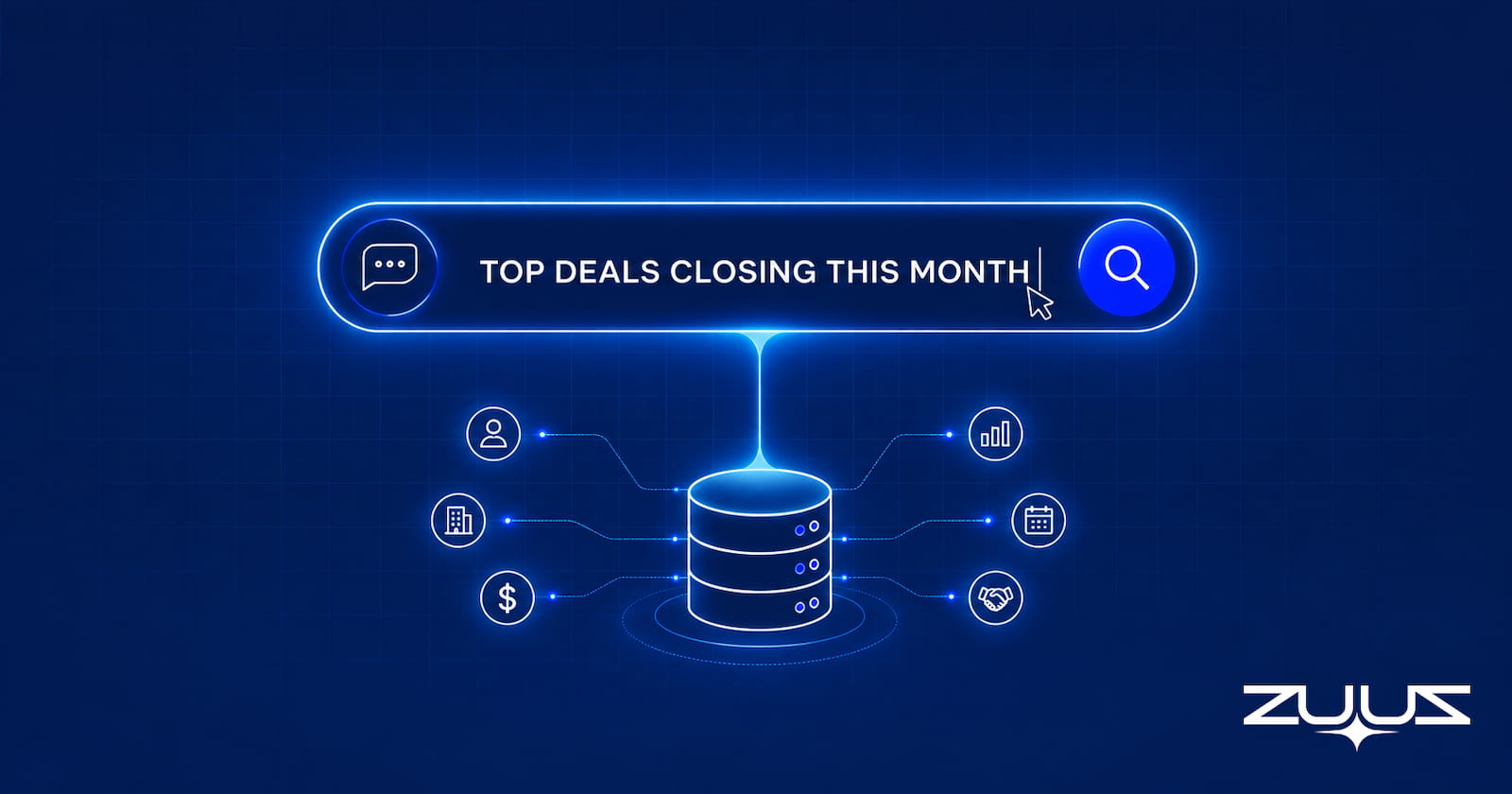
See how an AI CRM assistant lets reps query and update Salesforce, HubSpot, or Zoho in plain English, capturing leads from email without a new CRM.
Read post
Reduce manual data entry using CRM automation and AI: audit every entry point, automate capture at the source, and measure whether the typing actually dropped.
Read post
Learn how to measure ROI from lead qualification automation software: the baseline, the formula, and the mistakes that make the number unreliable.
Read post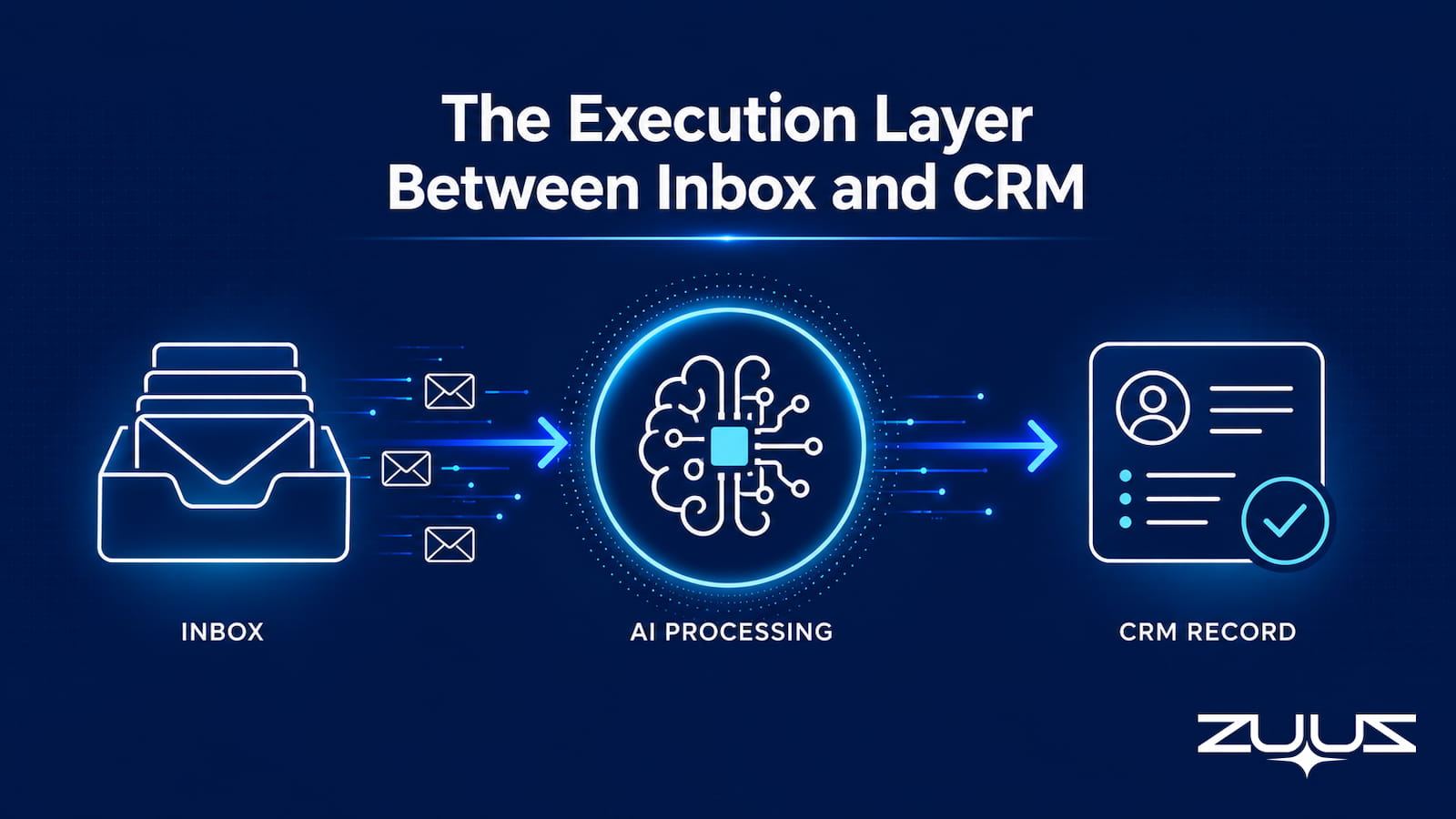
Learn how email-centric CRM automated follow-up reminders detect stalled deals from the inbox and trigger tasks automatically, without manual CRM entry.
Read post
Learn what CRM email automation actually means, how inbound and outbound automation differ, and how it works across Salesforce, HubSpot, and Zoho.
Read post
Conversational CRM covers two different things: customer messaging tools and rep-facing tools that answer pipeline questions in plain language.
Read post
A practical guide to ICP scoring criteria for B2B sales: the four dimensions that matter, how to weight them, and where manual scoring breaks down.
Read post
A category guide to CRM data quality tools: deduplication, validation, enrichment, monitoring, capture-at-source, and the blind spot most tools share.
Read post
ZUUZ vs manual CRM entry: see what pipeline signals vanish, how data quality collapses, and why agentic AI capture recovers revenue reps never logged.
Read post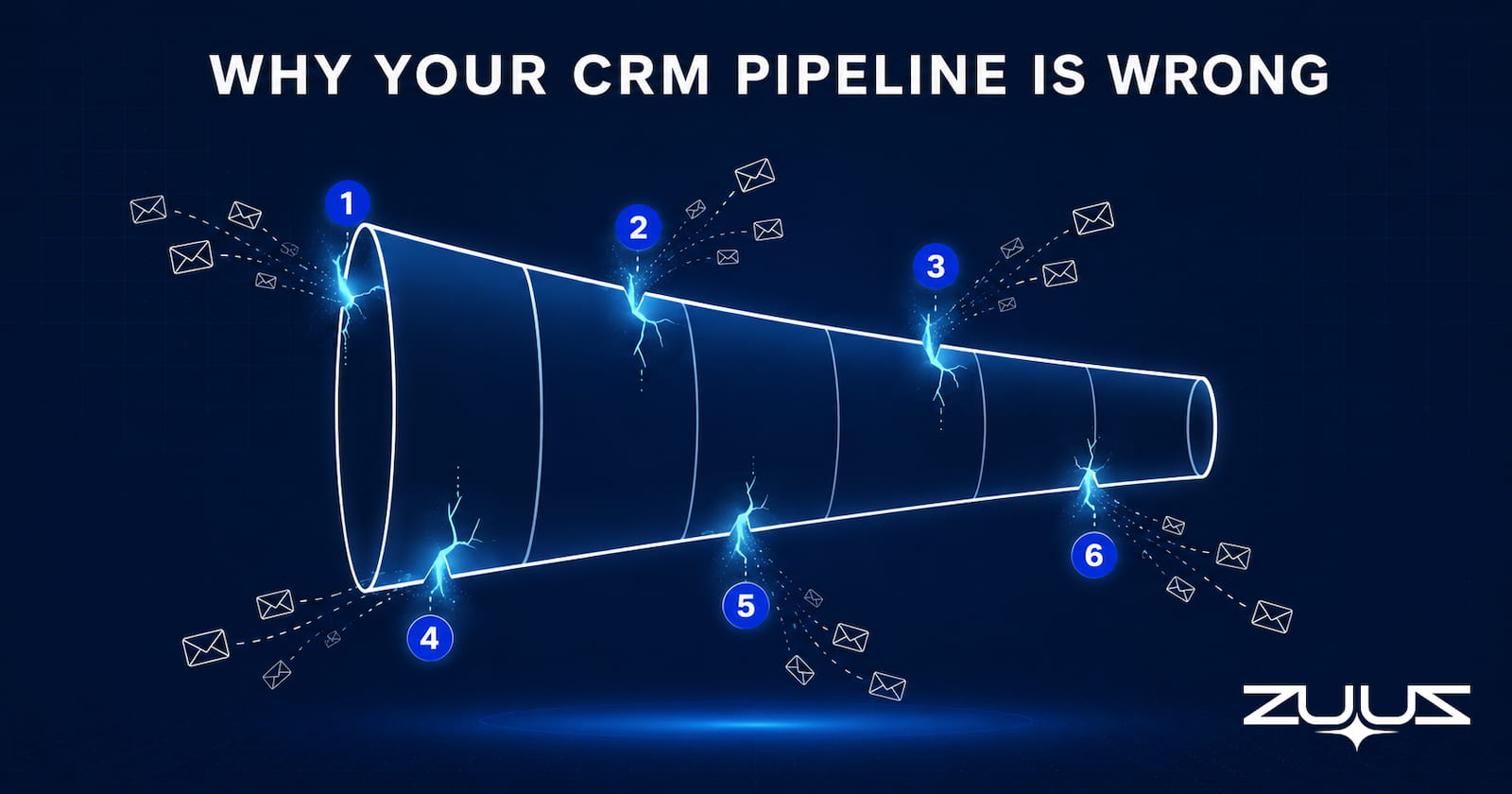
Your CRM pipeline is wrong because manual entry can’t keep pace with your inbox. Learn the 6 root causes and how to fix pipeline data accuracy for good.
Read post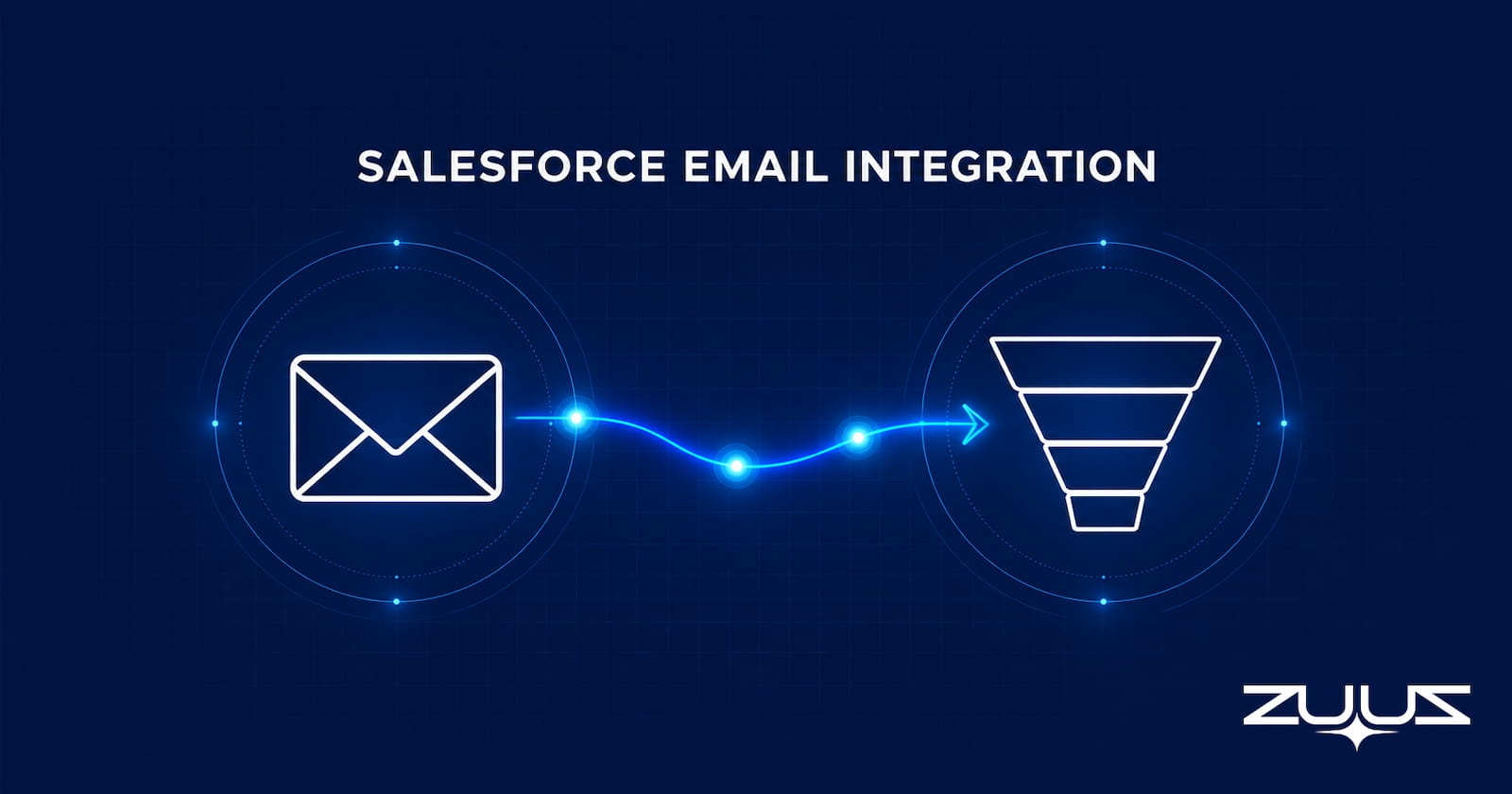
Salesforce email integration for IT sales teams misses up to 80% of signals. See what breaks, how to fix it, and how one IT services team found $120K in 90 days.
Read post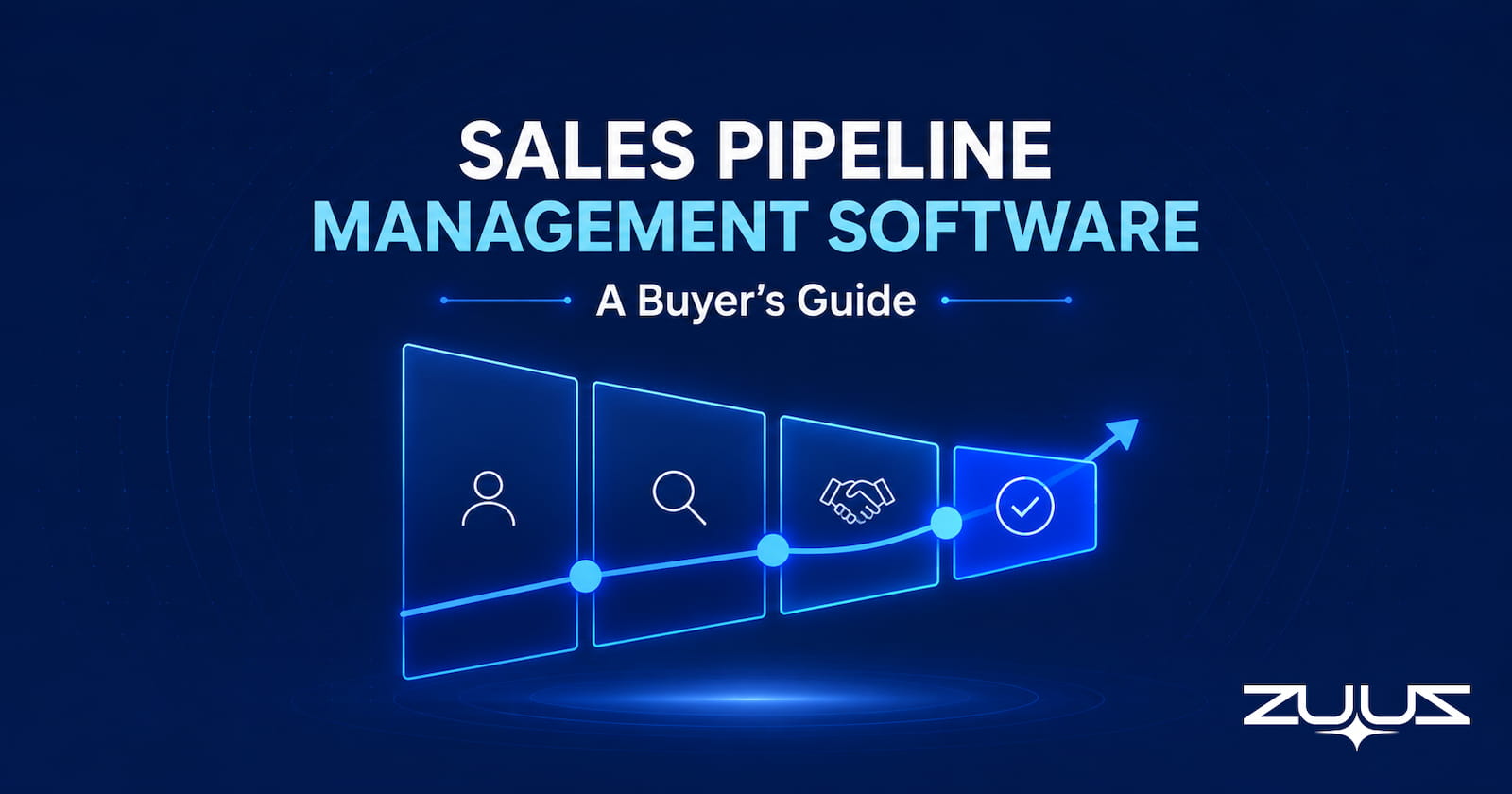
A buyer’s guide to sales pipeline management software: tool categories, evaluation criteria, and the capture gap that breaks pipeline data.
Read post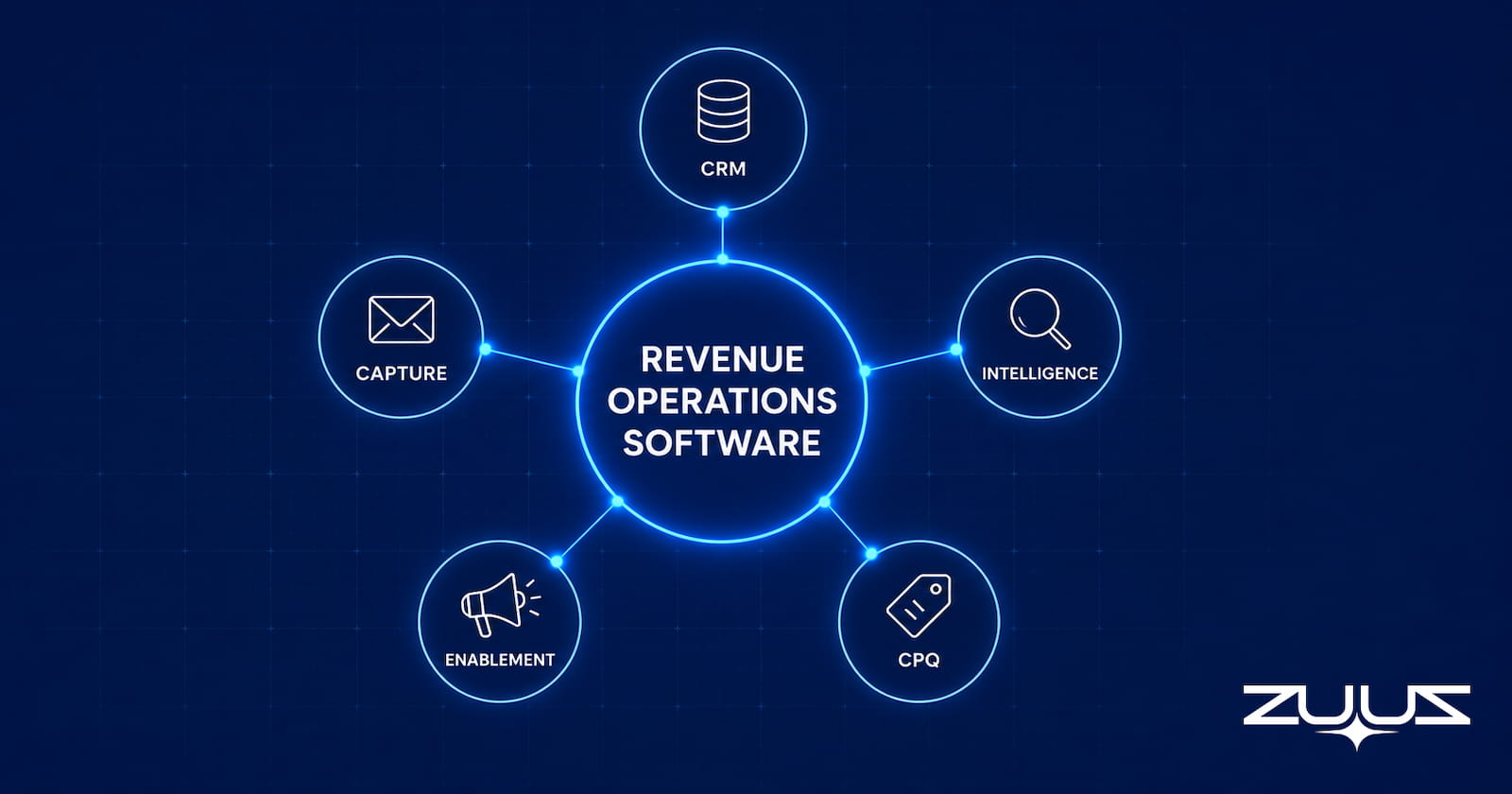
A buyer’s guide to revenue operations software: the category map, evaluation framework, criteria by size, and the buying mistakes that waste budget.
Read post
Revenue intelligence software reads deal signals and forecasts revenue. A guide to evaluating signal coverage, accuracy, and the email blind spot.
Read post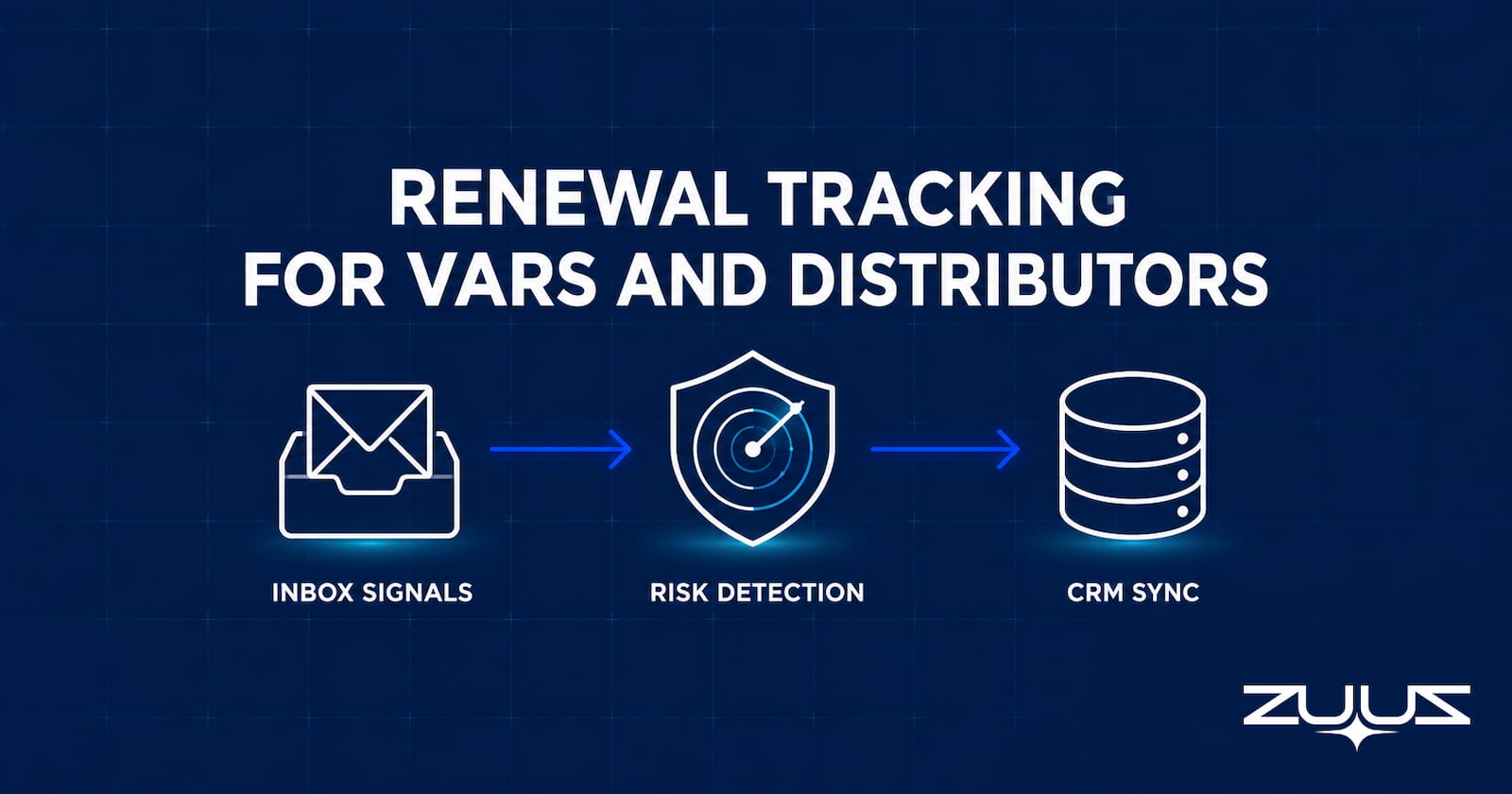
Renewal tracking software for VARs and distributors must read email signals, not just CRM fields. See what generic tools miss and how channel firms catch up.
Read post
A layer-by-layer guide to the modern revenue operations software stack for 2026, including the email-to-CRM capture layer most teams skip.
Read post
Missed sales leads in email cost B2B teams millions in unlogged pipeline. Learn the six signal types that hide in inboxes and how AI email parsing fixes it.
Read post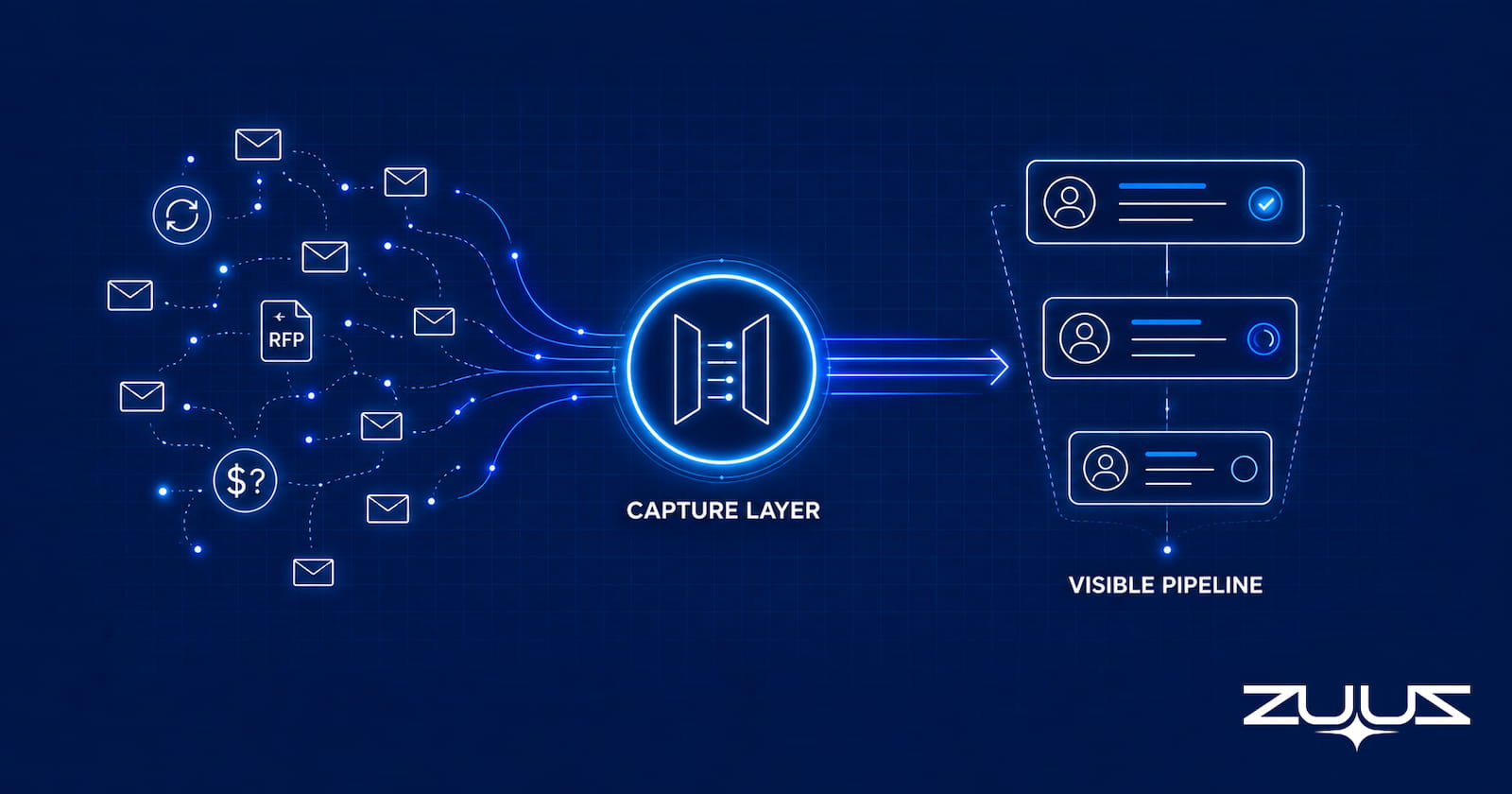
IT sales pipeline visibility tools fail when CRM data is incomplete. Learn which tools fix the capture gap and how one IT services team surfaced $120K in 72 hours.
Read post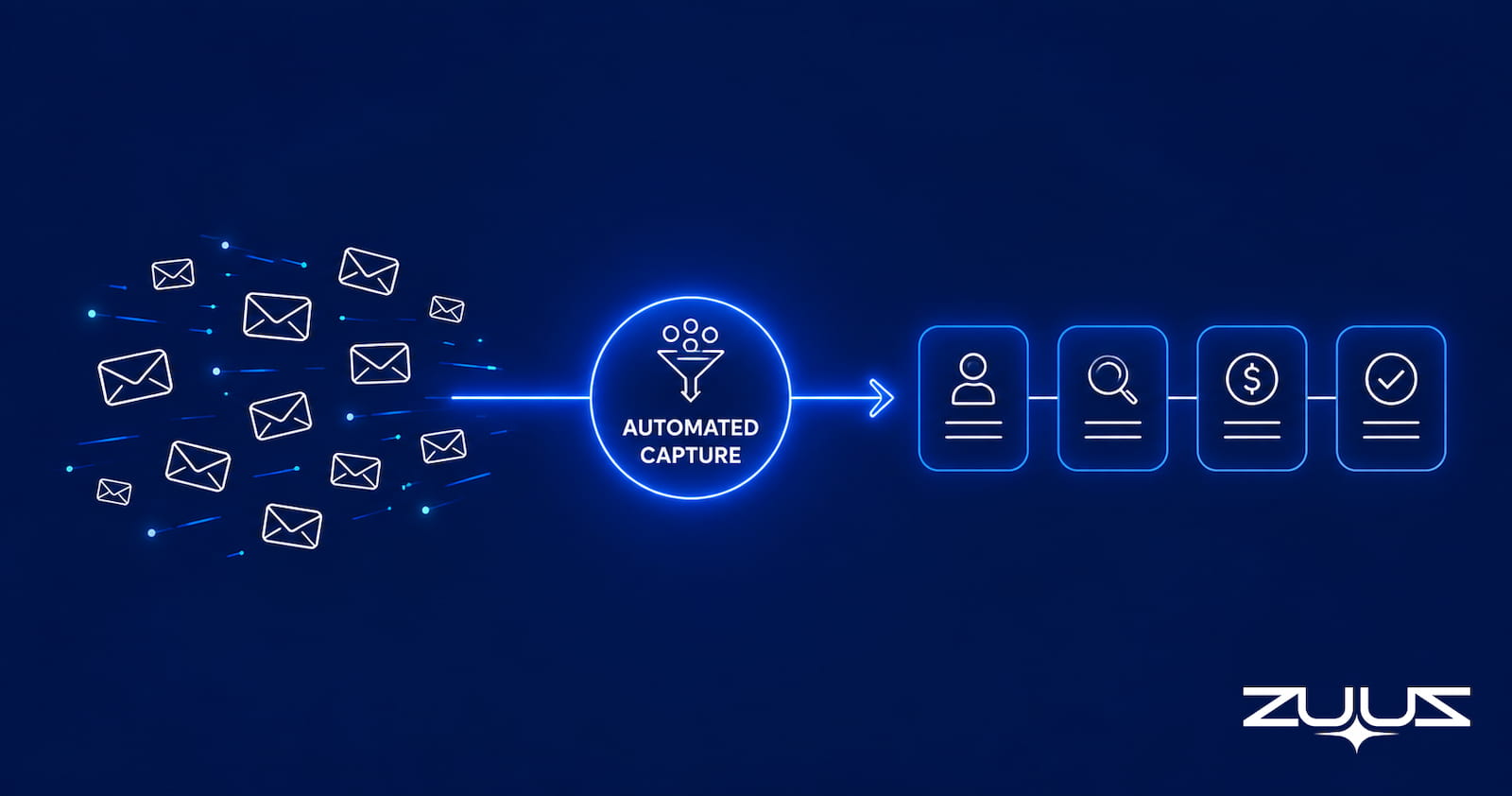
HubSpot email lead capture automation misses organic inbound for IT teams. See how VARs and MSPs close the gap without changing rep behavior.
Read post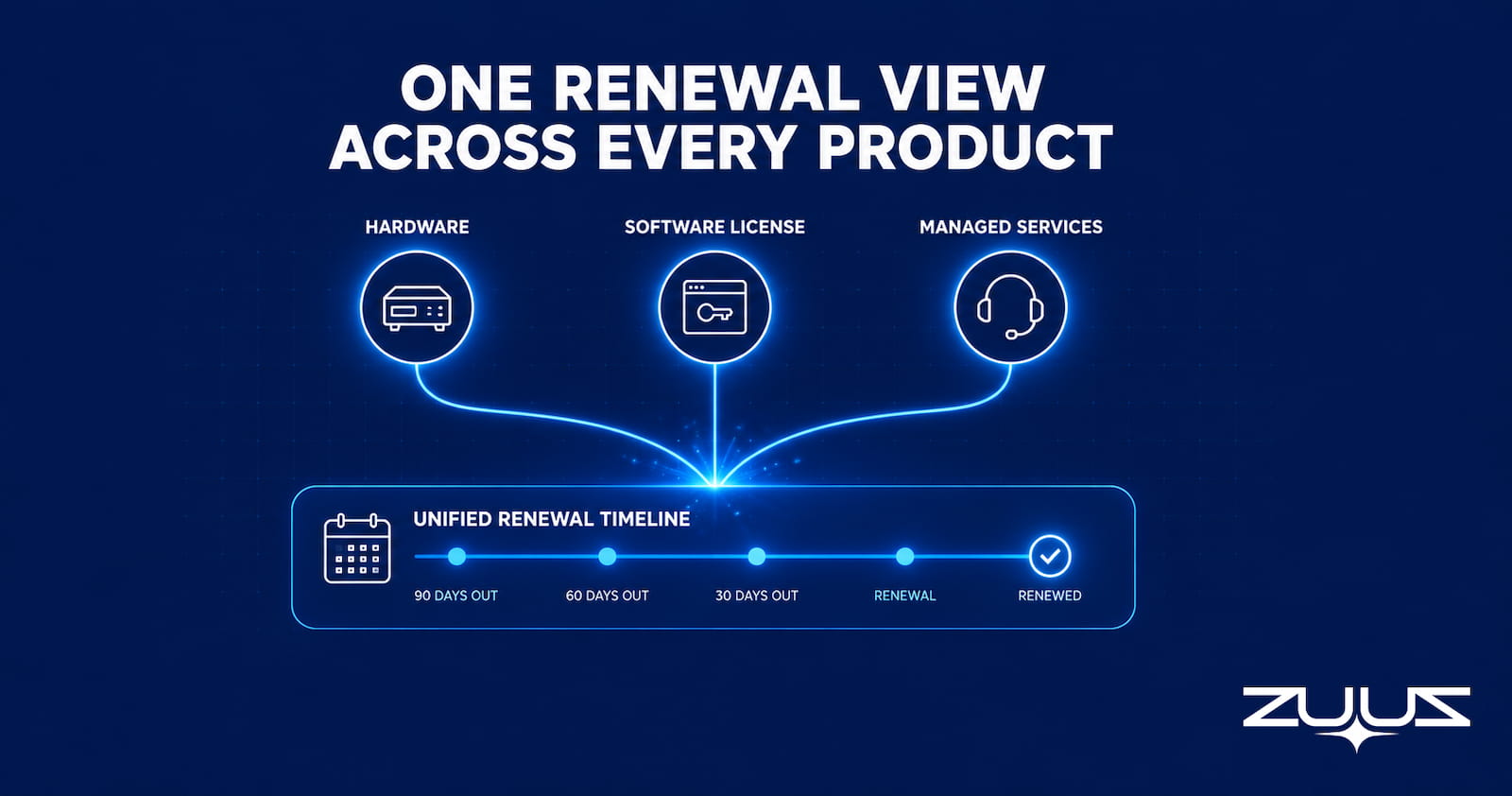
Learn how to track renewals across multiple products using email signals to catch SKU mismatches and co-term conflicts before contracts lapse.
Read post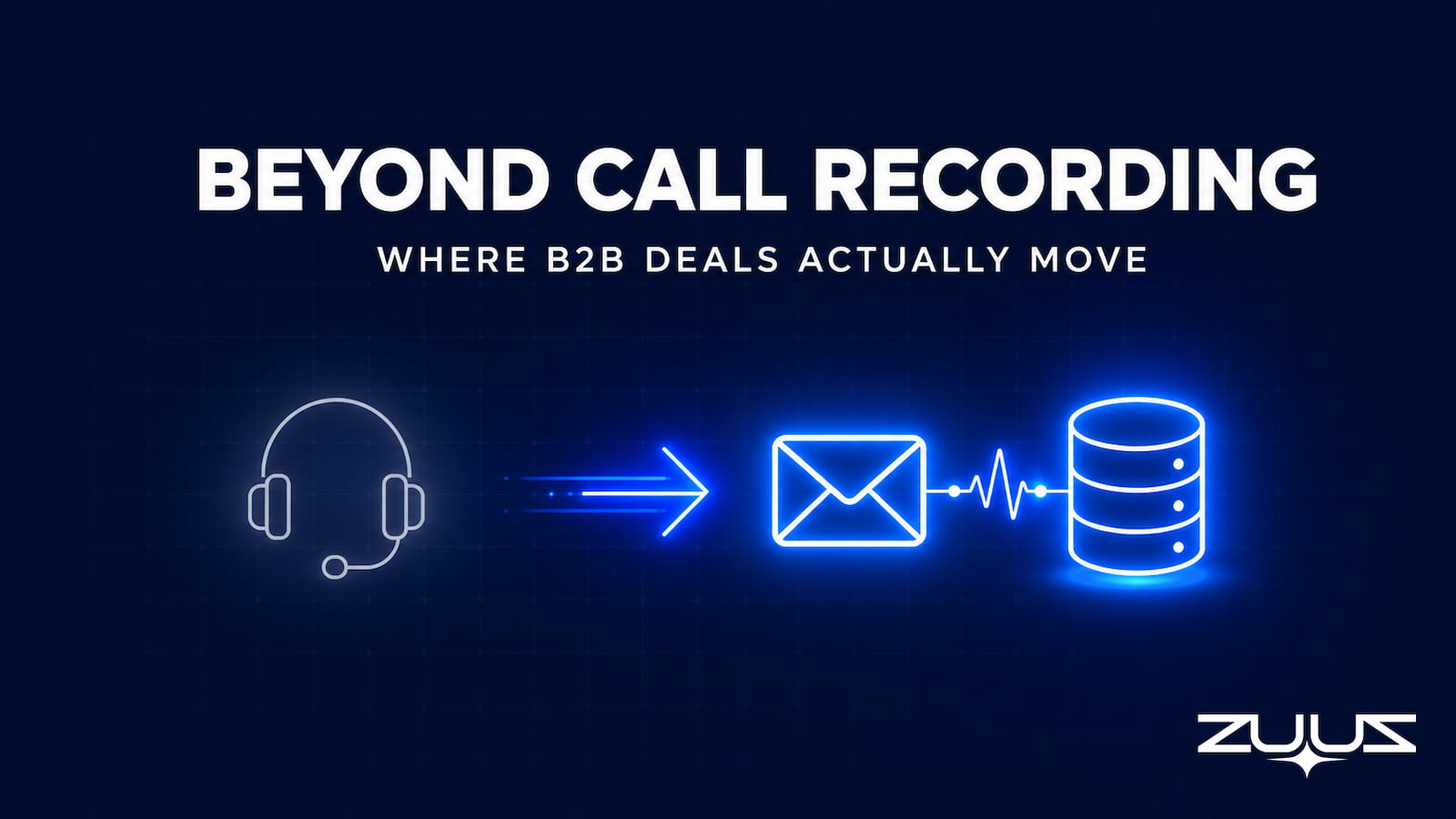
A factual roundup of the best Gong alternatives for 2026, by category, with a comparison table. Includes the email-signal option most lists skip.
Read post
Email to CRM automation for IT companies surfaces buried pipeline. See how IT sales teams recover deals, classify signals, and sync CRMs without manual entry.
Read post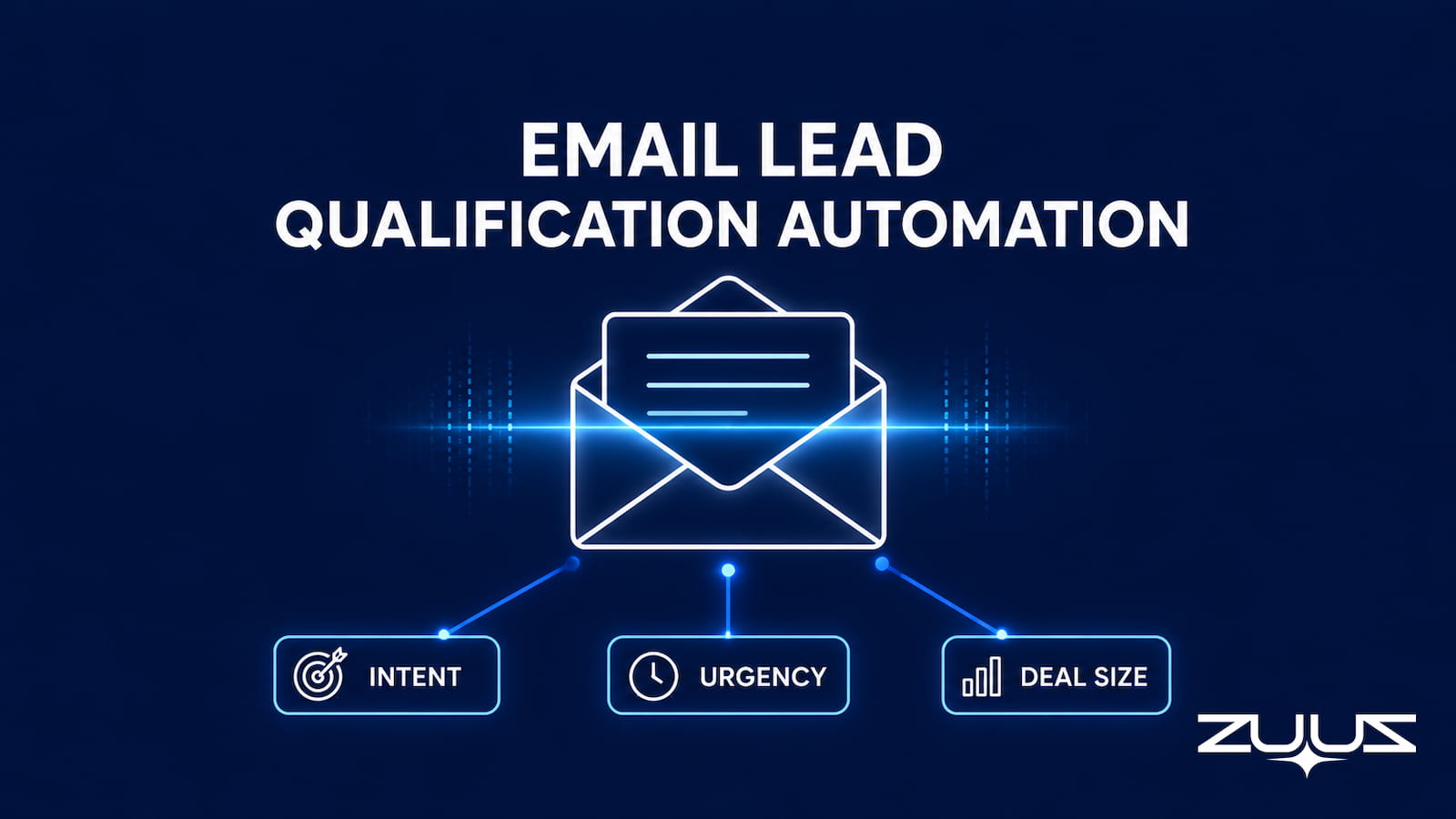
Email lead qualification automation reads inbound B2B threads, scores by intent and deal size, and writes structured records to Salesforce, HubSpot, or Zoho.
Read post
CRM data quality decays because deal signals stay trapped in email. The six dimensions, what bad data costs, how to measure it, and the fix.
Read post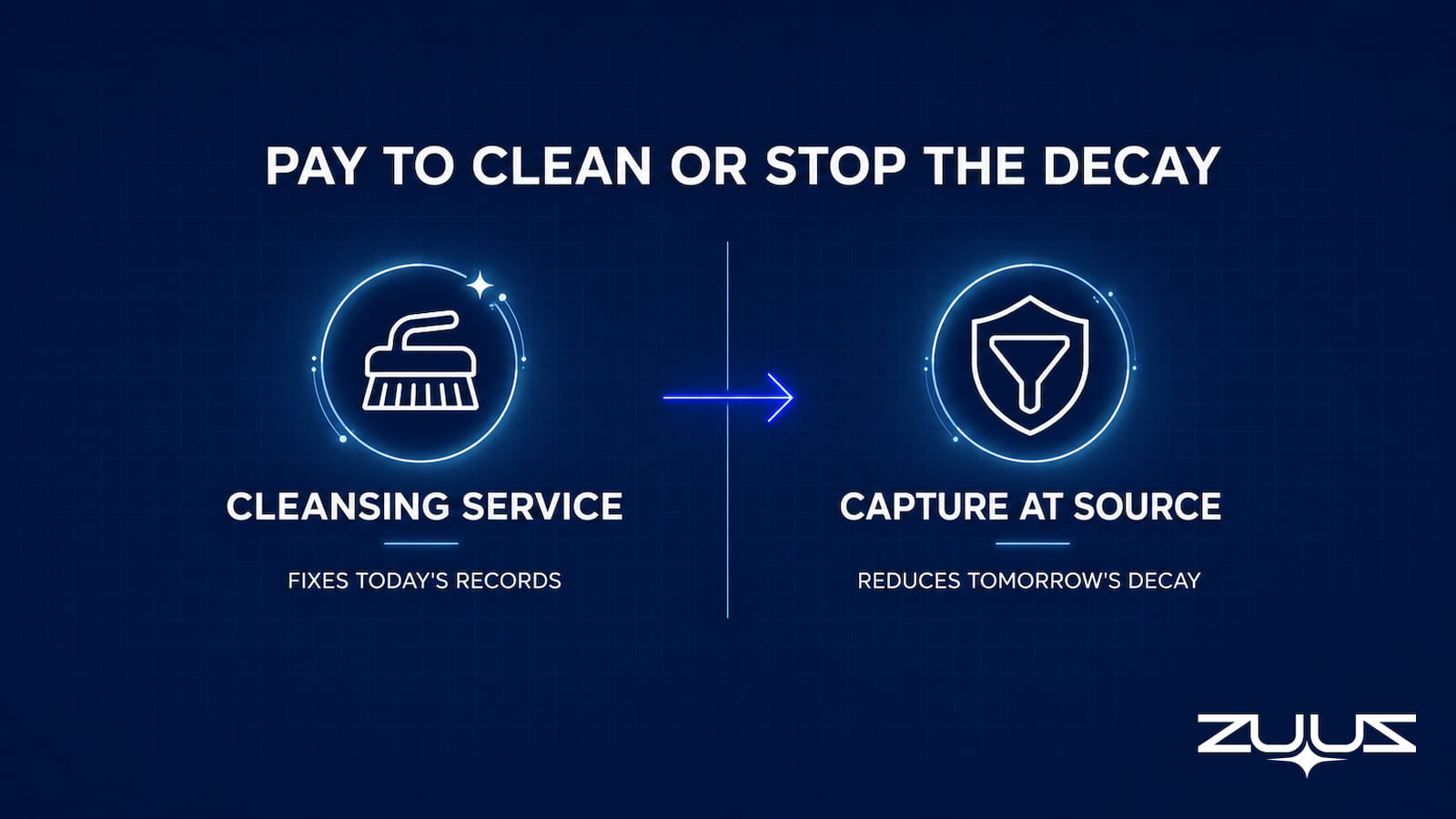
CRM data quality services cleanse, dedupe, and enrich records on a recurring basis. What they include, how they price, and when capture-at-source wins.
Read post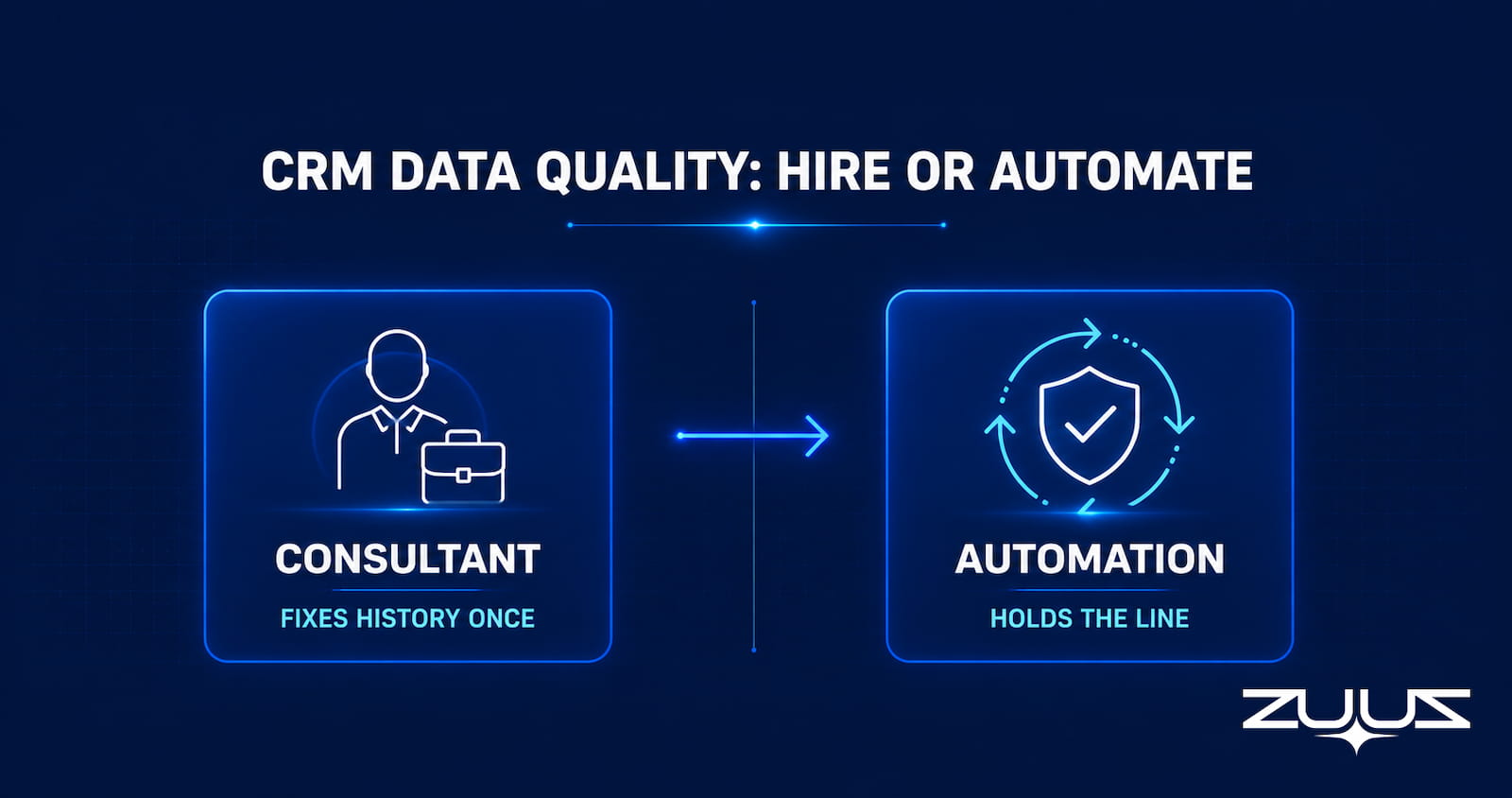
When to hire CRM data quality consultants vs automate. What they do, how engagements are priced, why cleanups degrade, and the hybrid model that works.
Read post
A playbook for CRM data quality checks: duplicate detection, completeness, validation, staleness, ownership, standardization, and how to automate each.
Read post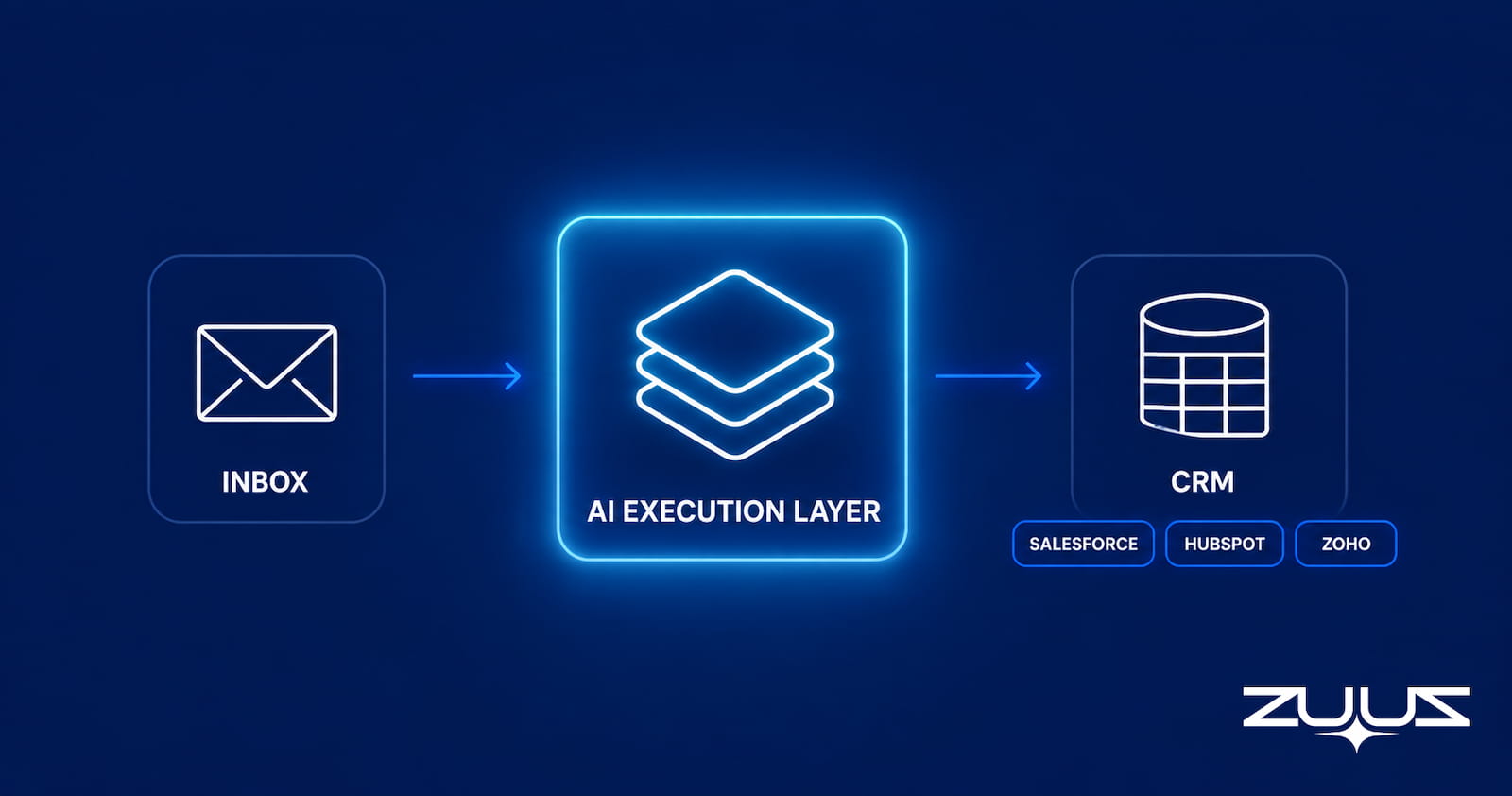
Most CRM automation moves data entry around instead of removing it. See which tools genuinely cut admin work, and which just relocate the typing.
Read post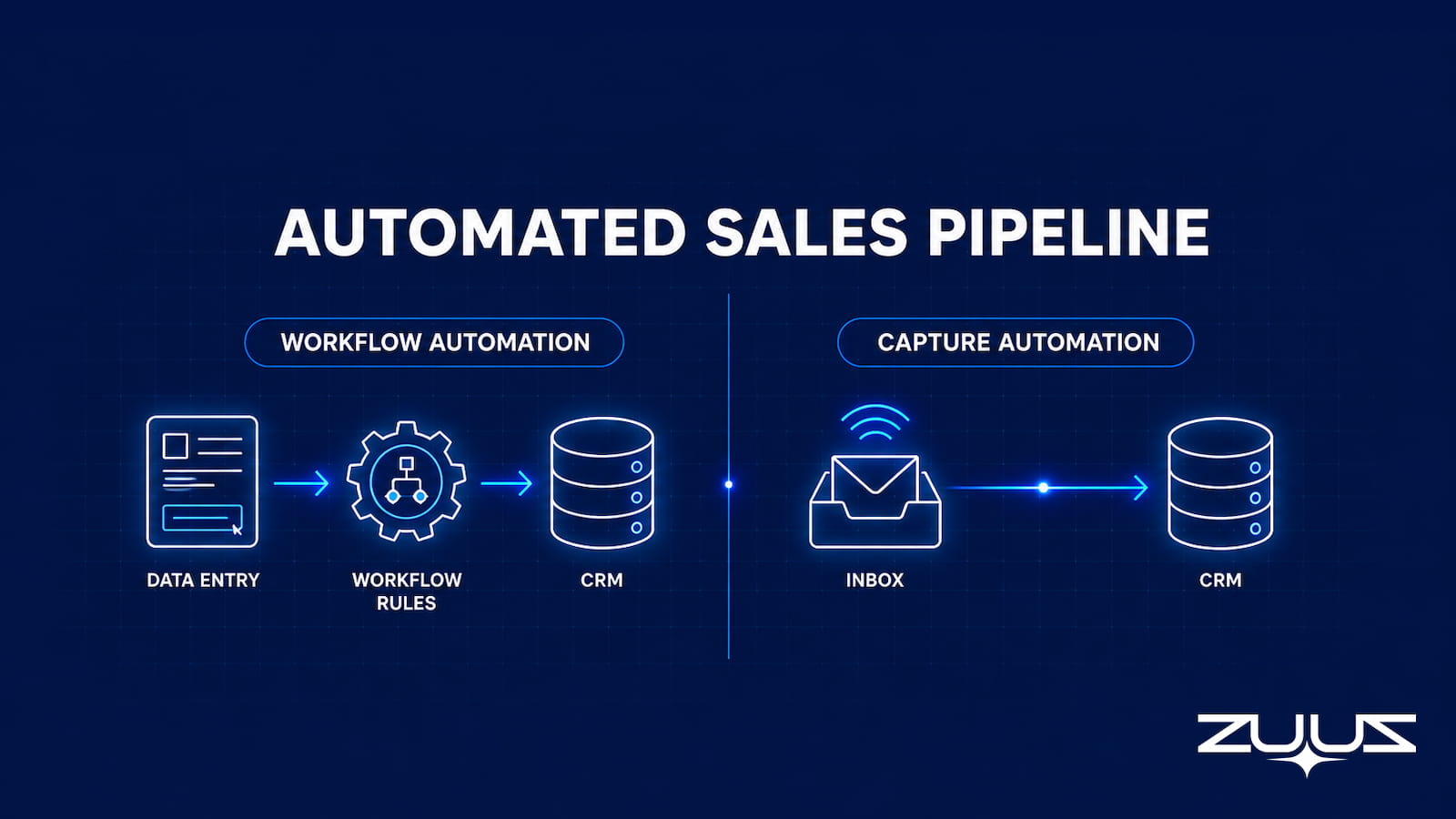
The best automated sales pipeline software automates data capture, not just workflow. See how one IT services team surfaced $120K in 72 hours.
Read postNo articles match that search.
Not pilots that never shipped. 30 customers running ZUUZ on live pipeline today, with real numbers. Here are three of their stories.
In production today
Works with your crm
An IT services team on HubSpot, and others across Salesforce and Zoho. ZUUZ works above the CRM you already run, capturing signal straight from the sales mailbox with no migration.
Yes. 30 customers run ZUUZ on live pipeline today. Not pilots that never shipped. RA Technologies and Cloud Box Technologies are two of them.
Yes. The 30-day trial runs on your real inbound email, so you see what ZUUZ surfaces against deals you already recognize. The same way these customers did.
Pipeline the CRM never captured (One IT services team found $120K in 72 hours), and renewals tracked in minutes (another customer, 10–12).
Current case studies span IT services and cloud technology distribution. ZUUZ works across any B2B sales team that runs pipeline through email and a CRM, so new studies from manufacturing, insurance and SaaS are in progress.
Most teams report measurable time savings within the first two weeks of their 30-day trial. Pipeline velocity and close-rate improvements typically become visible after 60 to 90 days of consistent use.
Metrics come from the customer's own CRM data and are reviewed with the customer before publication. ZUUZ does not fabricate or inflate any figures shown in a case study.
Yes. Contact the ZUUZ team and describe your sales workflow. If a current customer in a similar vertical has opted in, the team can share relevant details or connect you directly.
RA Technologies uses Zoho CRM and Cloud Box Technologies uses Salesforce. ZUUZ connects to Salesforce, HubSpot, Zoho, Attio and Pipedrive, so results translate across CRMs.
Yes. Both featured teams are mid-market. ZUUZ is designed to eliminate manual admin regardless of team size, so solo sellers and five-person teams see proportionally similar time savings.
ZUUZ compares the average number of days from lead capture to closed-won before and after adoption, using timestamped CRM records. The before period is typically the 90 days prior to go-live.
Every objection, answered straight. The questions prospects ask before they start their trial.
No. ZUUZ connects via the official Microsoft Graph or Google Workspace OAuth API and runs a classification filter before anything is processed. Only emails that match sales patterns (inbound inquiries, RFPs, renewal threads, quote requests) are passed to the pipeline engine. Personal email, HR, finance, and legal threads are never read, never stored, never processed. You also choose exactly which mailboxes and folders are in scope.
Never. ZUUZ drafts. It does not send autonomously. Every reply suggestion, CRM update, and follow-up is queued for your team to review. Nothing goes out or gets written to your CRM until a human approves it. You get the leverage of AI without giving up control of your customer relationships. A full audit log records what ZUUZ proposed, who approved it, and when.
No replacement needed. ZUUZ writes into your existing CRM. It doesn’t compete with it. One IT services team ran HubSpot for two years before they connected ZUUZ. In the first 72 hours, ZUUZ surfaced $120K in pipeline on top of the same HubSpot instance, with the same team. Your CRM stores what reps type in. ZUUZ captures the 82% they never type in, and writes it there for you.
Under one week for most teams. You connect one mailbox and one CRM. There’s no IT project, no data migration, no custom code. The Growth plan and above include an onboarding call. Most customers see surfaced pipeline within the first 72 hours. One IT services team found $120K in their first 72 hours starting from a single mailbox connection.
Gong records calls and analyzes conversation patterns for enterprises paying $100K+ per year. Clari forecasts revenue for large sales organizations with established pipeline data. Both tools require your reps to already be capturing deals in the CRM. They optimize what’s there, they don’t find what’s missing. ZUUZ starts one step earlier: it reads the inbound email, qualifies the lead, and writes the deal to your CRM before a rep has touched anything. For IT services, distribution, and insurance teams where deals live in email threads rather than call recordings, ZUUZ solves a problem Gong and Clari weren’t built for. At a fraction of the cost.
ZUUZ was built around the way deals actually happen in IT services and VAR (where RFPs, renewals, and vendor quotes arrive by email), distribution and wholesale (where bulk orders and SKU requests need to be matched and quoted fast), insurance (where renewal threads and policy conversations sit in account manager inboxes), and SaaS and professional services (where inbound trial requests and consulting inquiries need to reach pipeline without rep data entry). If your team sells by email and your CRM lags reality by two weeks, ZUUZ was built for you.
That’s exactly the problem ZUUZ solves, and you don’t need reps to change their behavior for it to work. ZUUZ reads the email, not the rep. It surfaces the signal, qualifies the lead, and proposes the CRM update automatically. Your reps review and approve the proposal in seconds. They’re not doing data entry anymore. They’re approving what ZUUZ already drafted. Most teams see CRM completeness improve from below 40% to above 85% within the first month, without a single training session.
Full access to every feature on your chosen plan, connected to your actual mailbox and your actual CRM, running on your live sales data. No demo environment, no sample data, no credit card until you’re ready. You’ll see your own pipeline, deals that have been sitting in your inbox uncaptured, within the first week. If you don’t see meaningful pipeline surfaced in 30 days, cancel with one click. No questions, no friction.
Yes. ZUUZ is SOC 2 Type I certified. Independently audited, with security controls verified by a third-party assessor. The API-first design means ZUUZ only processes what you explicitly authorize: no full mailbox access, no password storage, no bulk email export. The sales-email classifier filters out everything that isn’t a sales conversation before it reaches the pipeline engine. For regulated sectors like insurance and financial services, you define exactly which mailboxes and folders are in scope and can exclude domains, senders, or subject patterns. Enterprise plans add compliance exports, audit logs, and SSO. Contact us at info@zuuz.ai to discuss your specific requirements before starting a trial.
One IT services firm found $120K in pipeline in the first 72 hours. Leads and active conversations their CRM had never seen, surfaced from their existing sales mailbox. A distribution company reduced quote turnaround from days to hours using ZUUZ's SKU-matching against inbound bulk order emails. Another customer moved from using their CRM for order processing only to seeing live deal pipeline for the first time. Results depend on your email volume and deal size. The ROI calculator estimates your specific situation. One recovered deal typically pays for a full year of ZUUZ.
No question matches. Ask the team.
Drag the sliders to your team’s real numbers. See exactly how much pipeline is quietly slipping through your inbox every year.
Estimated leaked pipeline per year
$0A directional estimate based on the numbers above, not a quote.
Every inbound email carries buying signals. When they go unlogged, the pipeline they represent quietly disappears. Enter your team’s numbers to see the leak. How it’s calculated: inbound emails × 12 months × 2% that carry a deal × average deal size × % of signals missed.
One recovered deal pays for ZUUZ entirely. Start where you are, move up as the pipeline shows up.
For founders and solo sellers. Never miss a deal again.
$99per monthper month, billed yearly
Take the ZUUZ ChallengeWhat you get
For SMB sales teams. Up to 5 reps. Full CRM writeback and team pipeline visibility.
$349per monthper month, billed yearly
Take the ZUUZ ChallengeWhat you get
For growing teams. Up to 10 reps. AI deal coach and enterprise search included.
$649per monthper month, billed yearly
Take the ZUUZ ChallengeWhat you get
For larger teams. Unlimited mailboxes, compliance, white-label and SLA uptime.
CustomTalk to sales for a quote
Contact salesWhat you get
How zuuz compares
| Capability | ZUUZ | Gong | Clari | Outreach | Fireflies / Chorus |
|---|---|---|---|---|---|
| Starting price | $99/mo | about $100K/yr | about $100K/yr | about $100+/user/mo | Free to $39/user/mo |
| Works on your existing CRM | ✓ | Partial | Partial | Partial | Partial |
| Captures inbound email to pipeline | ✓ | ✕ | ✕ | ✕ | ✕ |
| SMB team fit (20-200 people) | ✓ | ✕Enterprise | ✕Enterprise | Mid-market | Some plans |
| Deploy in under 2 weeks | ✓ | ✕Months | ✕Months | 4-8 weeks | ✓ |
| IT / VAR / Distribution depth | ✓ | ✕ | ✕ | ✕ | ✕ |
| Human approval before every action | ✓Always | Some | Some | Some | ✓ |
| 30-day free trial, no credit card | ✓ | ✕Demo only | ✕Demo only | ✕Demo only | Free tier (see note) |
Pricing and features as of June 2026. Gong and Clari enterprise contracts typically require 12-month minimum commitments.
ZUUZ starts at $99 per month per user. This includes all core modules: lead capture, scoring, enrichment, meeting scheduling, pipeline capture, risk management, account management, CRM sync, analytics, and the AI Search Agent.
Yes. ZUUZ offers a 30-day free trial with full access to every feature. You connect your sales inbox and CRM, and ZUUZ begins processing your conversations immediately. No credit card is required to start.
Every ZUUZ subscription includes all modules, enrichment, CRM sync with Salesforce, HubSpot, Zoho, Attio, or Pipedrive, the AI Search Agent, and analytics. There are no hidden add-on fees for individual features.
No. Enrichment, lead capture, and scoring are all included in your per-user subscription. There are no per-lookup, per-lead, or per-action usage fees on top of the monthly price.
ZUUZ offers both monthly and annual billing options. Contact the team at zuuz.ai/contact to discuss annual pricing and any available discounts for longer commitments.
Yes. For teams with more than 20 users or specific security, compliance, or integration requirements, ZUUZ offers custom enterprise pricing. Reach out through the contact page to discuss your needs.
At the end of the trial, you choose whether to continue with a paid subscription. If you do not subscribe, your data processing stops but nothing is deleted. You can re-activate at any time.
Yes. You can adjust the number of users on your plan at any time. Adding a user gives them immediate access to ZUUZ, and removing a user takes effect at the next billing cycle.
Sales reps typically spend 5 to 10 hours per week on CRM updates and pipeline admin. ZUUZ automates that work, giving each rep back a full selling day every week. At $99 per month per user, the tool pays for itself if it saves even a few hours.
No. Integrations with Salesforce, HubSpot, Zoho, Attio, and Pipedrive are included in every plan. Email and calendar connections with Outlook and Gmail are also included at no extra cost.
AI SDR software automates one stage of revenue: outbound prospecting. It researches accounts, drafts cold outreach, and books the first meeting. ZUUZ starts where that job ends. An AI layer on top of your CRM that works the entire lifecycle after the first reply, for every rep on the team.
Why“Asked for 400 units by month-end” · thread 9:42 AM
AIAI SDRs
Sends cold sequences at volume.
How they differ
The category compresses prospecting labor (account research at scale, personalized first-touch drafts, sequencing, and meeting booking) judged on cost-per-meeting.
After the first meeting come qualification threads, pricing questions, RFP attachments, stakeholder changes, and quiet weeks that kill deals. ZUUZ reads all of it and acts.
ZUUZ captures inbound leads as they land, tracks deal progression, flags churn signals, and keeps the CRM current. With an approval gate on every action.
Side by side
| Capability | AI SDR tools | ZUUZ |
|---|---|---|
| Funnel coverage | Outbound prospecting to first meeting | First email through close and renewal |
| Inbound demand | Not the job | Captured, scored, and routed automatically |
| Active-deal signal | Not covered | Stalls, objections, stakeholder changes flagged |
| Renewals & expansion | Not covered | Sentiment and engagement monitoring |
| CRM writeback | New leads at best | Full bi-directional sync with audit trail |
| Who it serves | Replaces/supplements SDR effort | Augments every rep. Zero behavior change |
When to run both
If your one bottleneck is cold outbound volume, an AI SDR earns its keep. If revenue leaks after the first touch (inbound sitting unworked, deals decaying silently, a stale CRM) that is the ZUUZ layer.
The AI SDR owns cold outbound. Account research, first-touch drafts, meeting booking. Its booked meeting lands in a CRM that ZUUZ is already keeping current, and ZUUZ owns the account from the first reply onward.
Start with where your revenue already is. If inbound and existing accounts outweigh cold outbound, start with ZUUZ. The 30-day trial shows the leak size on pipeline you already recognize.
The post-meeting math
About half of pipeline dies silently. Never worked, never flagged. Booking more first meetings doesn’t fix what happens to them after.
The honest answer
AI SDRs win the first meeting. ZUUZ wins everything after it.
No. AI SDR software automates outbound prospecting up to the first meeting. ZUUZ is an AI layer on top of your CRM, covering the full lifecycle (inbound capture, scoring, active-deal risk, and renewals) with a rep approving every action.
Yes, cleanly: the AI SDR books the meeting, ZUUZ takes the account from there. Capturing every thread, keeping the CRM current, and flagging risk through close and renewal.
ZUUZ sends signal-triggered, personalized outreach grounded in CRM context and thread history. Suited to working real deal signals rather than high-volume cold prospecting.
If inbound and existing accounts carry your revenue, ZUUZ first. It monetizes demand you already have. Solo starts at $99/mo with a 30-day trial on your own inbox.
ZUUZ is not an AI SDR that sends cold outbound on your behalf. It is an AI intelligence layer that captures leads from your reps' existing email and LinkedIn conversations, enriches them, scores them, and syncs everything to your CRM. Your reps stay in control — ZUUZ handles the admin, not the selling.
AI SDR tools generate and send outbound messages autonomously. ZUUZ does the opposite — it reads your inbound email and LinkedIn messages, captures leads your team is already talking to, and keeps your CRM accurate. Every follow-up draft goes through rep review before it is sent, so your prospects always hear from a real person.
Yes. ZUUZ reads replied threads from sequencing and SDR tools, captures the leads that respond, enriches their records, and syncs updates to Salesforce, HubSpot, Zoho, Attio, or Pipedrive. It fills the gap between when an AI SDR generates a reply and when that lead shows up properly in your CRM.
No. ZUUZ does not send automated outbound emails or LinkedIn messages. It drafts follow-up responses based on your conversations and presents them for your reps to review and send. This human-in-the-loop approach means your prospects get thoughtful replies from your team, not bot-generated sequences.
If your pipeline already has inbound conversations happening over email and LinkedIn, ZUUZ captures every lead from those conversations automatically — no cold outbound needed. It enriches contacts, scores them, and syncs to your CRM so your reps can focus on the highest-value opportunities instead of data entry.
ZUUZ works with real conversations your team is already having, which means the leads it captures are identified contacts with genuine buying signals — not cold prospects from a database. Because every CRM update goes through rep approval, your pipeline data stays accurate and reflects actual deal activity.
Conversation intelligence software records sales calls and analyzes them. Talk ratios, sentiment, coaching moments. Valuable, but the category shares one blind spot: it needs a call to happen. Most B2B deal signal moves in writing between calls. ZUUZ is built for that layer, and it doesn’t stop at analysis, it acts.
CapturedStage read from the conversation, not typed in
CIConversation Intelligence
Records and analyses calls.
How they differ
ZUUZ reads email, attachments, Slack, and Teams continuously (the pricing question at 7am, the RFP attachment, the thread that went quiet) no recording required.
Where conversation intelligence reports, ZUUZ drafts the reply, books the meeting, and flags the risk with a recommended action.
Every step writes to the CRM. Approval-gated and logged, so nothing lands on a buyer or a record without a rep’s review.
Side by side
| Capability | Conversation intelligence | ZUUZ |
|---|---|---|
| Signal source | Recorded calls and meetings | Email, attachments, Slack, Teams |
| Needs a call to happen | Yes | No (any thread, any time |
| Output | Analysis and coaching insight | Actions: drafts, bookings, flags, CRM writes |
| CRM writeback | Call summaries at best | Full bi-directional sync, approval-gated |
| Risk detection between calls | Blind spot | Continuous) stalls, silence, objections |
| Human control | N/A (read-only) | Approval gate + audit trail on every action |
When to run both
Between the calls
Another customer tracks this many renewals in minutes. A signal that lived entirely in email threads, where call recording never looks.
The honest answer
Conversation intelligence analyzes what was said. ZUUZ acts on what was written.
Software that records, transcribes, and analyzes sales calls to surface coaching insights and deal mentions. Gong and Chorus defined the category. Its scope is the recorded conversation itself.
ZUUZ reads the written channels where most B2B deal signal lives (email, attachments, chat) and takes action on what it finds: drafting, scheduling, flagging, and syncing to the CRM with human approval. No call required.
Call-heavy teams often keep a conversation-intelligence tool for coaching and add ZUUZ for pipeline truth. If budget forces a choice, ask which layer your forecast depends on more: what’s said on calls, or what’s written between them.
ZUUZ works from the email and calendar signal around meetings (scheduling intent, follow-up threads, commitments in writing) rather than recording the meetings themselves.
ZUUZ reads conversations — email and LinkedIn messages — to capture deal signals, but it goes beyond intelligence into action. It auto-captures leads, enriches contacts, scores them, schedules meetings, and syncs everything to your CRM with rep approval. It is an AI intelligence layer that acts on conversations, not just analyzes them.
Conversation intelligence tools record and analyze sales calls to surface coaching insights. ZUUZ focuses on your written conversations — email and LinkedIn — to capture new leads, flag pipeline risk, and keep your CRM updated. Your reps get actionable next steps in their CRM, not just call transcripts to review.
ZUUZ and conversation intelligence tools serve different purposes. If your team needs call recording and coaching analytics, keep your current tool. ZUUZ adds lead capture, enrichment, and CRM sync from email and LinkedIn — the written side of sales conversations that most intelligence tools do not cover.
ZUUZ captures meeting transcripts from Microsoft Teams and inbound call transcripts from CallTrackingMetrics, surfacing key deal signals from those conversations. However, ZUUZ is not a call-recording or coaching platform — it uses conversation data to keep your CRM pipeline accurate and your reps focused on deals that need attention.
ZUUZ captures signals from email (Outlook and Gmail), LinkedIn messages, Microsoft Teams meeting transcripts, and inbound call transcripts. It reads these conversations for new leads, deal activity, and risk signals, then syncs structured data to Salesforce, HubSpot, Zoho, Attio, or Pipedrive with rep approval.
Yes. Most conversation intelligence tools focus on recorded calls, leaving email and LinkedIn messages uncovered. ZUUZ fills that gap — it captures leads and deal signals from the written conversations your team has every day and syncs them to your CRM, giving your pipeline a more complete picture alongside your call analytics.
Salesforce, HubSpot, and Zoho all now ship AI inside the CRM. Einstein-style scoring, summaries, next-step suggestions. Useful features. But CRM-native AI shares a structural limit no roadmap fixes: it can only reason over data already inside that one CRM. The deal is happening outside it. ZUUZ works above the CRM, on the signal itself.
AuditWho · what · when · why, on every write
CRMCRM-Native AI
Knows what someone typed in.
How they differ
It scores existing leads, summarizes logged activity, and suggests next actions from CRM history. If your reps log everything faithfully, it compounds that discipline.
The premise is the problem: 30–40% of CRM fields are incomplete or stale, because logging depends on reps. ZUUZ connects to your sales inbox, emails and attachments, and creates what the CRM is missing.
ZUUZ creates leads never logged, stages never updated, and risks never flagged. CRM-agnostic across Salesforce, HubSpot, Zoho, Attio, and Pipedrive, even simultaneously.
Side by side
| Dimension | CRM-native AI | ZUUZ |
|---|---|---|
| Reads email natively | Only synced/logged messages | Every inbound & outbound message + attachments |
| Reads Slack / Teams | No | Yes |
| Creates records from unstructured signal | Partial at best | Automatically, approval-gated |
| Works across CRM vendors | One ecosystem only | Salesforce, HubSpot, Zoho, Attio, Pipedrive. Even together |
| Risk detection | Analytics on logged records | Live signal: silence, objections, stakeholder change |
| If you switch CRM | AI stays behind | The layer moves with you |
When to run both
Use your CRM’s native AI it is included, and it helps at the margins on records that exist.
Choose ZUUZ when the actual problem is what never reaches the CRM at all, and better inputs make native AI’s outputs better too.
Native AI deepens single-vendor lock-in; a CRM-agnostic layer keeps the intelligence, scoring, and audit history above the CRM.
For multi-CRM organizations one unit on Salesforce, an acquisition on Zoho. One layer keeps both true, at no extra cost.
The data native ai never sees
One IT services team ran HubSpot for two years. ZUUZ found this in 72 hours. In the mailbox, where no CRM-native AI could reach.
The honest answer
CRM-native AI polishes the data you typed in. ZUUZ captures the deal you didn’t.
Use it. It is included. But it can only reason over data already in the CRM, and 30–40% of CRM fields are typically incomplete or stale. ZUUZ fixes the inputs by reading the deal conversations themselves and writing what is missing, with rep approval.
No. It complements them from above. Native AI improves records that exist; ZUUZ creates and maintains the records from live signal. Better inputs make native AI’s outputs better too.
Yes. That is a core design point. ZUUZ runs across Salesforce, HubSpot, Zoho, Attio, and Pipedrive simultaneously, applying the same signal layer to each.
Meaningfully. Because the intelligence layer sits above the CRM, changing your system of record doesn’t reset your AI. The layer, its scoring, and its audit trail come with you.
ZUUZ works differently than CRM-native AI features. Einstein and HubSpot AI operate within one CRM's data, while ZUUZ connects to your sales inbox and LinkedIn to capture leads and deal signals that never made it into your CRM in the first place. It fills your CRM with accurate data, then those native AI features have better data to work with.
CRM-native AI can only work with data already in your CRM. ZUUZ captures leads from email and LinkedIn conversations that reps haven't logged, enriches contacts, and syncs updates in real time. It solves the data-quality problem that limits what your CRM's built-in AI can do — clean data in, better insights out.
Yes. ZUUZ writes leads, contacts, and deal updates to Salesforce, which means Einstein's predictions and scoring improve because the underlying data is more complete. Think of ZUUZ as the capture layer that feeds Einstein better inputs — they are complementary, not competing.
No. ZUUZ is a separate AI layer that handles lead capture, enrichment, scoring, and pipeline monitoring from your sales conversations. Your CRM's native AI features continue to work with the data ZUUZ syncs — and they work better because ZUUZ keeps that data more complete and current than manual entry alone.
ZUUZ reads your actual email and LinkedIn conversations to detect leads and deal signals — something CRM-native AI does not do because it only sees data already inside the CRM. ZUUZ also works across Salesforce, HubSpot, Zoho, Attio, and Pipedrive, so you get the same intelligence layer regardless of which CRM you use.
ZUUZ solves a different problem than your CRM's AI tier. If reps are not logging every lead and deal update — and most are not — then your CRM's AI is working with incomplete data. ZUUZ captures what reps miss from email and LinkedIn, so the investment you have already made in CRM-native AI delivers better results.
Sequencing tools, the Outreach/Salesloft/Apollo category, automate outbound cadences: a fixed series of touches a rep configures, enrolls leads into, and executes. That is the first mile of revenue. ZUUZ covers the rest of the road: everything that happens after the first reply, which no cadence was designed to see.
Draft“Hi Dana. Picking up on the pricing you asked about…”
SEQSequencing Tools
Runs a fixed cadence on a timer.
How they differ
They compress outbound labor. Multi-step cadences across email and calls, task queues that keep reps on schedule, and analytics on touch performance. For high-volume cold outreach, the category is mature.
When a prospect replies with a pricing question, ZUUZ re-scores intent and drafts the answer from thread history. When a thread goes quiet 14 days after a commitment, ZUUZ raises a risk flag with a recommended action.
When the deal advances, the CRM updates itself. Stage, next step, audit trail. Reps approve; nothing needs enrolling.
Side by side
| Capability | Sequencing tools | ZUUZ |
|---|---|---|
| Trigger | Fixed schedule set by a rep | Live deal signal |
| Inbound & replies | Ends or pauses the sequence | Where the real work begins |
| Active-deal monitoring | Not covered | Stalls, silence, objections, stakeholder change |
| Renewals | Not covered | Churn and expansion signals watched continuously |
| CRM writeback | Outbound activity logs | Leads, stages, next steps, risks (bi-directional |
| Rep workload | Build, enroll, maintain cadences | Approve proposed actions |
When to run both
The honest answer
Sequencers automate outbound. ZUUZ does everything after.
No. Many teams keep a sequencer for cold outbound and let ZUUZ own everything after engagement. Capture, scoring, active-deal risk, renewals, and CRM sync.
For signal-driven follow-up on real deals, yes. ZUUZ drafts and times outreach from thread context rather than a fixed schedule, with rep approval on every send. For high-volume cold prospecting, a sequencer remains purpose-built.
That is exactly where ZUUZ takes over: the reply is read, intent re-scored, a grounded response drafted, and the CRM updated. The moment sequencing tools traditionally go blind.
Run the 30-day trial on your own inbox. It surfaces the unworked inbound, silent deals, and unlogged activity your sequencer never touched. On pipeline you already recognize.
ZUUZ is not a sequencing tool — it handles what happens after conversations start. While sequencing tools manage outbound cadences, ZUUZ captures inbound leads from email and LinkedIn, enriches contacts, scores them, and syncs everything to your CRM. Teams often use ZUUZ alongside their sequencing tool to close the loop on lead-to-CRM data.
Sequencing platforms automate outbound email and call cadences. ZUUZ reads your inbound email and LinkedIn messages to capture leads, enrich contacts, and keep your CRM updated — all with rep approval. It focuses on pipeline hygiene and lead capture rather than outbound message automation.
Yes. ZUUZ reads replied threads from tools like Apollo and Smartlead, captures the leads that respond, and syncs them to Salesforce, HubSpot, Zoho, Attio, or Pipedrive. This means leads generated by your sequences end up in your CRM with enriched, structured records — not sitting in a separate inbox.
No. ZUUZ does not send outbound sequences or automated emails. It monitors your inbox and LinkedIn for deal signals, captures new leads from conversations your team is already having, and drafts responses for rep review. ZUUZ is built for pipeline capture and CRM sync, not outbound automation.
Sequencing tools send messages but often do not sync replies and new contacts back to your CRM cleanly. ZUUZ captures every lead and deal signal from those replies, enriches the contact record, scores the lead, and syncs a complete record to your CRM — closing the data gap between outbound activity and pipeline accuracy.
ZUUZ is purpose-built for inbound capture — it reads your sales inbox and LinkedIn messages, identifies new leads, enriches them, and creates structured records in your CRM automatically. Sequencing tools are not designed for this workflow, which is why teams add ZUUZ to make sure no inbound lead falls through the cracks.
ZUUZ vs Gong is a comparison of two layers of the same deal. Gong has grown into a broader revenue AI platform, but its core signal source is still recorded calls. ZUUZ is an AI layer on top of your CRM that reads the email, attachments, and channel signal between those calls, and acts on what it finds. Many teams run both.
CapturedStage read from the conversation, not typed in
GGong
Records and analyses calls.
How they differ
Gong built the conversation-intelligence category. It records, transcribes, and analyzes calls for talk ratios, coaching moments, and competitor mentions. If your gap is call quality, that’s its home turf.
Most B2B deal activity between calls happens in email. The pricing question, the RFP attachment, the stakeholder gone quiet. Call recording never sees it; ZUUZ reads that layer continuously.
Gong tells you what happened. ZUUZ creates the lead, updates the stage, drafts the reply, flags the risk, and writes it all to your CRM. A rep approving each action.
Side by side
| Dimension | ZUUZ | Gong |
|---|---|---|
| Primary signal source | Email, attachments, Slack, Teams | Recorded calls |
| Works without a call happening | Yes (any thread, any time | No |
| Takes action on signal | Drafts, schedules, flags, syncs | Insight and coaching |
| Keeps CRM current automatically | Full bi-directional sync, approval-gated | Call summaries |
| Renewal & churn detection | Sentiment and engagement across all threads | Call-based |
| CRM dependence | CRM-agnostic layer) Salesforce, HubSpot, Zoho, Attio, Pipedrive | Works alongside your CRM |
Where each fits
Choose Gong when the problem is call quality and coaching at scale.
Choose ZUUZ when the problem is pipeline truth deals dying silently in inboxes, a CRM that lags reality, renewals surfacing too late.
Run both when calls and email both carry your revenue they don’t overlap, they stack.
Test it on your own pipeline export a week of deals and count how many advanced through email versus calls. That ratio is your answer.
What the email layer is worth
One IT services team found this pipeline in 72 hours, sitting in the sales mailbox. No call recording would have surfaced it.
The honest answer
Gong analyzes conversations. ZUUZ acts on them, and keeps your CRM current while it does.
Both, depending on your gap. They work on different layers: Gong on recorded calls, ZUUZ on email and channel signal. Teams with call-coaching needs keep Gong; teams whose deals move through email adopt ZUUZ for capture, risk, and CRM sync. Many run both.
No. ZUUZ reads email, attachments, Slack, and Teams. Meeting outcomes enter through follow-up threads and calendar signals rather than call recordings.
For pipeline visibility specifically, yes. ZUUZ builds pipeline truth from the deal conversations themselves and writes it to your CRM. What it doesn’t replace is call-recording-based coaching.
ZUUZ plans run $99–$649/mo flat with all six modules included, and a 30-day free trial on your own inbox. See the pricing page for tiers.
ZUUZ works well for teams of any size because it requires no call-recording infrastructure to get started — it connects to your sales inbox and LinkedIn messages to capture deal signals automatically. While Gong focuses on analyzing recorded conversations, ZUUZ covers the full pipeline from lead capture through CRM sync, giving smaller teams broader coverage without multiple tools.
ZUUZ captures leads and deal signals from email and LinkedIn messages, enriches contacts, scores leads, schedules meetings, and syncs everything to your CRM — all with your approval before anything gets sent or updated. Gong is built around call and meeting recordings, while ZUUZ focuses on the written conversations and admin work that consume most of a rep's day.
Yes. ZUUZ integrates with Salesforce, HubSpot, Zoho, Attio, and Pipedrive, so it writes to the same CRM Gong reads from. Teams often use Gong for call coaching and ZUUZ for everything that happens outside those calls — email lead capture, pipeline updates, and follow-up scheduling.
ZUUZ reads your email and LinkedIn conversations to detect deal signals, identify new leads, and flag pipeline risk — but it does this on written messages rather than recorded calls. Your reps review every insight and approve every action, so nothing updates your CRM or reaches a prospect without a human decision.
ZUUZ offers per-user pricing starting at $65/user/month with a self-service signup — no enterprise sales cycle or minimum seat count required. You can start a trial at zuuz.ai/trial to see how it works with your existing CRM before committing.
ZUUZ and Gong serve different angles of the revenue picture. ZUUZ captures leads from inbound email and LinkedIn, keeps your CRM updated in real time, and monitors pipeline risk based on actual deal activity — giving your team a cleaner, more complete view of the pipeline without relying solely on call data.
Most teams weighing a Salesloft alternative aren’t unhappy with cadences. They’ve hit the ceiling of what cadences can see. Salesloft has grown into a broader revenue orchestration platform, but its core execution model is still rep-configured cadences. ZUUZ works from the other direction: it reads the real deal signal in email and acts on it, including everything after a sequence ends.
Draft“Hi Dana. Picking up on the pricing you asked about…”
SLSalesloft
Runs a fixed cadence on a timer.
How they differ
A mature sales engagement platform: structured cadences, call logging, and analytics on rep activity. For high-volume outbound where reps drive every step, it’s a proven system.
A cadence runs on a timer; it doesn’t know the prospect just asked a pricing question, went silent for 14 days, or looped in procurement. ZUUZ triggers on those signals themselves.
ZUUZ reads the deal signal in the thread, re-scores the lead as intent shifts, and writes every update back to the CRM. Reps approve; nobody builds and babysits sequences.
Side by side
| Dimension | ZUUZ | Salesloft |
|---|---|---|
| Reads inbound email signal | Every inbound thread and attachment | Limited |
| After the sequence ends | Deal tracked through close and renewal | Activity complete |
| CRM updates | Full bi-directional sync, approval-gated | Outbound activity logging |
| Deal risk detection | Stalls, silence, objections flagged early | Not the focus |
| Setup burden on reps | Connect once. ZUUZ reads and proposes | Build and maintain cadences |
Where each fits
Keep Salesloft if your model is rep-driven, high-volume outbound and it’s working.
Choose ZUUZ if the pain is what cadences can’t see inbound demand buried in inboxes, active deals going quiet, renewals slipping.
Run both cadences you still want keep running; ZUUZ owns everything they can’t see. The replies, the active-deal threads, the renewals.
No data migration ZUUZ connects to the mailboxes and CRM you already run, typically in one to two weeks.
The honest answer
Salesloft automates the outbound you schedule. ZUUZ acts on the signals you’d otherwise miss.
Not for outbound cadences. ZUUZ covers inbound capture, deal risk, renewals, and CRM hygiene. For rep-managed, high-volume outbound cadences specifically, Salesloft remains the classic tool. Some teams run ZUUZ alongside it for everything after the first reply.
No. ZUUZ does not run outbound sequences. It reads the deal signal in email and writes the resulting leads, stage changes, risk flags, and renewal signals to your CRM, with a rep approving every action.
More broadly: ZUUZ writes leads, stage changes, next steps, and risk flags, not just outbound activity, to Salesforce, HubSpot, Zoho, Attio, or Pipedrive, with an audit trail on every action.
The 30-day free trial runs on your own inbox with no setup fee, so you can compare what ZUUZ surfaces against what your current stack captures within a month.
ZUUZ takes a different approach than Salesloft. Rather than managing outbound sequences, ZUUZ connects to your sales inbox and captures leads, enriches contacts, scores prospects, and syncs updates to your CRM — all with human-in-the-loop approval. It focuses on the pipeline work reps do after a conversation starts, not the sequencing that starts it.
ZUUZ auto-captures leads from inbound email and LinkedIn messages, enriches them with company and contact data, and writes structured records to your CRM without reps doing manual data entry. Salesloft is designed around outbound cadences and sequencing, while ZUUZ handles the capture-to-CRM workflow that keeps your pipeline data clean and current.
Yes. ZUUZ reads replied threads from sequencing tools and writes to the same CRM — Salesforce, HubSpot, Zoho, Attio, or Pipedrive. Teams can run Salesloft for outbound sequences and ZUUZ for lead capture, enrichment, scoring, and CRM hygiene, so neither tool's data sits in a silo.
ZUUZ is not a direct Salesloft replacement — it layers on top of your CRM rather than replacing your engagement stack. You can add ZUUZ alongside Salesloft with no data migration required, since ZUUZ connects to your inbox and CRM directly and starts capturing signals from day one.
ZUUZ does not send outbound sequences. Instead, it monitors your inbox and LinkedIn messages for replies and deal signals, captures new leads automatically, and keeps your CRM updated so reps spend less time on admin and more time in conversations. Your reps review and approve every action ZUUZ suggests.
ZUUZ is purpose-built for CRM accuracy — it captures every lead and deal update from email and LinkedIn, enriches contact records, and syncs to your CRM with your approval. Because ZUUZ focuses on keeping pipeline data clean rather than sending outreach, teams using it typically see fewer stale records and missing contacts in their CRM.
Most teams researching Clari pricing are really pricing a forecasting problem: the forecast keeps missing because the pipeline data feeding it lags reality. Clari answers that with revenue forecasting built natively on Salesforce. ZUUZ answers it one layer earlier. By fixing the data itself, from the deal conversations, across whichever CRM you run.
“What changed in the pipeline this week?”
LinkedEvery figure opens the thread behind it
CClari
Rolls up what the CRM already holds.
How they differ
An established revenue platform: forecast roll-ups, pipeline inspection, and analytics with deep Salesforce integration. For Salesforce-standardized enterprises, it’s a known quantity.
A forecast is only as good as its inputs, and CRM inputs are typically 30–40% incomplete or stale. ZUUZ reads every deal thread and updates stages and next steps automatically.
ZUUZ flags stalls, silence, and stakeholder changes from captured deal reality. The same on Salesforce, HubSpot, Zoho, Attio, or Pipedrive.
Side by side
| Dimension | ZUUZ | Clari |
|---|---|---|
| CRM dependence | CRM-agnostic (Salesforce, HubSpot, Zoho, Attio, Pipedrive | Salesforce-native |
| Primary input | Live deal conversations + CRM data | Existing CRM pipeline data |
| Fixes stale CRM data | Rewrites it from real signal, approval-gated | Inspects it |
| Deal risk detection | Thread-level: silence, objections, stakeholder change | Pipeline analytics |
| Scope beyond forecasting | Full lifecycle: capture, scoring, risk, renewals | Revenue platform |
| Migration required | None) layer on your current CRM | Salesforce assumed |
Where each fits
Choose Clari if you’re a Salesforce-only enterprise wanting forecast governance on data you already trust.
Choose ZUUZ if you don’t trust the data yet or you run HubSpot, Zoho, Attio, or Pipedrive, or several CRMs at once.
Run both ZUUZ keeps the underlying pipeline current while Clari governs the roll-up.
Flat pricing, $99–$649/mo with every capability included compare against an enterprise quote directly.
Fix the inputs first
Forecast swing usually traces back to data that lags the real deal. ZUUZ closes that lag at the source. The CRM updates itself from the thread.
The honest answer
Clari inspects the pipeline your reps entered. ZUUZ builds the pipeline from what actually happened.
ZUUZ publishes flat per-tier pricing: $99 (Solo), $349 (Growth), $649 (Scale) per month, Enterprise custom. All six modules included, 30-day free trial. Enterprise revenue platforms are typically quoted; compare against your quote directly.
No. ZUUZ does not produce a forecast. It keeps the pipeline data your forecast depends on current, by comparing live thread activity against what the CRM claims and rewriting the record from real signal.
Largely, yes. Clari’s depth is Salesforce-native. ZUUZ is CRM-agnostic and runs identically on Salesforce, HubSpot, Zoho, Attio, and Pipedrive. Including more than one at once.
Yes. ZUUZ improves the CRM data Clari consumes. Teams keep Clari for forecast governance while ZUUZ keeps the underlying pipeline current.
ZUUZ and Clari solve different problems. Clari focuses on revenue forecasting and analytics, while ZUUZ captures leads from email and LinkedIn, enriches them, scores them, and keeps your CRM data accurate in real time. ZUUZ gives your forecasting tool — whether that is Clari or your CRM's native reports — cleaner data to work with.
ZUUZ captures inbound leads from email and LinkedIn messages, auto-enriches contacts, schedules meetings, and syncs everything to your CRM — tasks that happen upstream of forecasting. Clari analyzes existing pipeline data to predict revenue outcomes, while ZUUZ focuses on making sure that pipeline data is complete and current in the first place.
Yes. ZUUZ writes to Salesforce, HubSpot, Zoho, Attio, and Pipedrive, which means Clari reads the same updated records ZUUZ maintains. Teams that pair them get better forecasts because ZUUZ keeps the CRM data Clari depends on clean and complete — fewer missed leads and stale deal stages.
ZUUZ does not generate revenue forecasts or win-probability scores. Instead, it monitors pipeline activity and flags deals that have gone quiet or show risk signals based on real email and meeting activity. Your reps get plain-language status updates — not predictive models — so they can take action on deals that need attention.
ZUUZ improves pipeline visibility at the source — it captures every lead and deal signal from your inbox and LinkedIn, enriches records, and syncs updates to your CRM automatically. Rather than analyzing what is already in your CRM like Clari does, ZUUZ makes sure what is in your CRM reflects what is actually happening in your conversations.
ZUUZ offers self-service signup at zuuz.ai/trial with no implementation project required — connect your inbox and CRM, and it starts capturing leads and syncing data. Because ZUUZ layers on top of your existing CRM rather than requiring a separate analytics deployment, most teams are running within the same week they sign up.
The search for an Outreach alternative usually starts when a team realizes sequencing was never the whole job. Outreach.io automates outbound cadences a rep configures and triggers. ZUUZ covers the rest of the deal: reading inbound signal, qualifying it, keeping the CRM current, and watching risk. Autonomously, with a rep approving every action.
Why“Asked for 400 units by month-end” · thread 9:42 AM
OOutreach
Runs a fixed cadence on a timer.
How they differ
One of the defining sales engagement platforms: multi-step cadences, rep task management, and engagement analytics for outbound at scale. When the bottleneck is outbound volume, it earns its place.
An inbound demo request becomes a captured, scored lead; a stalled thread becomes a risk flag with a recommended action; a pricing question becomes a drafted reply grounded in thread history.
Everything lands in the CRM automatically. The update work sequencing tools were never built to do. Reps approve what ZUUZ proposes rather than building, enrolling, and executing.
Side by side
| Dimension | ZUUZ | Outreach |
|---|---|---|
| Core model | Signal-triggered autonomous execution | Rep-configured cadences and tasks |
| Inbound signal capture | Every inbound email and attachment | Not the focus |
| Active-deal monitoring | Thread-level risk: stalls, silence, objections | Sequence analytics |
| Renewals & expansion | Sentiment and engagement monitoring | Not covered |
| CRM writeback | Leads, stages, next steps, risk. Bi-directional | Outbound activities |
| Rep effort required | Approve what ZUUZ proposes | Build, enroll, execute |
Where each fits
Keep Outreach when high-volume, rep-driven outbound is your engine and it’s humming.
Choose ZUUZ when the misses are elsewhere inbound demand buried in inboxes, active deals decaying quietly, a CRM nobody updates.
Draw a clean line the sequencer owns pre-reply, ZUUZ owns everything after the first response. Capture, risk, renewals, and CRM writeback.
Connect mailboxes plus CRM in one to two weeks a connection, not a rip-and-replace migration.
The honest answer
Outreach automates the touches you plan. ZUUZ handles the deal that happens in between.
If your outbound is rep-driven cadence execution, Outreach remains purpose-built for that. ZUUZ is the alternative when you want signal-driven execution across the whole lifecycle (inbound, active deals, renewals) with the CRM kept current automatically.
ZUUZ sends structured, personalized outreach triggered by deal signals, CRM context, and calendar events. Every send approved by a rep. It’s outreach that reacts to the deal, not a fixed cadence.
It reads inbound and active-deal email, scores and enriches leads, flags pipeline and renewal risk, answers questions in plain language, and writes everything to Salesforce, HubSpot, Zoho, Attio, or Pipedrive with an audit trail.
Run ZUUZ’s 30-day free trial on your real inbox. It will surface the inbound and active-deal signal your current stack misses, against deals you already recognize.
ZUUZ complements rather than replaces outbound sequencing tools. While Outreach manages multi-step email and call sequences, ZUUZ captures inbound leads from email and LinkedIn, enriches contacts, scores them, and keeps your CRM updated — all with human-in-the-loop approval. It handles the pipeline work that happens around and after outbound conversations.
ZUUZ auto-captures leads from your sales inbox and LinkedIn messages, enriches them with company data, scores them, schedules meetings, and syncs everything to Salesforce, HubSpot, Zoho, Attio, or Pipedrive. Outreach is built for outbound sequence execution, while ZUUZ focuses on making sure every deal signal — inbound or reply — makes it into your CRM.
Yes. ZUUZ reads replied threads from outreach tools and writes to the same CRM your team already uses. Teams that run Outreach for sequences and ZUUZ for capture-and-sync find their CRM stays more complete because ZUUZ catches signals that fall between sequence steps.
No. ZUUZ does not send outbound sequences or automated emails. It monitors your inbox and LinkedIn for deal signals, captures new leads, drafts follow-up responses for your review, and syncs updates to your CRM. Every message a rep sends goes through their own review and approval first.
ZUUZ starts at $65/user/month with self-service signup and no long-term contract required. Because ZUUZ layers on top of your CRM rather than replacing your engagement platform, you can start with a single rep to see results before expanding — no enterprise-wide rollout needed to get value.
ZUUZ is specifically built to keep your CRM accurate. It captures every lead and deal update from email and LinkedIn, enriches contact records automatically, and syncs to your CRM with rep approval. Teams that rely only on sequencing tools often find their CRM misses leads that come in outside of managed sequences — ZUUZ closes that gap.
Evaluating a 6sense alternative comes down to which signal you trust more: inferred or first-party. 6sense models buying intent from third-party web behavior. Anonymous research activity across the internet. ZUUZ reads the intent your prospects state directly, in the emails they send your team, and acts on it, writing the results to your CRM.
Why“Asked for 400 units by month-end” · thread 9:42 AM
6s6sense
Infers intent from web activity.
How they differ
A leader in account-based intent data: identifying which target accounts show research activity, so marketing and outbound teams can prioritize before a prospect ever raises a hand.
First-party signal is the market: the demo request in the inbox, the pricing question on the thread, the RFP attachment, the renewal contact going quiet. It’s intent buyers state, not intent modeled.
ZUUZ captures that signal the moment it arrives, scores it on five factors, drafts the response, and keeps the CRM current. The whole loop, human-approved.
Side by side
| Dimension | ZUUZ | 6sense |
|---|---|---|
| Signal type | Stated first-party deal signal | Inferred third-party web intent |
| Where it looks | Your team’s actual email and channels | Anonymous research across the web |
| Funnel stage | Engaged leads through close and renewal | Pre-engagement account targeting |
| Takes action | Drafts, schedules, flags, syncs. Approval-gated | Prioritization and ads |
| CRM impact | Records, stages, risks written bi-directionally | Account scores in |
| Answers | “What’s happening in our deals?” | “Who should we target?” |
Where each fits
Choose 6sense when your bottleneck is account discovery before engagement.
Choose ZUUZ when engaged demand is already flowing into inboxes and leaking there. Unlogged, unscored, unworked.
Run both intent data nominates accounts worth pursuing; ZUUZ takes over the moment a real conversation starts.
Teams without an intent platform often find their inboxes already hold more engaged demand than reps can work.
The signal was already yours
One IT services team’ hidden pipeline wasn’t found by intent modeling. It was sitting in the sales mailbox, stated in plain language.
The honest answer
6sense guesses who’s in-market from the outside. ZUUZ reads what buyers told you, and acts on it.
No, and that’s the point of comparison. 6sense infers intent from third-party web behavior; ZUUZ captures the first-party intent your prospects express directly in email, then acts on it: scoring, drafting, syncing to CRM.
Yes. 6sense can feed which accounts to pursue; ZUUZ takes over the moment real conversations start. Capturing, qualifying, and keeping the CRM current through close and renewal.
ZUUZ’s strength begins at engagement. It scores and enriches inbound and active-deal signal; for pre-engagement account discovery, an intent platform is the right tool.
$99–$649/mo depending on tier, Enterprise custom. Every plan includes all six modules, with a 30-day free trial on your own inbox.
ZUUZ and 6sense approach pipeline growth from different directions. 6sense identifies anonymous buying signals and intent data at the account level, while ZUUZ captures actual leads from your reps' email and LinkedIn conversations, enriches them, and syncs them to your CRM. ZUUZ works with the real conversations your team is already having.
ZUUZ captures leads directly from your sales inbox and LinkedIn messages, scores them, enriches contact records, schedules meetings, and syncs every update to your CRM — all with rep approval. While 6sense focuses on account-level intent signals from anonymous web traffic, ZUUZ works with identified contacts in active conversations.
Yes. 6sense identifies target accounts showing buying intent, and ZUUZ captures and manages the leads that come from actually engaging those accounts. Both write to the same CRM — Salesforce, HubSpot, Zoho, Attio, or Pipedrive — so your team gets intent data and conversation-level capture in one pipeline view.
ZUUZ does not track anonymous web visitors or third-party intent signals. Instead, it detects buying signals from the conversations your reps are already having — email replies, LinkedIn messages, and meeting transcripts. These are first-party, identified signals tied to real contacts, not modeled account-level scores.
ZUUZ is designed to work for teams of any size with self-service signup and per-user pricing starting at $65/month. Mid-market teams that need pipeline coverage without a six-figure ABM platform investment can start with ZUUZ to capture, enrich, and sync leads from day one, then add intent tools as they scale.
ZUUZ requires no pixel installation, data warehouse integration, or account-matching setup. You connect your sales inbox and CRM at zuuz.ai/trial, and ZUUZ starts capturing leads and syncing data the same day. Because it works with your existing email and CRM, there is no implementation project — just connect and go.
If you’re researching an Attio alternative, start with what you actually want to change. Attio is a modern relationship-intelligence CRM. ZUUZ is not a CRM. It’s an AI layer that runs on top of one, and Attio is one of the CRMs it connects to, alongside Salesforce, HubSpot, Zoho, and Pipedrive. So the choice usually isn’t either/or: keep Attio as your system of record, and let ZUUZ keep it current from the conversations your team is already having.
AuditWho · what · when · why, on every write
AAttio
Knows what someone typed in.
How they differ
A modern CRM built around relationship intelligence: a flexible, data-model-driven workspace where records, pipelines, and reports shape to the business. Teams leaving a legacy CRM shortlist it for speed and design. It’s where your data lives.
ZUUZ connects to your sales inbox, meetings, calls, and LinkedIn, extracts the deal signals (source, intent, urgency, budget, and who is asking) and writes clean data back to your CRM in real time. That CRM can be Attio, Salesforce, HubSpot, Zoho, or Pipedrive.
Email lands, signals extracted, lead qualified, reply drafted with gaps and risks flagged, CRM updated with an audit trail. A rep approves every step. Nothing sent or written without review.
Side by side
| Dimension | ZUUZ | Attio |
|---|---|---|
| Role in your stack | AI layer on top of your CRM | The CRM itself: your system of record |
| Your existing CRM | Keep it (Attio, Salesforce, HubSpot, Zoho, or Pipedrive | Attio is the CRM; moving to it from another one means replacing that one |
| Migration required | None) it connects to the CRM you run, Attio included | Only if you’re moving onto Attio from another CRM |
| What it automates | Reading email, extracting signals, qualifying leads, drafting replies, updating the CRM | Managing records, pipeline, and reporting inside the CRM |
| Run them together | Yes (ZUUZ writes into Attio, with a person approving every write | Yes) Attio stays the system of record |
| Time to value | Connect an inbox and see pipeline in days | After workspace setup, plus migration if you’re coming from another CRM |
Where each fits
Choose Attio if you’re picking a new CRM it’s a credible modern system of record.
Add ZUUZ when your pipeline still lives in email, meetings, and calls, whichever CRM you run.
Already on Attio? Keep it. ZUUZ connects to it and keeps records current from your team’s conversations. See every supported tool on the integrations page.
It closes the gap when reps lose 10–20% of their time to admin, or 30–40% of CRM fields are incomplete.
Business happens in conversations, not software ZUUZ keeps the CRM current with what’s actually being said.
Proof
One IT services team ran HubSpot for two years. In its first 72 hours on ZUUZ (same instance, same team) this pipeline surfaced.
The honest answer
You don’t have to choose. Attio is the CRM. ZUUZ is the AI layer that runs on top of it and keeps it current from email, meetings, calls, and LinkedIn.
Yes. Attio is one of the five CRMs ZUUZ connects to, alongside Salesforce, HubSpot, Zoho, and Pipedrive. ZUUZ reads your sales inbox, meetings, calls, and LinkedIn, and writes clean records back into Attio, with a person approving every write. Attio stays your system of record. See the full list on the integrations page.
Not in the usual sense. Attio is a CRM; ZUUZ is an AI layer that runs on top of a CRM. If you’re choosing a new system of record, Attio is a modern relationship-intelligence CRM built for that. If you already run Attio (or Salesforce, HubSpot, Zoho, or Pipedrive) ZUUZ adds automated capture and enrichment on top of it, with nothing to switch.
They cover different jobs. Attio is your CRM subscription; ZUUZ is the layer on top of it. ZUUZ is priced flat per tier, not per seat, with all six modules included on every plan: Solo $99/mo, Growth $349/mo, Scale $649/mo, and Enterprise custom. There’s a 30-day free trial on your own inbox, no setup fee, and annual billing saves two months. If you run Attio, ZUUZ sits alongside your Attio plan rather than replacing it.
No. ZUUZ connects to the Attio, Salesforce, HubSpot, Zoho, or Pipedrive instance you already use and writes clean data back to it in real time. There’s no re-platforming and no data migration project. If you offboard, your CRM stays intact as your system of record.
Yes. A rep approves every action. No email is sent and no CRM field is written without a human review, and keyword filtering keeps confidential email out of scope.
Not at all — ZUUZ integrates directly with Attio as one of its five supported CRMs. ZUUZ is an AI layer that sits on top of Attio, capturing leads from email and LinkedIn, enriching contacts, and syncing updates back into your Attio workspace. You keep Attio as your CRM and add ZUUZ for the automation layer.
Attio is a modern CRM for managing your relationships and deals. ZUUZ adds automatic lead capture from your inbox and LinkedIn, contact enrichment, lead scoring, meeting scheduling, and pipeline risk monitoring — then syncs everything back to Attio so your reps spend less time on data entry and more time selling.
ZUUZ connects to your Attio workspace through a native integration. Once connected, ZUUZ reads your sales email and LinkedIn messages for deal signals, creates and updates records in Attio, and keeps your pipeline current — all with your reps reviewing and approving each update before it lands.
No. ZUUZ is not a CRM — it is an AI intelligence layer that works on top of your CRM. Attio remains your system of record for contacts, deals, and pipeline. ZUUZ automates the capture and sync work that fills Attio with accurate, up-to-date data from your team's real conversations.
Yes. Attio's automations handle CRM-side workflows, but ZUUZ covers the upstream work — reading your inbox for new leads, enriching contacts with company data, scoring prospects, and flagging deals that have gone quiet. ZUUZ handles the intelligence layer so Attio can do what it does best as your CRM.
Looking for a Reevo alternative? The real decision isn’t feature-by-feature. It’s architectural. Reevo is a GTM platform built around AI that unifies marketing, sales, and customer success in one new system. ZUUZ takes the opposite approach: it adds an AI layer on top of the Salesforce, HubSpot, Zoho, Attio, or Pipedrive you already run.
AuditWho · what · when · why, on every write
RReevo
Knows what someone typed in.
How they differ
A GTM platform bringing marketing, sales, and customer success together with AI in the core. Teams wanting a single modern platform to run the entire go-to-market motion evaluate it.
ZUUZ connects to your sales inbox and connected channels, extracts the deal signals, decides what they mean, and writes clean data back to your CRM in real time. CRM-agnostic across Salesforce, HubSpot, Zoho, Attio, and Pipedrive.
Email lands, signals extracted, lead qualified, reply drafted with gaps and risks flagged, CRM updated with a full audit trail. A rep approves every action, and keyword filtering keeps confidential email out of scope.
Side by side
| Dimension | ZUUZ | Reevo |
|---|---|---|
| Deployment model | AI layer on top of your CRM | New AI-powered GTM platform you adopt |
| Your existing CRM | Keep Salesforce, HubSpot, Zoho, Attio, or Pipedrive | Consolidate GTM onto the new platform |
| Migration required | None | Yes. Move GTM data and process across |
| What it automates | Email reading, signal extraction, lead qualification, drafting, CRM updates | Marketing, sales, and CS workflows across the GTM lifecycle |
| Time to value | Connect an inbox and see live pipeline in days | After platform adoption and rollout |
Where each fits
Choose Reevo if a full platform consolidation across marketing, sales, and customer success is on your roadmap.
Choose ZUUZ when the CRM isn’t the problem the pipeline hiding in email is.
It fixes the conversation layer when half your pipeline dies silently, 30–40% of CRM fields are stale, or forecasts swing 2–5% because data lags.
It keeps your existing CRM current instead of asking your team to learn a new platform.
Proof
One customer used its CRM for order processing only. ZUUZ turned inbound email into leads and renewals. This many tracked in minutes.
The honest answer
Reevo asks you to consolidate. ZUUZ asks you to connect, and keeps your stack.
ZUUZ. Reevo is a GTM platform you adopt across marketing, sales, and customer success, built around AI. If you’d rather keep the Salesforce, HubSpot, Zoho, Attio, or Pipedrive your team already uses, ZUUZ adds an AI layer for capture, qualification, and CRM updates on top. No re-platforming and no migration.
No, and that’s the point. ZUUZ focuses on the deal lifecycle inside your existing CRM: reading inbound email and channels, extracting signals, qualifying leads, drafting next actions, and keeping the pipeline clean. It complements the tools you already run rather than consolidating them into a new platform.
ZUUZ is CRM-agnostic. It works across Salesforce, HubSpot, Zoho, Attio, and Pipedrive simultaneously, and connects to Gmail, Outlook, and Exchange on the email side plus Slack, Microsoft Teams, and documents on the channel side.
Yes. ZUUZ offers a 30-day free trial on your own inbox with no setup fee. Plans run from Solo $99/mo to Enterprise custom, and every plan includes all six modules.
ZUUZ and Reevo both use AI for sales, but they are built differently. ZUUZ is an AI intelligence layer that sits on top of your existing CRM — Salesforce, HubSpot, Zoho, Attio, or Pipedrive — rather than asking you to adopt a new system. Your reps keep their current tools and workflow while ZUUZ handles lead capture, enrichment, scoring, and CRM sync.
ZUUZ does not replace your CRM — it layers on top of it. It captures leads from your sales inbox and LinkedIn messages, enriches contacts, scores them, and syncs everything back to your existing CRM with human-in-the-loop approval. Your reps stay in control of every action, and your CRM stays your single source of truth.
Yes. ZUUZ was built to work with the CRM you already have — Salesforce, HubSpot, Zoho, Attio, or Pipedrive. There is no data migration or CRM switch involved. You connect your inbox and CRM, and ZUUZ starts capturing and syncing leads immediately.
No. ZUUZ connects to your existing inbox, LinkedIn, and CRM without changing how your reps work. It surfaces leads and deal signals in your CRM and drafts responses for your reps to review — the rep decides what gets sent and what gets updated. No new interface to learn, no workflow overhaul.
ZUUZ captures data from your reps' actual email and LinkedIn conversations and writes it to your existing CRM, so your pipeline data lives where your team already works. Because ZUUZ is a layer over your CRM rather than a standalone system, there is no data fragmentation or second database to manage.
ZUUZ is purpose-built for teams that already have a CRM and want to get more out of it. Rather than asking you to start over with a new system, ZUUZ adds AI-powered lead capture, enrichment, scoring, and pipeline monitoring on top of the CRM your team already uses — protecting your existing investment and data.
The real question behind a Lightfield alternative is one trade-off: an AI-powered CRM auto-captures your interactions, but it is a brand-new system you have to migrate to. ZUUZ gives you the same automatic capture (reading your conversations, turning them into clean pipeline) as a layer on top of the Salesforce, HubSpot, Zoho, Attio, or Pipedrive you already run.
SourceSignature block · enrichment · CRM history
LFLightfield
Knows what someone typed in.
How they differ
an AI-powered CRM that auto-captures interactions inside its own system, so reps log less by hand. A modern system of record you migrate to.
auto-capture that writes into the CRM you already run, reading every inbound email and connected channel and extracting source, intent, urgency, budget, and who is asking.
Same capture, different destination both keep the CRM populated automatically; the difference is whether the data lands in a new system or your existing one.
Human in the loop each message runs one loop: email lands, signals extracted, lead qualified, next action drafted with gaps and risks flagged, CRM updated with an audit trail. Nothing sent or written until a rep approves.
Side by side
| Dimension | ZUUZ | Lightfield |
|---|---|---|
| Deployment model | AI layer on top of your CRM | New AI-powered CRM you adopt |
| Your existing CRM | Keep Salesforce, HubSpot, Zoho, Attio, or Pipedrive | Replace it with Lightfield |
| Migration required | None | Yes. Move data onto the new CRM |
| What it automates | Auto-capture from email and channels, signal extraction, qualification, drafting, CRM updates | Automatic interaction capture inside its own CRM |
| Time to value | Connect an inbox and see pipeline in days | After migration to the new CRM |
Where each fits
You like the promise of automatic capture but do not want to abandon the CRM your team already knows.
Roughly half your pipeline dies silently ZUUZ captures the signal from real conversations before it does.
Reps lose 10–20% of their time to CRM admin; auto-capture hands that time back.
30–40% of your CRM fields are out of date ZUUZ keeps your existing system current in real time.
The honest answer
Lightfield rebuilds the CRM around auto-capture. ZUUZ brings auto-capture to your CRM.
ZUUZ. Lightfield auto-captures interactions inside its own system. ZUUZ delivers similar automatic capture but writes it back into the Salesforce, HubSpot, Zoho, Attio, or Pipedrive you already use. An AI layer, without adopting a new CRM.
Lightfield is a CRM you migrate to; capture happens inside it. ZUUZ is a layer on top of your existing CRM. It reads inbound email and channels, extracts signals, qualifies leads, drafts next actions, and updates your CRM in real time, with a human approving every action.
Yes. ZUUZ connects to your sales inbox and connected channels (Slack, Microsoft Teams, and documents) extracts the deal signals, and writes clean data back to your CRM. The difference is where that data lands: your existing system of record, not a new one.
Plans are Solo $99/mo, Growth $349/mo, Scale $649/mo, and Enterprise custom, each with all six modules. There is a 30-day free trial on your own inbox and no setup fee. See pricing plans.
ZUUZ offers a different architecture than Lightfield. Instead of replacing your CRM with a new AI-native system, ZUUZ layers on top of the CRM you already use — Salesforce, HubSpot, Zoho, Attio, or Pipedrive. Your team keeps their existing CRM as the system of record while ZUUZ adds lead capture, enrichment, scoring, and pipeline monitoring.
ZUUZ connects to your sales inbox and LinkedIn messages to capture leads, enrich contacts, and sync updates to your existing CRM — no platform switch required. Every action goes through human-in-the-loop approval, so your reps stay in control. ZUUZ is built as an intelligence layer, not a CRM replacement.
Yes. ZUUZ is designed to work alongside your CRM, not replace it. You sign up at zuuz.ai/trial, connect your inbox and CRM, and ZUUZ starts capturing leads and syncing data immediately. There is no data migration, no CRM switch, and no disruption to your team's workflow.
ZUUZ integrates with Salesforce, HubSpot, Zoho, Attio, and Pipedrive. Unlike tools that compete with your CRM, ZUUZ treats your CRM as the system of record and layers intelligence on top — capturing leads from email and LinkedIn, enriching records, and keeping your pipeline current.
ZUUZ is an AI intelligence layer that sits on top of your existing CRM — not a replacement for it. This means you do not have to migrate your data, retrain your team, or give up the CRM workflows you have already built. ZUUZ adds the automation layer while your CRM stays exactly where it is.
ZUUZ was built specifically for teams that want AI-powered pipeline automation without changing their CRM. Connect your existing inbox and CRM, and ZUUZ handles lead capture, enrichment, scoring, meeting scheduling, and pipeline monitoring — all feeding back into the CRM your team already knows.
Weighing a Day.ai alternative comes down to whether you want a new CRM or smarter behavior in the one you have. ZUUZ delivers the same automatic enrichment, pulling clean data out of your conversations, but writes it into the Salesforce, HubSpot, Zoho, Attio, or Pipedrive you already run, as a layer on top rather than a system to migrate to.
“Which deals over $50K went quiet this week?”
SourcesEmail threads · CRM · meeting notes
DDay.ai
Remembers what was said in meetings.
How they differ
a CRM built around AI enrichment, auto-updating records from email, Slack, and meetings, pulling context from everyday communication so reps update fewer fields by hand.
enriches from the same conversations, then writes clean data back to your existing CRM in real time; enrichment triggers when a lead is identified and when an email attachment is parsed.
CRM-agnostic ZUUZ runs across Salesforce, HubSpot, Zoho, Attio, and Pipedrive at once, so there is no lock-in and no migration; if you offboard, your CRM stays your system of record.
Human in the loop every message runs one loop (email lands, signals extracted, lead qualified, next action drafted with gaps and risks flagged, CRM updated with an audit trail) with a rep approving each action.
Side by side
| Dimension | ZUUZ | Day.ai |
|---|---|---|
| Deployment model | AI layer on top of your CRM | New AI-powered CRM you adopt |
| Your existing CRM | Keep Salesforce, HubSpot, Zoho, Attio, or Pipedrive | Replace it with Day.ai |
| Migration required | None | Yes. Move data onto the new CRM |
| What it automates | Auto-enrichment from email and channels, signal extraction, qualification, drafting, CRM updates | Automatic record enrichment inside its own CRM |
| Time to value | Connect an inbox and see enriched pipeline in days | After migration to the new CRM |
Where each fits
30–40% of your CRM fields are incomplete or out of date ZUUZ enriches from real conversations and keeps them current.
Reps lose 10–20% of their time to CRM admin; automatic enrichment hands that time back.
Forecasts swing because data lags the deal ZUUZ closes that gap in real time.
You want the intelligence without the re-platforming; your existing CRM stays intact as your system of record.
Proof
One IT services team ran HubSpot for two years. In its first 72 hours on ZUUZ, this pipeline surfaced. Same instance, same team.
The honest answer
Day.ai runs the loop in its own CRM. ZUUZ runs it in yours.
ZUUZ. Day.ai auto-enriches records from email, Slack, and meetings inside its own system. ZUUZ brings the same automatic enrichment to the Salesforce, HubSpot, Zoho, Attio, or Pipedrive you already run. A layer on top rather than a CRM to migrate to.
Yes. ZUUZ enriches at two points: when a lead is identified and when an email attachment is parsed. It reads inbound email plus Slack, Microsoft Teams, and documents, extracts the deal signals, and writes clean, enriched data back to your existing CRM in real time.
Day.ai is a CRM you adopt as your system of record. ZUUZ is CRM-agnostic and sits on top of the CRM you already use, so there is no re-platforming and no data migration. If you offboard, your CRM stays intact as your system of record.
Always. A rep approves every action, no email sent and no CRM field written without review, and keyword filtering excludes confidential or sensitive email. See pricing plans for what each tier includes.
ZUUZ and Day.ai both use AI to help sales teams, but ZUUZ is an intelligence layer over your existing CRM rather than a standalone relationship manager. ZUUZ captures leads from email and LinkedIn, enriches them, scores them, and syncs everything to Salesforce, HubSpot, Zoho, Attio, or Pipedrive — no new system to adopt.
ZUUZ covers the full pipeline workflow — lead capture from email and LinkedIn messages, contact enrichment, lead scoring, meeting scheduling, pipeline risk monitoring, and real-time CRM sync. It is built to keep your existing CRM accurate rather than serving as a separate relationship management tool your team needs to check.
Yes. ZUUZ layers on top of whatever CRM your team already uses. There is no data migration, no new interface for reps to learn, and no second system to maintain. ZUUZ reads your conversations and writes back to your CRM, so your pipeline data stays in one place.
ZUUZ tracks deal activity across email, LinkedIn, and meetings, then flags deals that have gone quiet or show risk based on real conversation patterns. Your reps see plain-language status updates in their CRM — not a separate dashboard — so they can act on relationships that need attention without switching tools.
ZUUZ captures meeting transcripts from Microsoft Teams and integrates with your calendar through Outlook and Gmail. The key signals and action items from meetings sync back to your CRM records, so reps can focus on the conversation knowing the follow-up context will be there when they need it.
ZUUZ is built for exactly that scenario. If your team is invested in Salesforce, HubSpot, Zoho, Attio, or Pipedrive and wants AI-powered automation without adopting a new system, ZUUZ adds lead capture, enrichment, and pipeline monitoring on top — keeping your CRM as the single source of truth.
An Actively AI alternative question usually turns on where in the funnel your gap sits. Actively AI runs outbound prospecting to book the first meeting. ZUUZ covers the full deal lifecycle after that first touch. Reading inbound conversations, qualifying leads, drafting next actions, and keeping the CRM you already run clean.
Why“Asked for 400 units by month-end” · thread 9:42 AM
AAActively AI
Sends cold sequences at volume.
How they differ
Per-account AI agents for outbound prospecting. Identifying and prioritizing accounts, personalizing outreach, and generating pipeline by landing the first meeting.
An AI layer on top of your CRM. It connects to your sales inbox and connected channels, qualifies the lead, drafts the reply or next action with gaps and risks flagged, and writes clean data back in real time.
ZUUZ runs across Salesforce, HubSpot, Zoho, Attio, or Pipedrive with no migration and no lock-in, and a rep approves every action before it sends or writes.
Side by side
| Dimension | ZUUZ | Actively AI |
|---|---|---|
| Focus in the funnel | Full deal lifecycle after the first touch | Outbound prospecting to the first meeting |
| Deployment model | AI layer on top of your CRM | Per-account AI agents for outbound |
| Your existing CRM | Keep Salesforce, HubSpot, Zoho, Attio, or Pipedrive | Used as a prospecting target and source |
| What it automates | Reading inbound email, qualifying, drafting, pipeline risk, CRM updates | Prospecting, account prioritization, outreach |
| Time to value | Connect an inbox and see live pipeline in days | As outbound agents ramp and book meetings |
When to run both
Your first meetings are happening, but roughly half your pipeline dies silently once it is created.
Reps lose 10–20% of their time to CRM admin and email triage. ZUUZ captures and manages the lifecycle after the first touch.
Your forecast lags the real deal because data trails the conversation.
Many teams pair an outbound tool for top-of-funnel with ZUUZ for everything downstream. They solve different parts of the funnel.
Proof
Another customer tracks this many renewals in minutes. A signal that lived entirely in email threads, where call recording never looks.
The honest answer
Actively AI works the accounts you haven’t met. ZUUZ works the deals you’re already in.
ZUUZ. Actively AI uses per-account AI agents to drive outbound prospecting and land the first meeting. ZUUZ picks up where that leaves off. Covering the full deal lifecycle after the first touch by reading inbound conversations, qualifying leads, drafting next actions, and keeping your CRM current.
ZUUZ focuses on what happens after the first touch: capturing and qualifying inbound signal, drafting replies and next actions, managing pipeline risk, and updating the CRM. Actively AI specializes in outbound prospecting to create the first meeting. The two solve different parts of the funnel.
No. ZUUZ is CRM-agnostic and runs as a layer on top of the Salesforce, HubSpot, Zoho, Attio, or Pipedrive you already use, writing clean data back in real time. There is no migration, and your CRM stays your system of record.
Solo $99/mo, Growth $349/mo, Scale $649/mo, and Enterprise custom. All with the full set of six modules. A 30-day free trial runs on your own inbox with no setup fee. See pricing plans.
Both ZUUZ and Actively AI help keep CRM data accurate, but ZUUZ goes beyond data hygiene. ZUUZ captures new leads from email and LinkedIn, enriches contacts, scores them, schedules meetings, and monitors pipeline risk — then syncs everything to your CRM. It covers the full pipeline workflow, not just data cleanup.
ZUUZ captures leads directly from your reps' inbound email and LinkedIn conversations — not just from existing CRM records. It also scores leads, schedules meetings, and flags pipeline risk based on real deal activity. Every update goes through human-in-the-loop approval before it reaches your CRM.
ZUUZ handles CRM data automation as part of a broader pipeline workflow. It captures leads from email and LinkedIn, enriches records with company and contact data, and syncs updates to Salesforce, HubSpot, Zoho, Attio, or Pipedrive. Teams that switch to ZUUZ typically get both cleaner data and new lead capture they did not have before.
ZUUZ integrates with Salesforce, HubSpot, Zoho, Attio, and Pipedrive. It reads your sales inbox and LinkedIn messages, then writes structured leads and deal updates back to whichever CRM your team uses — keeping records accurate and complete without manual data entry from reps.
ZUUZ monitors your reps' email and LinkedIn conversations in real time, detects deal signals and new contacts, enriches them with company data, and syncs the updates to your CRM. Reps approve each update, so the data in your CRM reflects what is actually happening in your pipeline — not stale records from weeks ago.
ZUUZ adds capabilities that go beyond data automation — lead capture from email and LinkedIn, lead scoring, meeting scheduling, and pipeline risk monitoring. If your current tool keeps records clean but does not capture new leads or surface deal risk from conversations, ZUUZ fills that gap while also handling the data sync.
ZUUZ is an AI layer that sits above the CRM you already run. It reads every inbound sales conversation, decides what each signal means for the deal, and writes the result back to Salesforce, HubSpot, Zoho, Attio or Pipedrive.
ZUUZ is a DBA of CBT Artificial Intelligence Technology Inc., a subsidiary of Cloud Box Technologies LLC.
The team



Offices
Founded in 2026 at Plug and Play, Sunnyvale.
United States
--:--
ZUUZ is an AI intelligence layer that sits on top of your existing CRM. It reads your sales email conversations, captures leads, enriches them, scores them, tracks pipeline, detects deal risk, and keeps your CRM accurate, all with human-in-the-loop approval.
ZUUZ was co-founded by Avinash Durbha and Madhu Sridharan. Avinash leads product and go-to-market, while Madhu serves as Co-Founder and CTO, leading the engineering and AI platform.
Sales reps spend hours on data entry, CRM updates, and pipeline admin instead of selling. ZUUZ reads the conversations where business actually happens and handles the admin so reps can focus on customers.
ZUUZ is not a CRM. It is an AI layer that integrates with your existing CRM, whether that is Salesforce, HubSpot, Zoho, Attio, or Pipedrive. You keep your CRM; ZUUZ makes it smarter.
ZUUZ is based in the United States. The team works across product development, AI engineering, and go-to-market to build the intelligence layer that sits between sales conversations and CRM systems.
ZUUZ exists to make CRM data reflect reality. Business happens in conversations, not in software, and ZUUZ bridges that gap so sales teams always have accurate, up-to-date pipeline data without manual entry.
Most AI sales tools either replace your CRM or bolt onto a single workflow like outreach or call recording. ZUUZ spans the full cycle from lead capture to renewal tracking and works across any supported CRM, acting as a single intelligence layer rather than another point solution.
No. Your conversation data belongs to you. ZUUZ processes it to deliver pipeline intelligence to your team and does not sell it, share it with third parties, or use it to train models outside your account.
ZUUZ is a purpose-built product that has been developed through direct collaboration with sales teams across IT services, distribution, manufacturing, and other B2B industries. The platform is live and serving customers today.
Yes. You can reach the team through the contact page at zuuz.ai/contact or start a free trial directly at zuuz.ai/signup. The team responds to inquiries promptly and can walk you through a live demo of your own data.
ZUUZ was founded in 2026 at Plug and Play, Sunnyvale, by operators who watched revenue quietly die in inboxes and built the fix. We’re an early-stage team in Sunnyvale, with real customers in production.
Working at ZUUZ
People who’ve felt the CRM gap firsthand (in sales, RevOps, or engineering) and want to build the AI layer that closes it. We care more about judgment and ownership than a specific résumé.
Small team, real customers in production, fast shipping. One product, one job: turn conversations into pipeline.
We don’t always have a formal opening posted, but we’re always talking to strong people. Email info@zuuz.ai and tell us what you’d want to build.
Why it’s worth building
Real customers in productionTwo IT services companies run ZUUZ on live pipeline today.
A focused product: turn the conversations where business actually happens into clean pipeline.
Early enough that judgment and ownership shape the product, not just the roadmap.
Open roles
Small team, real customers in production, and a product that writes to a live CRM. Both roles report to a founder.
You would own the models that decide what a sales conversation means. ZUUZ runs a deterministic-first, LLM-last architecture: rules and structure do as much of the work as they can, and the language model is called last and narrowly. Our primary models are self-hosted in our own infrastructure, and customer data never leaves it for training.
You would be the first conversation a US prospect has with ZUUZ. Our buyers run IT services, distribution, manufacturing and retail sales teams on Salesforce, HubSpot, Zoho, Attio or Pipedrive, and every one of them is losing pipeline in a mailbox they cannot see.
Open application
Tell us what you’d want to build. Sales, RevOps or engineering. We read every note.
Yes. Two right now: an AI / ML Engineer in Sunnyvale and a Sales Development Representative in the United States. Both are listed above with what the work actually involves. If neither fits, email info@zuuz.ai anyway and tell us what you’d want to build.
We’re an early-stage team based in Sunnyvale.
Judgment and ownership over a specific résumé. Ideally people who’ve felt the CRM gap firsthand in sales, RevOps, or engineering.
Have a question about ZUUZ, pricing, or how it fits your sales team? We’re here to help. No long forms, no waiting games.
What happens next
A few lines is plenty. Tell us about your team and your CRM.
Someone from the ZUUZ team writes back, typically within 24 hours.
We run ZUUZ on your own inbox and CRM, so you see your real pipeline.
Other ways to reach us
Headquarters. Founded in 2026 at Plug and Play, Sunnyvale.
--:--local time
Book a 15-minute demo
We run ZUUZ on your own inbox and CRM, live, so you see your real pipeline, not a slide deck.
Times shown in your local timezone. Prefer email? info@zuuz.ai
OAuth connection. Sales-email filter. Human approval gate. Three layers, so the only thing ZUUZ ever touches is a live sales conversation, and every write to your CRM is signed off by a person.
Scoped, filtered, gated
Access is scoped, filtered, and gated, in that order, before anything reaches your pipeline. Skip any one of the three and ZUUZ does not run.
How access works
Connected through Microsoft Graph or Google Workspace APIs. The same standard any calendar app uses. Your password never touches ZUUZ, and you can revoke access in one click from your own Microsoft or Google settings.
Every message is classified before it is processed. RFPs, renewals and inbound inquiries go in. Personal, HR, legal and finance threads are never processed and never stored, and you define which mailboxes and folders are in scope at all.
ZUUZ proposes. It never sends autonomously. Every CRM update and every reply draft is queued for your team to approve. Nothing logs and nothing sends until a human signs off.
Credentials
Every claim here is checkable. By your IT team, by your security review, or from your own OAuth settings page.
SOC 2 Type I certified Independently audited, with security controls verified by a third-party assessor.
No password storage OAuth tokens only, revocable from your Microsoft or Google account at any time.
Sales emails only The classifier runs first. Personal, legal and HR email is never touched.
Full audit trail Every action is logged: the source email, what ZUUZ proposed, and who approved it.
Privacy & your data
ZUUZ is a layer on your CRM, not a second system of record. Nothing outside a sales conversation is stored, and if you leave, your CRM stays intact.
California privacy law. Our handling of personal information is aligned with the CCPA as amended by the CPRA. Including access, deletion and opt-out rights for California residents.
Nothing extra is retained. Non-sales email is filtered out before processing, so it is never stored. What is kept is the deal signal you asked ZUUZ to capture.
Your CRM is the system of record. Everything ZUUZ writes lands in Salesforce, HubSpot, Zoho, Attio or Pipedrive. Offboard and your records stay exactly where they are.
You choose the scope. Pick the mailboxes and folders in scope, and exclude domains, senders or subject patterns with keyword filtering.
Access is revocable. One click in your Microsoft or Google admin settings ends the connection. No ticket, no waiting on us.
Regulated teams. Enterprise adds SSO, audit-log export and compliance exports, with on-premise deployment where data has to stay inside your own environment.
The audit trail
Nothing changes in your CRM without a record of why. Each entry carries the email it came from, what ZUUZ proposed, who approved it and when, and a manual edit by a rep always wins over an automated one.
How CRM sync worksNo. ZUUZ connects through the official Microsoft Graph or Google Workspace OAuth API and runs a classification filter before anything is processed. Only messages that match sales patterns (inbound inquiries, RFPs, renewal threads, quote requests) reach the pipeline engine. Personal, HR, finance and legal threads are never read, never stored, never processed, and you choose exactly which mailboxes and folders are in scope.
Never. Authentication is OAuth tokens only. The same standard your calendar app uses. There is no password to store and no bulk mailbox export. You can revoke the connection at any time from your own Microsoft or Google account settings.
ZUUZ is SOC 2 Type I certified. Independently audited, with security controls verified by a third-party assessor. Our handling of personal information is also aligned with California privacy law (the CCPA as amended by the CPRA).
No. ZUUZ drafts; it does not send autonomously. Every reply and every CRM update waits for a person to approve it, and the audit log records what was proposed, who approved it and when.
Yes. You define which mailboxes and folders are in scope and can exclude domains, senders or subject patterns. Enterprise adds SSO, audit logs and compliance exports, and on-premise deployment is available where data has to stay inside your own environment. Email info@zuuz.ai to walk through your requirements before you start a trial.
ZUUZ encrypts your email data both in transit and at rest. Connections use TLS encryption, and stored data is encrypted with industry-standard AES-256 encryption so your conversations are protected at every stage.
Yes. You choose exactly which sales inboxes to connect during setup, and you can add or remove mailboxes at any time. ZUUZ only processes conversations from the inboxes you have explicitly connected.
ZUUZ follows enterprise-grade security practices including encryption, access controls, and audit logging. Contact the team at zuuz.ai/contact for the latest details on compliance certifications and security documentation.
Access to customer data is strictly limited to authorized personnel who need it for support or infrastructure operations. ZUUZ uses role-based access controls and audit logging to ensure your data is handled with the same care you would expect internally.
Yes. You can disconnect your inbox and CRM integrations from the ZUUZ settings page at any time, and the OAuth tokens are immediately revoked. ZUUZ stops processing your data the moment you disconnect.
Free to enter, US sales teams
Connect your sales inbox. ZUUZ goes back 90 days and finds five prospects that never became a record in your CRM, or get $100 on us.*




What the scan looks like
ZUUZ goes back through your inbox, spots the buying signals, and checks each one against your CRM. Anything with no record comes back to you.
Illustrative example. Company names are fictional.
How it runs
Nothing is written to your CRM until you have seen each finding and accepted it.
Inbound volume, which CRM you run, and where quotes live before they become opportunities.
OAuth, read-only for the scan. You set domain and keyword exclusions before anything runs.
Account, buyer, the buying signal, and a quote from the source message. Accept what is real.
What comes back
No scores, no forecasts, no predicted revenue. Dollar values appear only where a conversation stated one.
The company and the named person the buying signal came from.
What was actually said that makes this a live opportunity rather than noise.
The sentence itself, so you can judge the finding without taking our word for it.
Whether an opportunity record already existed on day one, and what it was.
A real signal arrived and nothing happened after it. That is the part genuinely lost.
The same buyer recorded more than once, so the count you act on is the real one.
Who qualifies
The scan only works when the CRM is genuinely where your team records opportunities. If quotes live in an ERP or a PSA, the report will be wrong and we will tell you so on the call.
Real sales mail, per connected mailbox. Promotions, newsletters and junk do not count toward the floor.
Salesforce, HubSpot, Zoho, Attio or Pipedrive, and it is genuinely where opportunities get recorded.
Most tenants require admin consent for third-party OAuth 2.0 apps. Plan to involve IT early.
The guarantee
Your choice of an Amazon gift card, a charitable donation in your company’s name, or credit against a ZUUZ subscription. Findings you never review do not count in our favour, and where a claim is close it is resolved in your favour.

The terms
ZUUZ is SOC 2 Type I certified. Access is read-only for the scan and revocable at any time. Amazon.com is not a sponsor of this promotion.
The Pipeline Discovery Challenge is a free offer from ZUUZ. You connect your sales inbox and CRM read-only, ZUUZ scans your last 90 days of email, and delivers a report of buying conversations that have no matching opportunity in your CRM.
If ZUUZ does not surface at least 5 buying conversations from your last quarter that are missing from your CRM, you receive $100. You can choose an Amazon gift card, a charitable donation in your company's name, or ZUUZ subscription credit.
The challenge is open to B2B sales teams in the United States that use a supported CRM and have an active sales inbox with meaningful email volume. You connect your inbox and CRM read-only, and ZUUZ does the rest.
You connect your sales inbox through OAuth, which takes a few minutes, and grant ZUUZ read-only access to your CRM. ZUUZ does not need write access, admin credentials, or any changes to your existing setup.
Once your inbox and CRM are connected, ZUUZ scans your last 90 days of email and delivers the report. The entire process is designed to surface results quickly so you can review the findings within days, not weeks.
The report lists buying conversations from the past quarter where a prospect showed real interest but no opportunity record exists in your CRM. Each finding includes the conversation summary, the contact involved, and the reason ZUUZ flagged it.
Neither. The challenge is a standalone engagement. ZUUZ scans your historical email and gives you a report. There is no commitment to a trial, demo, or purchase. If you do want to try ZUUZ afterward, the 30-day free trial is separate.
ZUUZ processes your email data to generate the report. If you do not continue to a trial or subscription, ZUUZ does not retain access to your inbox or CRM. You can disconnect at any time.
A valid finding is a real buying conversation from the last 90 days that has no corresponding opportunity record in your CRM. If you dispute a finding, the final count reflects only the ones you accept.
If ZUUZ surfaces fewer than 5 accepted findings, you choose your preferred form of the $100 guarantee: an Amazon gift card, a charitable donation in your company's name, or ZUUZ subscription credit. The ZUUZ team processes the payout directly.
Get started · Free trial
Full access to every feature on your plan, connected to your actual mailbox and CRM, running on your live sales data. No credit card until you’re ready.
Live in production
One caught deal pays for a year.
What customers say
“ZUUZ surfaced $120,000 in pipeline within 72 hours of connecting to our existing HubSpot. Deals were sitting in the inbox. We had no idea.”
SSSubhash SreenivasanCOO · RA Technologies“For the first time, our pipeline reflects what’s actually in motion. Real-time visibility changed how our sales team operates day to day.”
BUBijju UnniVP of Sales · Cloud Box TechnologiesAlready have an account?
Pick up where you left off. Your pipeline is waiting.
Before you connect anything
You connect through your provider’s own consent screen. ZUUZ receives a token you can revoke whenever you like, and never stores a credential.
The filter runs before anything is read. Personal, HR and finance threads are dropped at the door and never reach the model.
End the trial and the connection dies with it. No credit card was charged, and nothing is kept behind.
Read the detail on Security & data.
Four modules that turn an inbound email into qualified, enriched pipeline.
The four modules in this group
How they fit together
An email lands in the sales mailbox and ZUUZ reads it the moment it arrives.
Lead Capture creates the record. Contact, company, and deal signal included.
Lead Scoring ranks it on company fit, buying intent, source quality, account history, and timing.
Enrichment adds firmographic data and account context automatically.
Meeting Scheduling spots scheduling intent and books it with real availability.
No. ZUUZ reads your inbox and writes structured records into the CRM you already use. Salesforce, HubSpot, Zoho, Attio, or Pipedrive. Your CRM stays the system of record.
Every write is approved before it saves. A rep sees the draft record first, so nothing lands in the CRM without a person confirming it.
Lead Scoring still ranks it against every other lead you have, using company fit, source quality, account history, and timing, not just engagement.
No. It runs inside this same flow, the moment a lead is identified or a new attachment is parsed.
ZUUZ reads the conversation for buying signals like budget mentions, timeline references, and decision-maker involvement, then scores the lead against your ideal customer profile. Your rep sees both the score and the evidence behind it.
Yes. When a prospect replies to an outbound sequence sent through Apollo.io, Smartlead, or similar tools, ZUUZ captures that reply, enriches the contact, and qualifies the lead the same way it handles inbound email.
Because ZUUZ captures, enriches, and scores the lead within minutes of the email arriving, your rep skips the manual research step and goes straight to a qualified, context-rich conversation. Faster response means higher conversion.
Low-scoring leads are still captured and recorded in your CRM. ZUUZ flags them as low priority so your rep can choose to nurture them later rather than spending immediate time on conversations that do not show buying intent yet.
Yes. ZUUZ processes the connected inboxes of your entire team and handles deduplication across reps. If two reps are in conversation with the same prospect, ZUUZ links both threads to a single lead record.
Yes. You can customize the scoring weights and qualification signals to match your ICP and sales process. ZUUZ applies your criteria to every lead so qualification is consistent across the team.
Two modules that keep deal stages honest and flag trouble while there is still time to act. Both read from the live thread, not a stale CRM field.
The two modules in this group
How they fit together
A deal conversation moves across email and channels.
Pipeline Capture writes clean pipeline to your CRM. Stages, stakeholders, momentum.
The CRM stage now matches what was actually said.
Pipeline Risk Management watches that same record for silence and rising risk.
Trouble is flagged before the forecast call, with the thread it came from.
No. It flags deals before your forecast call, using signals read from the live thread. The CRM stage stays yours to set.
Every flag cites the thread it came from. A stalled reply, a stage that has not moved, silence past a normal follow-up window.
No. Pipeline Capture writes the stage and stakeholder updates for you, with a rep approving each write.
Salesforce, HubSpot, Zoho, Attio, and Pipedrive. The same ones CRM Sync supports.
ZUUZ reads your email and meeting conversations to detect stage-change signals like pricing discussions, contract requests, or stakeholder introductions. It proposes the CRM update for your rep to approve, removing the manual logging step.
ZUUZ watches for stalled conversations, lost stakeholders, competitor mentions, budget objections, and missed follow-ups. Each risk flag links to the specific conversation where the signal appeared so your team can verify it.
Yes. ZUUZ provides a risk-filtered pipeline view that surfaces every deal with an active risk signal. Your sales manager can prioritize the review without clicking into each deal individually.
Yes. ZUUZ monitors conversations continuously, so deals with 6-month or 12-month cycles are tracked just as closely as short ones. Risk signals like a champion going dark are caught regardless of how long the deal has been open.
By surfacing deals that are progressing on paper but stalling in conversation, ZUUZ gives your forecast a reality check. Your team can adjust commit calls based on conversation evidence rather than gut feel.
No. ZUUZ layers on top of your existing CRM stages and deal records. Your team keeps working the way they already do, and ZUUZ adds the conversation-driven intelligence and risk alerts without changing any workflow.
Two modules that roll up everything ZUUZ already captures into a single account view, and watch that same activity for the warning signs of churn.
The two modules in this group
How they fit together
Deal and email history accumulates across every thread with the account.
Account Management rolls it up. Deal history, renewal status, and every exchange.
You get one account view without maintaining a new system.
Customer Renewals reads that same activity for sentiment shifts and engagement drops.
A churn signal is flagged early, while the renewal is still winnable.
No. Account Management assembles one view from data ZUUZ already captures elsewhere. Nothing new to maintain.
As soon as a warning sign shows up in a real conversation. A sentiment shift, an engagement drop, not just when the renewal date gets close.
No. It rolls up deal history, renewal status, and the email trail on top of the record you already have.
The same rule as every ZUUZ module. A rep approves before anything writes back to the CRM.
ZUUZ reads ongoing customer conversations for churn signals like dissatisfaction, competitor mentions, and reduced engagement. When a risk appears, your rep is alerted with the specific conversation and a recommended next step.
Yes. When a customer mentions a new use case, additional team, or budget for a different product, ZUUZ flags the expansion signal. Your rep sees it as an opportunity linked to the existing account.
ZUUZ focuses on the intelligence layer: conversation monitoring, stakeholder tracking, and renewal risk. If you have a dedicated CS platform for ticketing or health scoring, ZUUZ complements it by adding email-conversation context your CS tool does not see.
ZUUZ aggregates conversations from every connected inbox involved with an account. Whether the AE, CSM, and support lead are all emailing the same customer, the account view shows the combined timeline.
The CRM account record shows what your team logged. The ZUUZ timeline shows what actually happened in conversations, including threads that were never logged, stakeholders who appeared in cc, and sentiment shifts your CRM fields cannot capture.
Yes. Account management and renewal tracking are included in every ZUUZ subscription. There is no separate module fee or add-on required.
ZUUZ runs a remote MCP server. Add it as a custom connector in Claude, ChatGPT, Perplexity, or Grok, sign in with OAuth, and ask about your live pipeline in plain language. Any MCP client that supports remote servers with OAuth works too.
Connect
Server URL: https://sales.zuuz.ai/mcp
Open Customize, then Connectors, select +, and choose Add custom connector. On Team and Enterprise plans, an owner adds it once under Organization settings, Connectors, and members then select Connect.
Enter https://sales.zuuz.ai/mcp as the remote MCP server URL and select Add.
Select Connect, sign in to ZUUZ as yourself, and approve access.
In a chat, select +, then Connectors, and turn ZUUZ on.
Works on Claude web, Claude Desktop, and Cowork. Free plans are limited to one custom connector.
Turn on Developer mode in ChatGPT settings. Adding your own MCP server needs it, and availability depends on your plan and workspace.
Add a new connector or app and enter https://sales.zuuz.ai/mcp as the MCP server URL. Set authentication to OAuth.
Complete the OAuth window: sign in to ZUUZ and approve access.
In a chat, choose the ZUUZ connector and ask about your pipeline.
ChatGPT connects only to remote HTTPS MCP servers. Menu names change often, so follow OpenAI's current guide if a label differs.
Open Account settings, then Connectors, and choose to add a custom connector. Select Remote.
Name it ZUUZ and paste https://sales.zuuz.ai/mcp. Set authentication to OAuth.
Complete the sign-in window for ZUUZ and approve access.
Turn the connector on for a thread, then ask about your pipeline.
Custom connectors are available on Perplexity Pro, Max, and Enterprise plans.
Go to grok.com/connectors, select New Connector, and choose Custom.
Enter https://sales.zuuz.ai/mcp as the MCP server URL.
Complete authentication: sign in to ZUUZ and approve access.
Grok discovers the available tools and can use them in conversations.
On Grok Business and Enterprise, a team admin provisions the connector first.
Use any MCP client that supports remote servers with OAuth, such as Cursor or VS Code.
Add a remote MCP server with the URL https://sales.zuuz.ai/mcp.
When your client opens the OAuth window, sign in to ZUUZ as yourself and approve access.
Ask your first question. No API key is needed.
If your network blocks outside MCP servers, ask IT to allow sales.zuuz.ai.
What it can do
Find deals by account, stage, owner, or value, and open the full history for any one of them.
Surface deals with no activity past a chosen number of days.
See accounts with churn signals ahead of their renewal date.
Read-only. Nothing the connector does can change, send, approve, or delete anything in ZUUZ.
Scoped to you. The connected app reads your ZUUZ sales data as you, and you can revoke it at any time.
It is a remote Model Context Protocol server. MCP is an open standard for connecting AI assistants to outside systems. Once connected, your assistant can read your live ZUUZ pipeline and answer in plain language.
https://sales.zuuz.ai/mcp. Paste it when you add a custom connector in Claude, or into any MCP client that supports remote servers with OAuth.
Open Settings, then Connectors, and choose Add custom connector. Name it ZUUZ, paste the server URL, select Connect, and sign in to ZUUZ when the window opens. Then turn the connector on in a chat.
It uses OAuth. You sign in to ZUUZ as yourself and approve the request. There is no API key to copy or store.
No. The connector is read-only. Nothing it does can change, send, approve, or delete anything in ZUUZ.
The connected app reads your ZUUZ sales data as you. It sees what you can see, not more.
Yes. Access can be revoked at any time from your connected apps in ZUUZ. The app stops being able to read your data on its next request, and nothing in ZUUZ is changed or deleted.
Claude, ChatGPT, Perplexity, and Grok can connect with a custom connector, and so can any other MCP client that supports remote servers with OAuth. They all use the same server URL.
Yes. The ZUUZ MCP server follows the open Model Context Protocol standard, so any AI assistant that supports MCP can connect, including ChatGPT, Cursor, Windsurf, and other tools that implement the protocol.
Yes. The MCP connection is read-only and requires you to authenticate with your ZUUZ credentials. Your data stays in ZUUZ and is served to the AI assistant only when you ask a question. No bulk data export or write access is possible through MCP.
Prospect Discovery Challenge
Connect your inbox. We read the last 90 days. We find five prospects your CRM never recorded, or we send you $100.
One entry per company. ZUUZ is SOC 2 Type I certified and access is revocable at any time. Full terms.